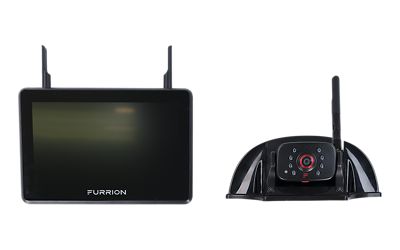
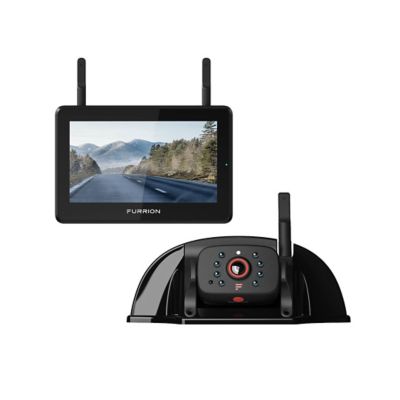
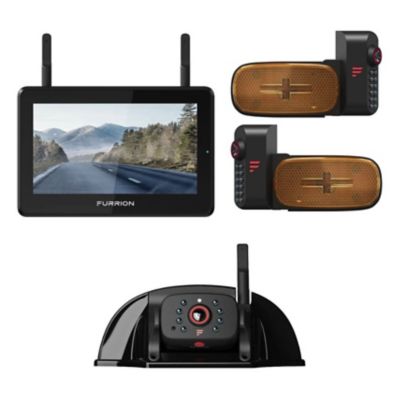
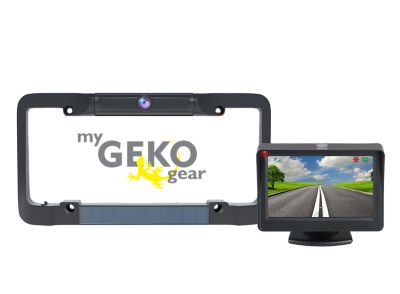
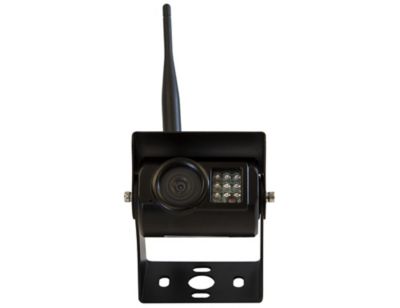
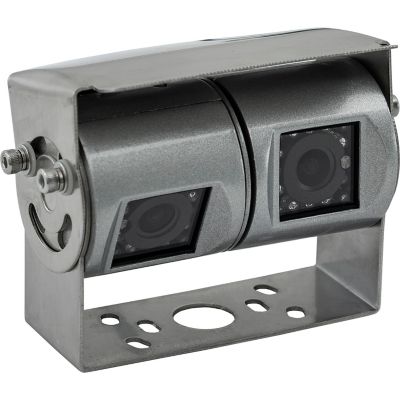
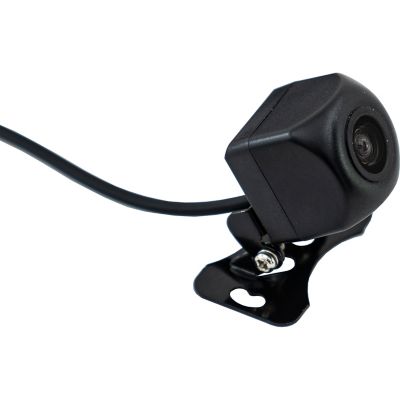
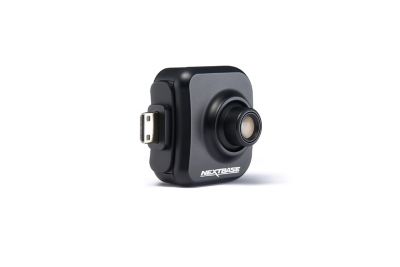
RV cameras bring hard-to-see areas around a motorhome, travel trailer or fifth-wheel into view on a screen near the driver. That extra perspective comes in handy when backing toward a campsite pad, easing past a gatepost or lining up a trailer beside the barn. An RV backup camera generally shows the space behind the rig during reverse maneuvers, while an observation camera system supports viewing while traveling when its power supply and design allow it. Some setups provide one rear-facing view; others support additional cameras for the sides of the vehicle or a closer look at the hitch. The right arrangement depends on the rig’s blind spots and the job at hand, not just the number of cameras. A high-mounted rear camera can show a broad stretch behind a camper, but its angle may leave the area directly beneath the bumper out of sight. A camera aimed toward the hitch offers a closer perspective for coupling, though that view may do little for checking traffic farther back. Wide-angle lenses show more of the surroundings, with some distortion near the edges that can make distances harder to judge. Parking guidelines can help with positioning, but they do not necessarily trace the path of an articulated trailer. For drivers backing a long camper around a gravel bend or between fence lines, a clear picture works best alongside properly adjusted mirrors and a spotter standing safely in view. Cameras supplement those checks rather than replace them, and a walk around the rig still matters before moving into a tight space. These systems suit frequent travelers, families hauling a camper for weekend trips and owners who regularly park a large RV in a narrow driveway or equipment shed. They can also make a practical gift for an RV owner, provided the camera system matches the vehicle’s mounting points, electrical connections and viewing needs.
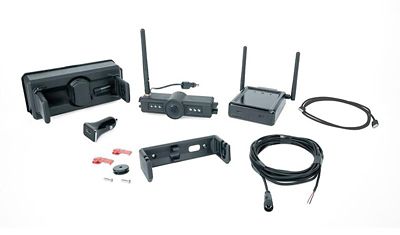
Wired and wireless RV camera systems differ mainly in how the video signal reaches the display. A wired system sends video through a cable between the camera and monitor, while a wireless system transmits that signal without a video cable running the full length of the rig. Wireless does not automatically mean battery-powered: many cameras still need a connection to the RV’s electrical system, and the monitor needs its own power source. Wired connections avoid radio interference, but installation involves routing and securing cable along the vehicle, protecting it from abrasion and keeping it clear of moving parts. Wireless installation can involve less cable routing, although signal performance depends on the distance between the camera and display, antenna placement and obstructions such as metal body panels. On a long fifth-wheel and pickup combination, the signal must travel from the back of the trailer all the way to the cab, not merely the advertised trailer length. Stated transmission ranges may reflect open conditions rather than the obstacles found on a complete rig. Pre-wired RV camera mounts can simplify fitting a compatible system, but a matching-looking bracket alone does not establish compatibility. Connector shape, supply voltage, polarity, mounting pattern and camera-to-monitor pairing all matter. An existing mount may require an adapter, and a factory camera connection may receive power only when a particular lighting circuit is on. A reverse-triggered power source generally supports backing views rather than continuous observation. Systems intended for viewing on the road need a suitable power arrangement that follows the equipment and vehicle requirements. Fit also includes room for antennas, clearance around ladders and spare tires, and enough bracket adjustment to aim the lens without pointing most of the picture at the road surface. Secure mounting should protect the RV’s exterior against water entry, with sealants appropriate for the surface and installation. For towable rigs, any cable crossing between truck and trailer also needs a connection arrangement that allows normal turning and unhitching without pulling on the wiring.
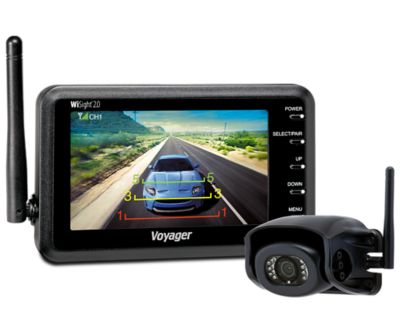
Picture clarity and screen placement have a big effect on how useful an RV rearview camera feels from the driver’s seat. Resolution matters, but so do contrast, glare control and how well the display shows detail in shaded areas. A larger monitor can make a fencepost or low obstacle easier to pick out, provided it fits the cab without blocking the windshield, gauges or controls. Split-screen viewing keeps multiple camera feeds visible together, though each image occupies less space; switching to a single view may make close maneuvering easier. Image orientation matters, too, since a mirrored rear view presents left and right differently from a standard camera image. Night vision can help reveal nearby objects in low light, but its effective reach varies, and glare from nearby surfaces may wash out part of the picture. A live camera feed also does not necessarily include recording, storage or remote access. A
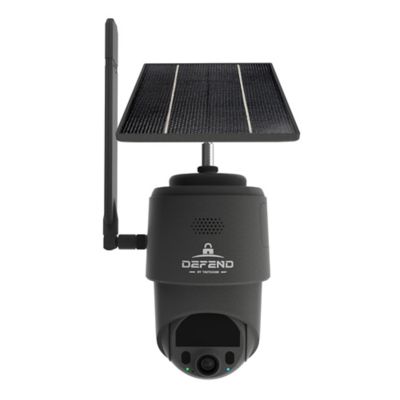
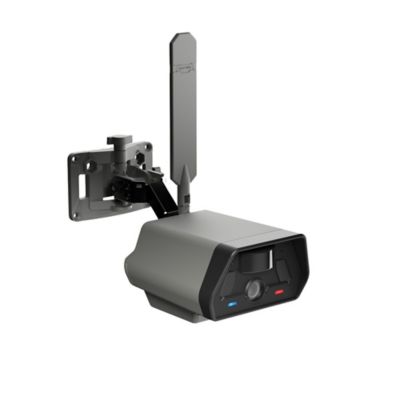
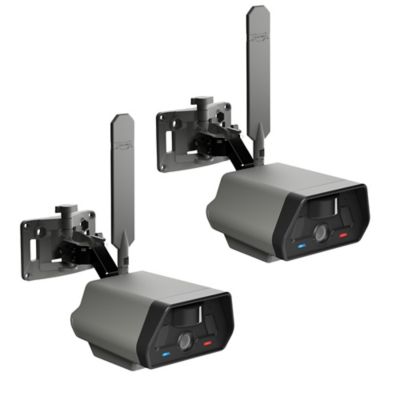
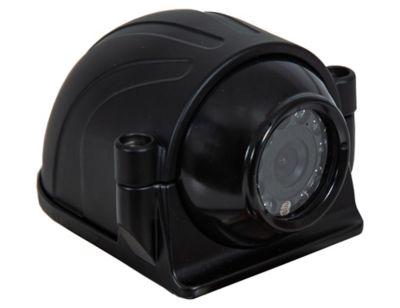
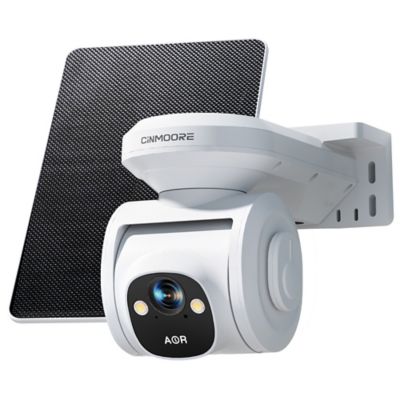
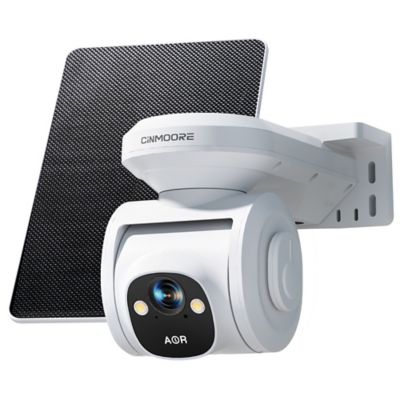
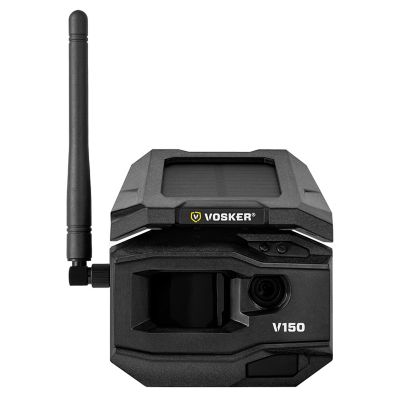
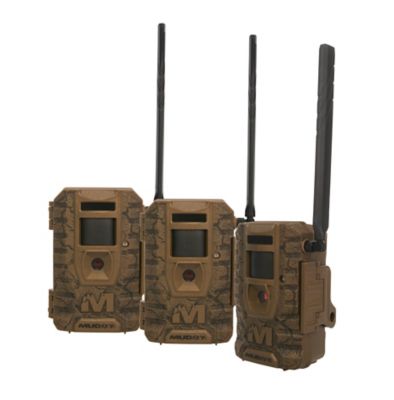
Security Camera for Cabin setup serves a different purpose, focusing on a fixed property rather than the changing view around a moving RV. For exterior RV cameras, housing construction, sealed connectors and a stated ingress-protection rating help describe suitability for exposure to road spray and dust. Molded polymer and metal housings each depend on sound seals, mounting hardware and protection around cable entries. Resistance to vibration matters on rutted campground lanes and long stretches of highway, where a loose bracket can turn a helpful view into a shaking picture. Routine care is straightforward: keep the lens clear with a soft cloth and manufacturer-approved cleaning methods, check that brackets remain snug, and inspect accessible wiring for rubbing or loose connections. Pressure washing directly at camera seals or connectors can cause damage even when the housing has a water-resistance rating. After loading the camper, adjusting a mount or reconnecting a trailer, a quick check of the image and camera angle helps confirm that the screen still shows the area that matters. A well-matched setup makes those everyday parking and maneuvering tasks easier to see without adding unnecessary clutter to the cab.