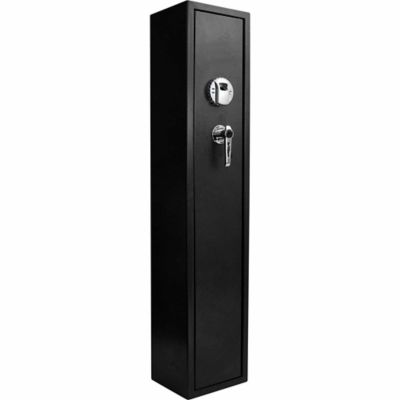
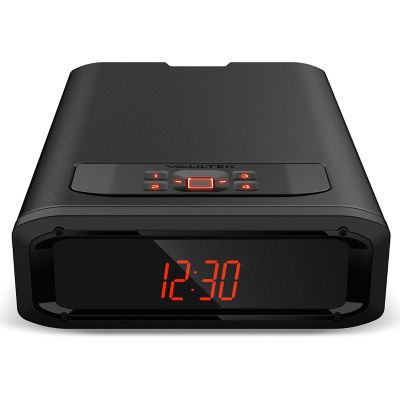
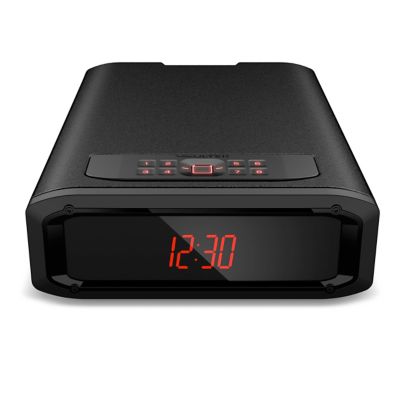
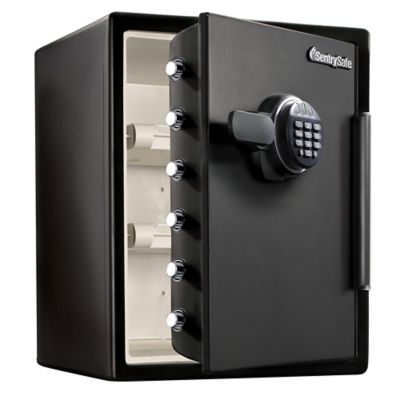
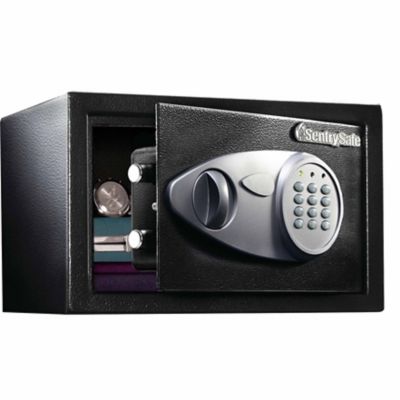
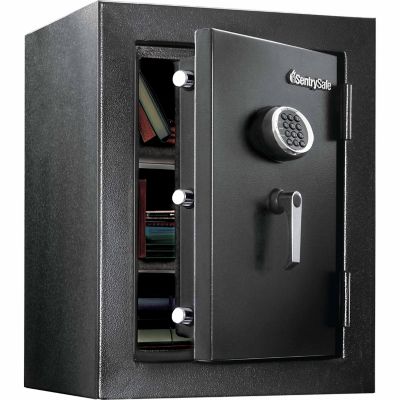
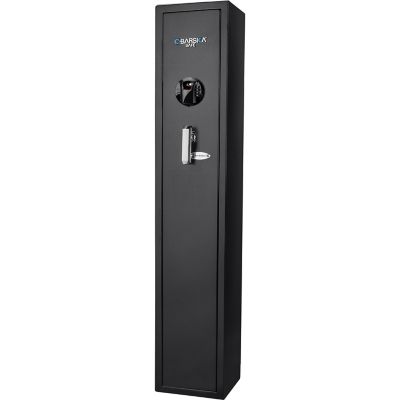
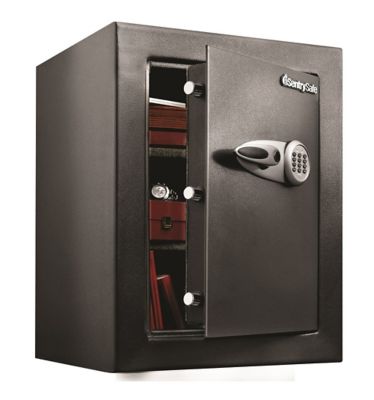
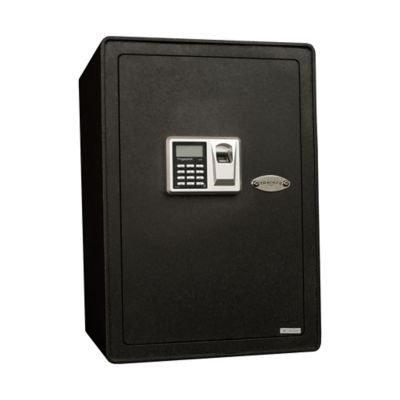
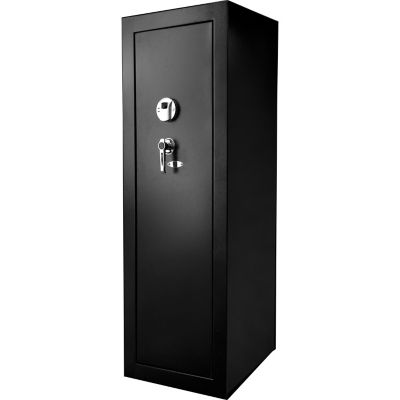
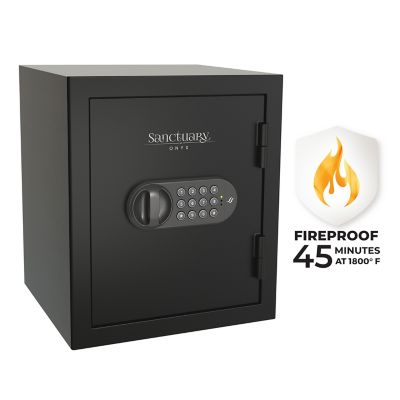
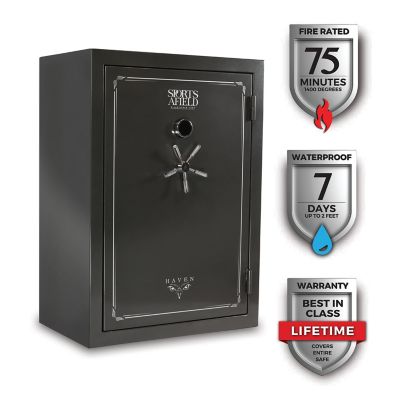
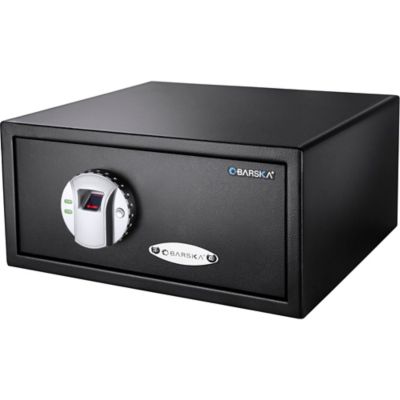
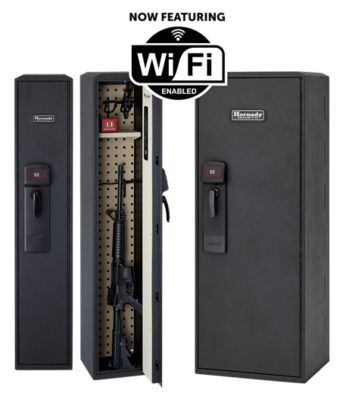
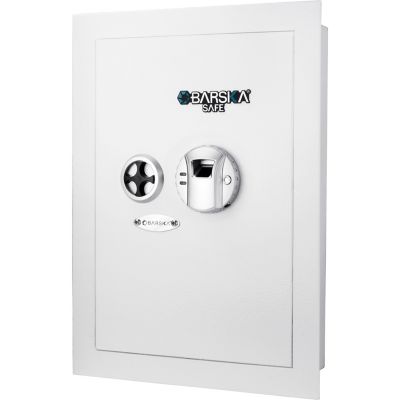
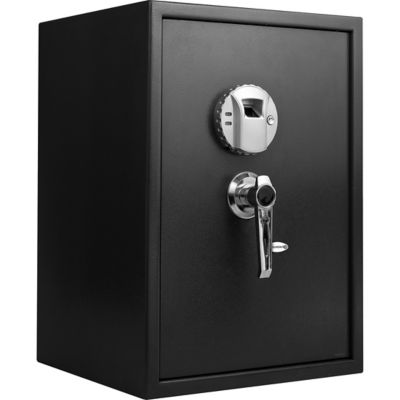
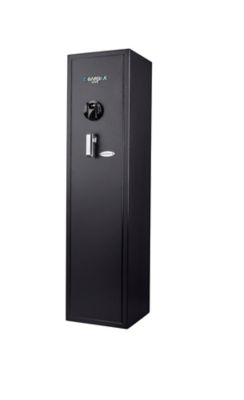
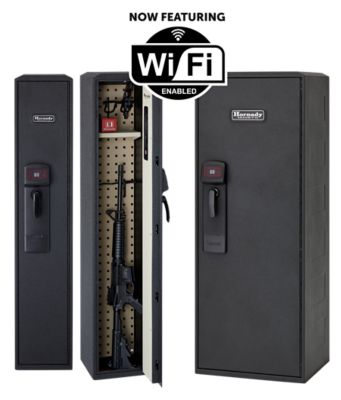
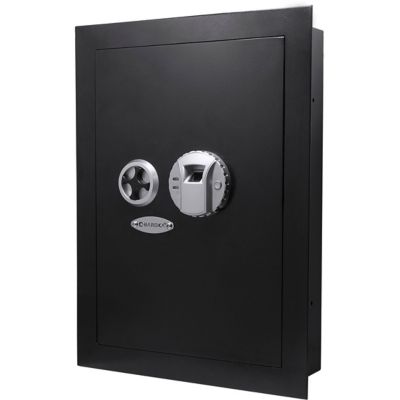
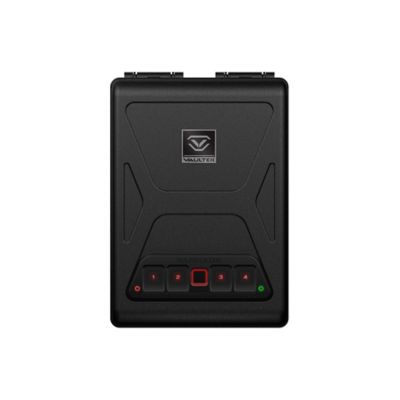
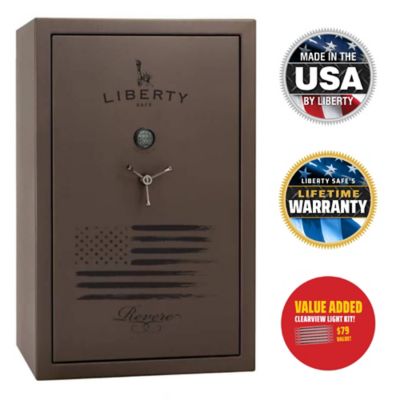
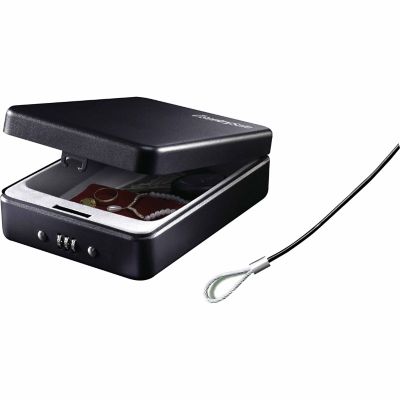
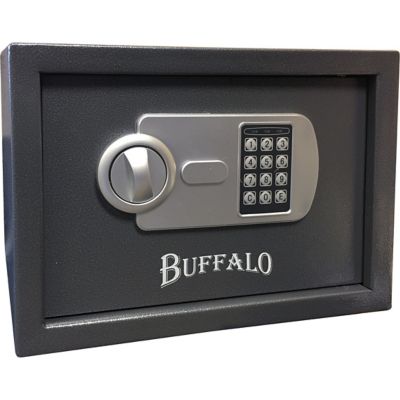
Smart safes pair a lockable enclosure with electronic access features such as a keypad, fingerprint reader, or smartphone connection. Depending on the design, connected functions can include entry records, tamper notifications, door-status checks, and permission settings for different people. Not every electronic safe connects to an app, and not every connected safe supports remote opening, so those details deserve a close look. Around the house or farm office, a smart safe can keep property records, passports, spare vehicle keys, jewelry, and business cash behind a controlled lock rather than tucked into a desk drawer. The right setup depends as much on who needs access as on what goes inside. A household sharing important paperwork may benefit from separate entry codes, while someone securing a small office may put more weight on an access log. Fingerprint entry can cut down on keypad steps, but wet, dirty, or worn fingertips may affect recognition—a practical consideration after chores or a day in the shop. A keypad provides another way in, provided the code stays private and the buttons remain readable. Look at whether multiple fingerprints or individual codes can be enrolled, how permissions are removed, and whether repeated incorrect attempts trigger a temporary lockout. Backup entry matters, too. An override key, external emergency power connection, or another documented recovery method can help address a depleted battery, but these features vary by design. Keep any override key somewhere secure outside the safe, not on a nearby hook or inside the compartment it opens. It also helps to separate everyday convenience from physical protection: a phone notification can report an event, but the enclosure, locking mechanism, and installation do the work of resisting entry. For firearm storage, choose an enclosure intended for that purpose, follow applicable laws, and keep firearms unloaded with ammunition secured separately. Electronic access never replaces responsible storage practices or the need to prevent unauthorized access.
Construction and fit tell a big part of the story before any app enters the picture. Steel body panels, door construction, locking bolts, and hinge protection all affect how a safe stands up to attempts at entry; a thick-looking door or heavy finish alone does not tell the whole story. Published security ratings and clear construction specifications provide more useful information than appearance. Interior measurements matter just as much as outside dimensions. A document folder needs room to lie flat without catching in the door, and a shelf or lining can reduce usable space. Allow clearance for hinges, the handle, cable connections, and a door that needs to swing wide enough for comfortable access. For a desk nook or closet shelf,
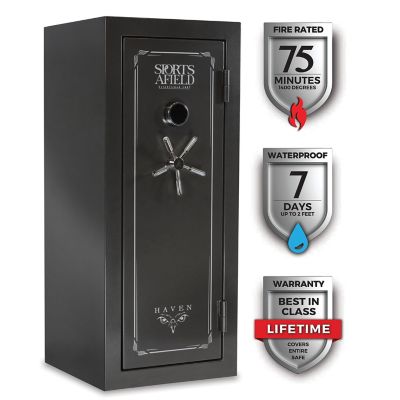
Compact Safes may offer a more practical footprint than a full-height cabinet, provided the space inside suits the contents. A smaller enclosure still needs a sound mounting plan. Manufacturer-approved anchoring to an appropriate structural surface can reduce the risk of the entire safe being carried off; a loose shelf or thin cabinet panel is not the same as a structural attachment. Check the mounting pattern, hardware requirements, and supporting surface before installation, and avoid drilling extra holes that could affect protection ratings or warranty terms. Fire resistance and water resistance are separate considerations from theft resistance. Electronic locks, steel walls, or an app connection do not establish either one. Look for a stated rating, its test standard, and the type of contents it covers, since protection for paper does not necessarily extend to digital storage media. Placement and care matter after installation as well. Follow the manual for humidity control, keep the enclosure away from leaks, and avoid letting damp belongings sit against the lining. Wipe the keypad and fingerprint reader as directed, keep grit out of the locking area, and check mounting hardware periodically. These small habits help keep the door closing freely and the access features working as intended.
Connectivity is most helpful when it matches the way the property actually runs. Bluetooth generally supports nearby communication, while Wi-Fi features depend on a compatible network and may also depend on internet access or an outside service. A safe in a farm office across the yard may sit beyond the house router’s reach, even when a phone works fine at the kitchen table. Check network requirements and signal strength at the planned location rather than assuming coverage carries through every wall or outbuilding. Also confirm which functions remain available without a phone, internet connection, or outside service. Local keypad or fingerprint entry may continue independently, but that behavior needs confirmation in the product documentation. Notifications can be useful for unexpected activity, a door left open, or a low battery when those alerts are supported, though they depend on power, permissions, and the connection involved. An entry log may show when a code or fingerprint opened the safe, but it does not necessarily show what went in or came out. For a roadside stand or small business office, that distinction matters: a general-purpose smart safe should not be assumed to count bills, screen currency, or replace cash-handling records. App security deserves the same attention as the lock. Choose a strong account password, enable multifactor authentication when offered, install supported updates, and remove access when a household member or employee no longer needs it. Check whether guest permissions expire automatically or require manual removal, and keep account recovery details somewhere protected outside the safe. Battery checks belong in the regular routine rather than waiting for an alert; follow the specified battery type and replacement procedure, and test normal access afterward. A well-matched smart safe brings together suitable storage space, a sound installation, and access controls that fit daily life. The useful features are the ones that help authorized people get to important belongings while keeping permissions clear and everyday access straightforward.