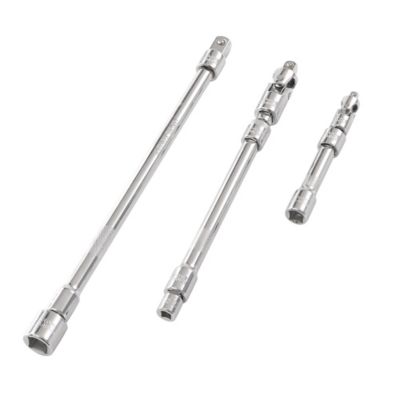
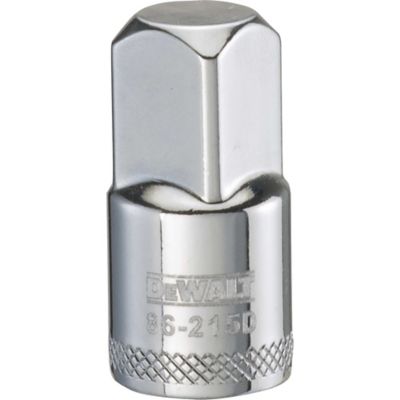
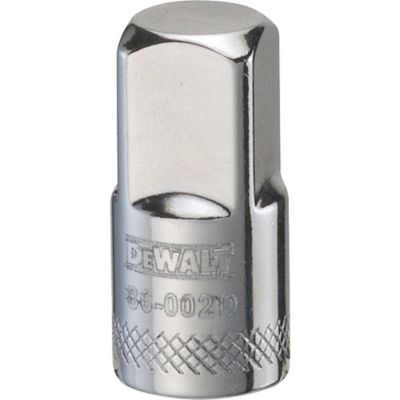
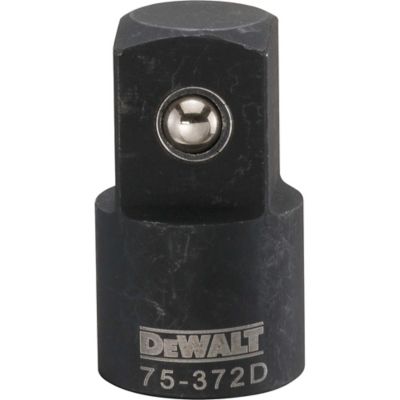
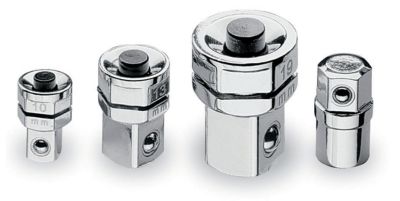
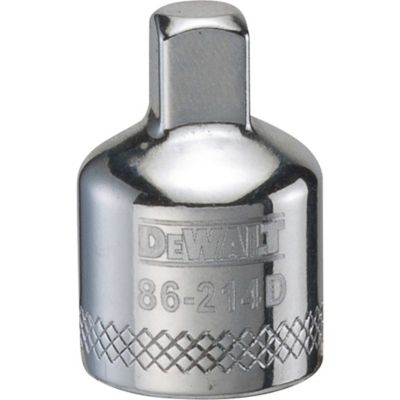
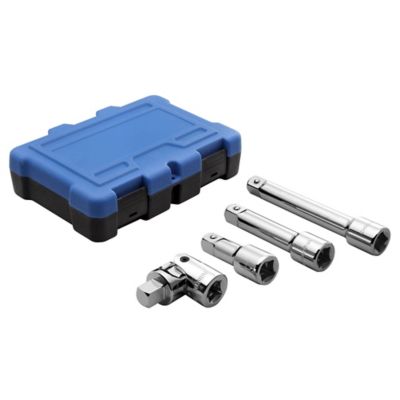
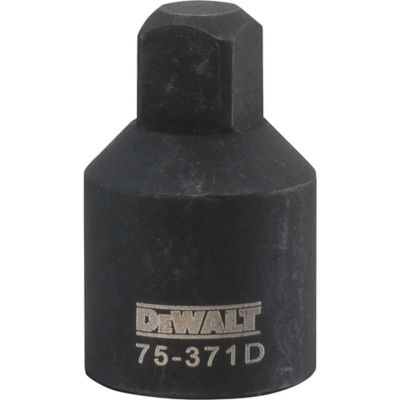
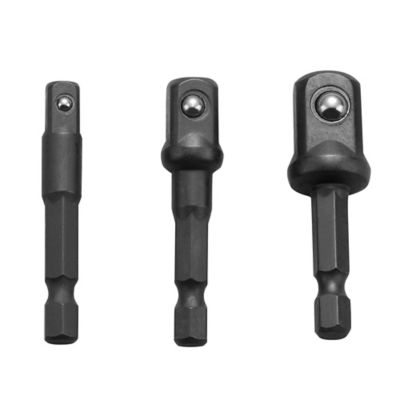
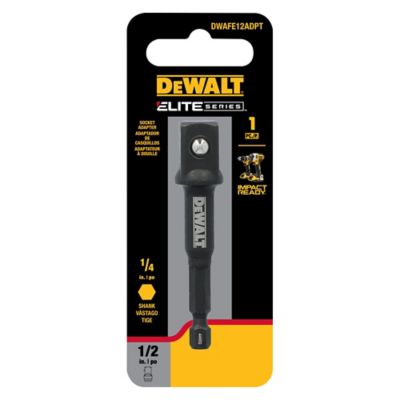
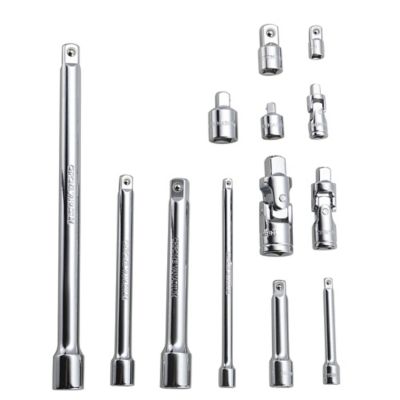
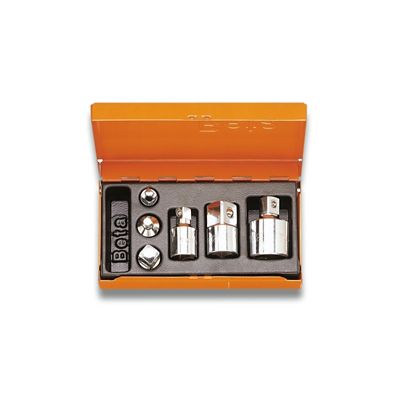
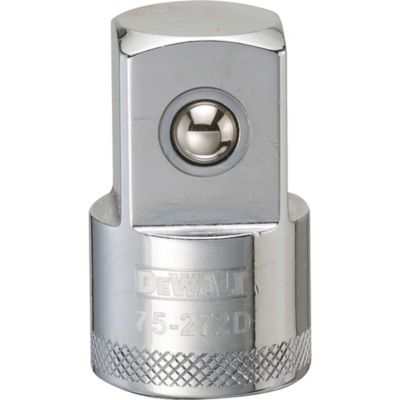
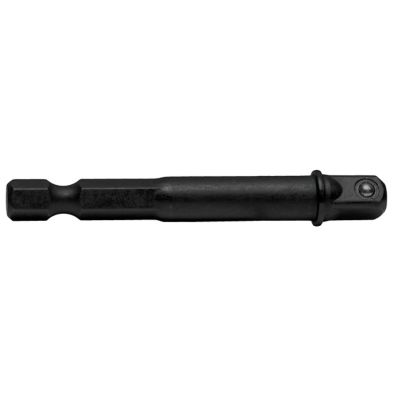
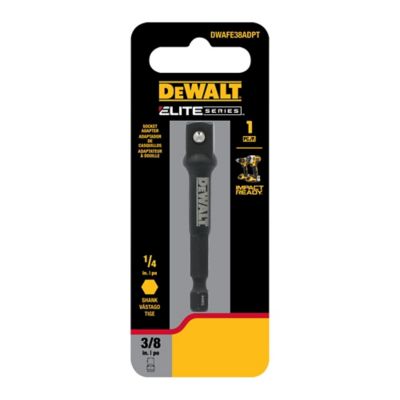
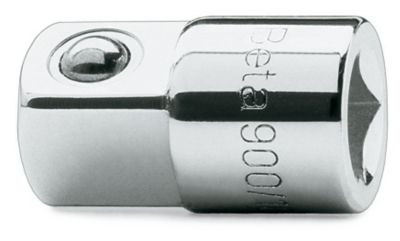
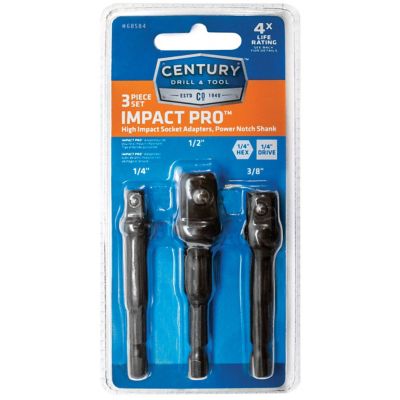
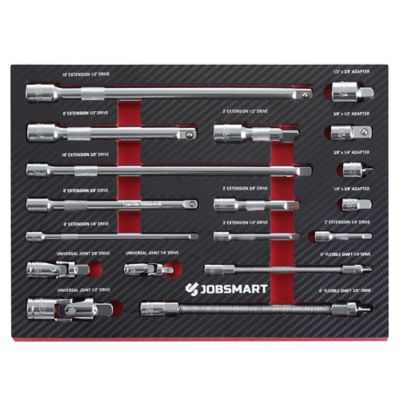
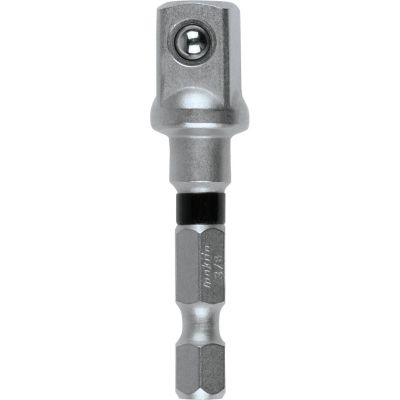
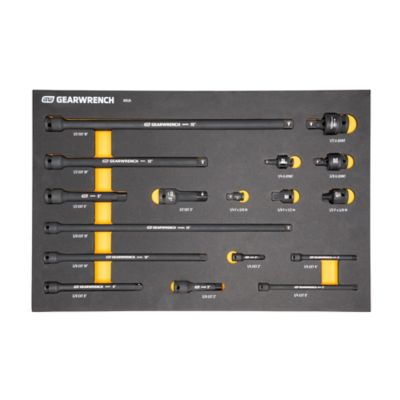
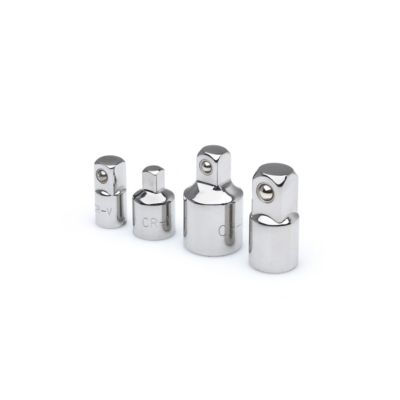
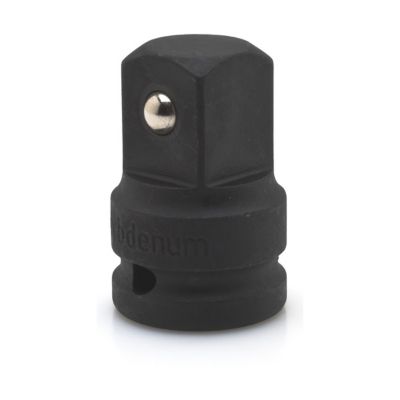
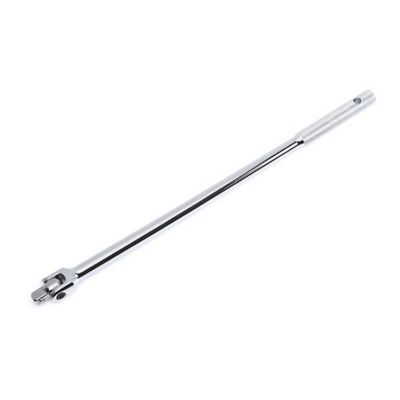
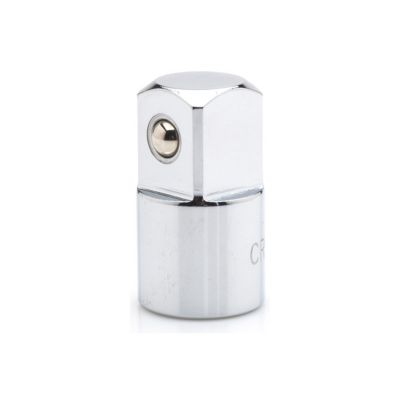
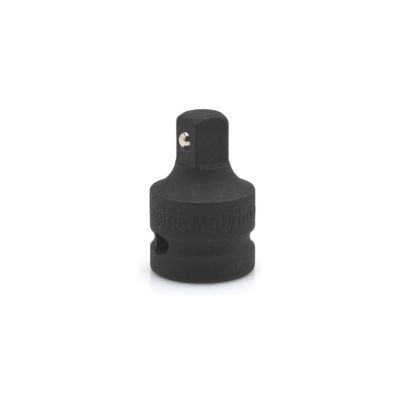
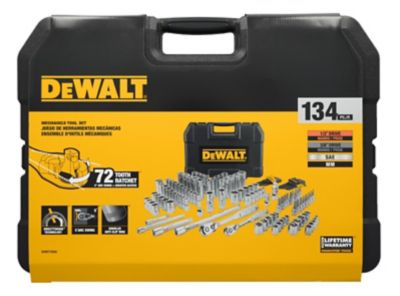
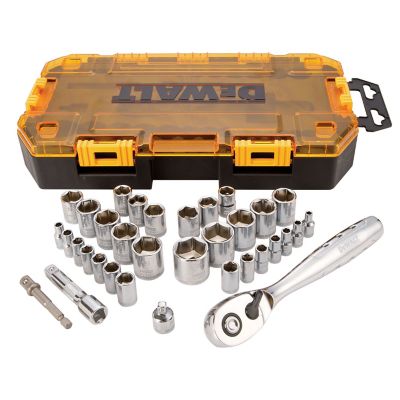
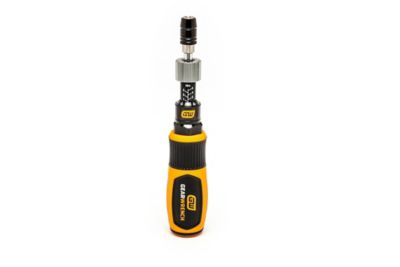
Drive adapters help bridge the gap between tools, sockets, machines and storage hardware when the parts you have on hand do not share the same connection. In a workshop, a socket drive adapter can change one drive size to another, making it possible to use a favorite ratchet with a socket from a different set. Common size changes include 1/4-inch, 3/8-inch and 1/2-inch drives, and each has its place. Smaller drives are handy for light-duty fasteners, small engines and cramped spaces, while larger drives are better suited to heavier hardware and higher torque. Impact drill adapters and hex-shank socket adapters can also let a drill or impact driver handle certain fastening jobs, which is useful when assembling equipment, replacing hardware on gates or fencing, working on trailers, or tightening bolts around the barn. Before choosing an adapter, match the drive sizes at both ends and consider the tool providing the power. A hand ratchet, cordless drill and impact driver do not apply force in the same way, so an adapter should be rated and built for the job rather than treated as a shortcut for every fastening task. Look for sturdy construction, a secure fit and a design that keeps the socket seated straight. An adapter that wobbles, slips or rounds a fastener can turn a quick repair into a long afternoon, especially when you are working outside with cold fingers, muddy boots and a machine that needs to get back in service.
The term drive adapter also applies to computer storage connections, where an adapter can help an internal drive communicate with a newer computer or connect to a USB port for access outside the original system. A SATA-to-USB connection may be useful for reading files from a 2.5-inch or 3.5-inch storage drive, moving data to another computer or checking an older drive during troubleshooting. IDE or PATA drives use an older interface, and an IDE-to-SATA adapter can help bridge that older connection to newer hardware when the wiring, power requirements and supported data standards line up. Smaller M.2 drives may need an adapter that fits a PCIe slot or a storage bay, but M.2 is a form factor rather than one single connection type, so check whether the drive uses NVMe or SATA before making a purchase. That detail matters because two drives may look similar while using different protocols. Pay attention to the connector shape, interface, drive size, power supply and operating-system support, and confirm whether the adapter is intended for internal installation, external use or temporary data recovery. Some 3.5-inch drives require separate power in addition to the data connection, while smaller drives may draw power through the host connection. A quick look at the drive label, the computer manual or the existing cable can prevent an incorrect order. For farm offices, home workshops and small businesses, these adapters can be practical during equipment record updates, photo transfers, backup work or recovery of files from an older computer that has been sitting on a shelf.
When comparing drive adapters, start with the exact connection you need rather than choosing by appearance alone. For tool adapters, identify the socket drive size, the tool type and the amount of force involved. A compact adapter may be just right for light assembly, service work and everyday repairs, while demanding jobs call for an adapter designed to handle impact use and higher torque. Keep in mind that an adapter adds length between the tool and fastener, which can affect clearance and leverage. For computer adapters, write down the drive’s interface and size, then compare those details with the computer port or expansion slot. Cable length, enclosure space, data-transfer support and included power connections can matter when a drive needs to be used at a workbench instead of installed inside a case. Drive adapters also make useful gifts for people who like to keep their own equipment running, from a neighbor who works on lawn and garden machinery to a family member who saves old computers and restores useful files. They are small enough to keep in a toolbox, service cart or desk drawer, yet they can solve the kind of connection problem that often shows up when stores are closed or a repair is already underway. Store tool adapters clean and dry, keep computer connectors protected from dust and static, and use the right accessory for each connection. If the job also involves powering phones, lights or other devices around a truck, shop or home office, you can find additional options in
Charging Adapters. With the right match, a drive adapter helps make existing tools and hardware work together more smoothly through routine repairs, equipment upkeep and cooler-season projects.