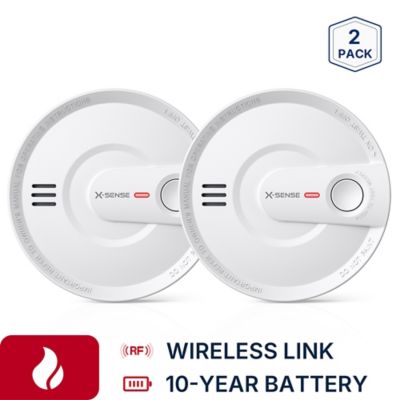
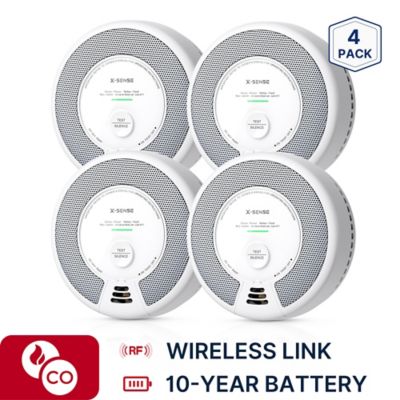
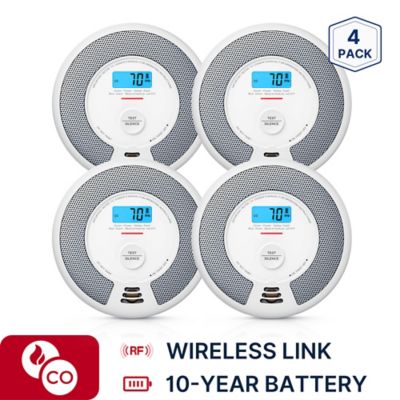
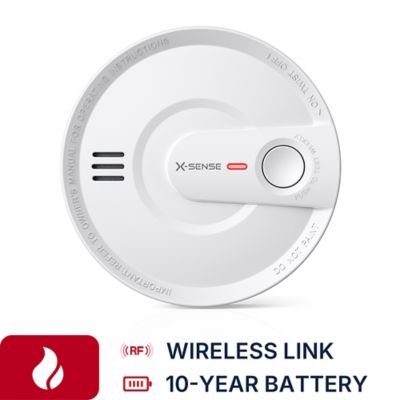
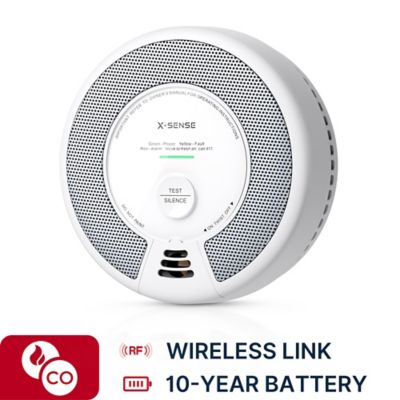
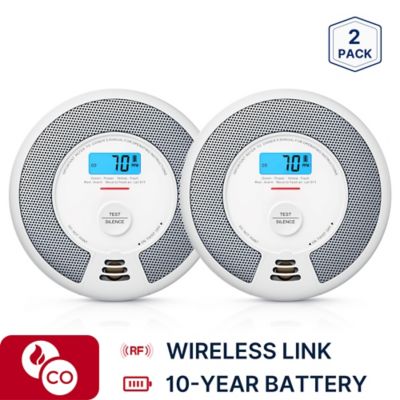
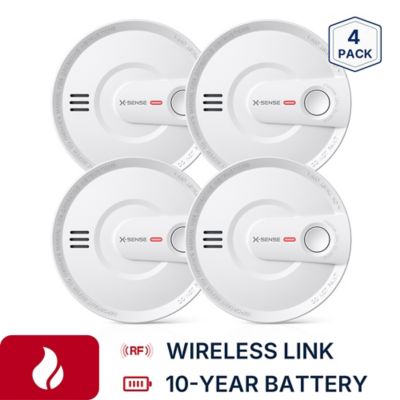
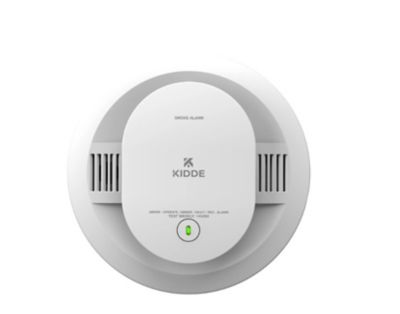
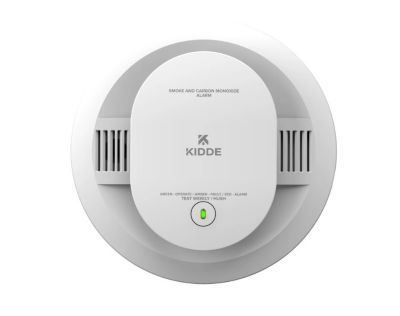
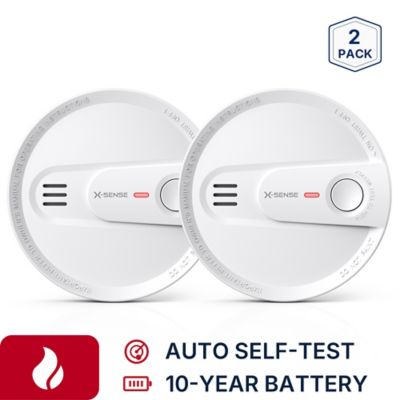
Wireless interconnected home alarms help carry a warning beyond the room where smoke or carbon monoxide is first detected. When one alarm senses a hazard, compatible alarms in the same network can sound as well, giving a household more places to hear the alert. That can make a difference in a two-story farmhouse, a home with bedrooms down a long hallway, or a place where the laundry room sits well away from the living space. The main benefit is shared notification without requiring an interconnect wire between every compatible unit. Wireless interconnection does not necessarily mean Wi-Fi, phone alerts, or a subscription, though. Some systems communicate directly by radio signal, while others have additional connected features. Battery operation and wireless communication are also separate details: an alarm may communicate wirelessly while still requiring a hardwired electrical connection. Those distinctions matter when matching alarms to an existing home or planning an update during a remodel. Detection type deserves just as much attention as the connection method. Smoke alarms detect signs of fire, carbon monoxide alarms detect that hazardous gas, and combination alarms bring both functions into one housing. A smoke-only alarm does not provide carbon monoxide detection. Homes with fuel-burning appliances, fireplaces, or attached garages have particular reasons to consider carbon monoxide protection alongside smoke detection, with placement and coverage guided by the alarm instructions and applicable local requirements. Smoke sensing technology varies, too. Photoelectric and ionization sensors respond differently to fire conditions, and some alarms combine sensing technologies or include features intended to reduce nuisance alerts from everyday cooking. The right match depends on the required protection, the installation location, and compatibility with the rest of the network—not simply whether two alarms look alike. For households expanding an existing setup, the stated interconnection requirements are an important part of finding alarms that can communicate as intended. Matching the manufacturer’s approved compatibility information helps keep that shared-warning function at the center of the purchase.
How an alarm fits the house involves more than its width and depth. Ceiling and wall mounting options, mounting plate design, electrical requirements, and access to the battery compartment all affect everyday ownership. An existing bracket or electrical connector may not fit a replacement, even when the housings appear similar. Lightweight molded housings are common, but their finish and shape matter less than clear controls, secure mounting, and an installation that follows the manufacturer’s directions. A test button that is easy to identify, a readable status indicator, and a hush feature with a clearly explained purpose can make routine checks less of a chore. Hush functions temporarily quiet certain nuisance alerts; they are not a substitute for responding to a possible emergency. Battery arrangements also vary. Replaceable batteries allow battery changes according to the stated schedule, while sealed-battery designs have their own service-life and replacement requirements. Hardwired alarms may include backup power, but that feature needs to be confirmed rather than assumed. The alarm’s replacement date matters even when it still responds to its test button, since sensing components have a limited service life. Care generally centers on keeping openings free of dust and following the cleaning directions without painting the housing or blocking its vents. On a working property, it is worth distinguishing living spaces from workshops, livestock buildings, and other outbuildings. An alarm intended for an indoor residential setting is not automatically suitable for a dusty shop, a damp utility area, or a detached barn. Building materials and distance can also affect wireless communication, so a stated signal range should not be taken as a promise of coverage through every wall or across the property. Network capacity, permitted spacing, and the manufacturer’s connection-testing requirements help establish whether a system fits the actual layout. A broad footprint, thick masonry walls, and separate additions can make those details especially important when comparing options for an older country home.
Every household has its own pattern of activity, and useful alarm features should fit the people living there. A parent folding clothes at one end of the house, someone sleeping behind a closed bedroom door, and a family member spending time in a finished basement may all be separated from the first alarm to sound. Interconnection helps extend the warning across compatible units, but it does not replace proper alarm placement or a household escape plan. Voice announcements, different signal patterns, and location identification may help people understand an alert, depending on the system. For someone who is deaf or hard of hearing, compatible strobes, bed shakers, or other purpose-built notification equipment may be necessary; a louder siren alone may not meet that person’s needs. Homeowners, landlords, and adult children helping a parent maintain a house may weigh these features differently, especially when replacing several aging alarms at once. Clear labeling and straightforward controls can be more useful in daily life than a long list of connected extras. Phone notifications, where supported, can add information when someone is away, but their operation may depend on a hub, internet service, power, account settings, or other requirements. They should not be treated as a replacement for working local alarms, and wireless interconnection by itself does not mean emergency responders receive a call. Access control is another separate part of household security:
wireless locks manage entry, while smoke and carbon monoxide alarms warn about the hazards they are designed to detect. A home's connected features do not all have to share the same app or network, but each needs a clear job and a workable maintenance routine. For wireless interconnected home alarms, that means suitable detection, confirmed compatibility, a signal that reaches the intended units, and controls the household can understand. Those practical details support a setup that fits the home rather than adding another device nobody knows how to check.