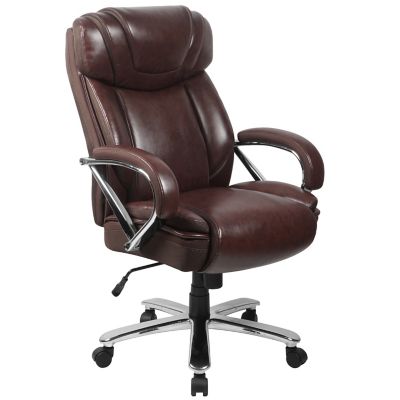
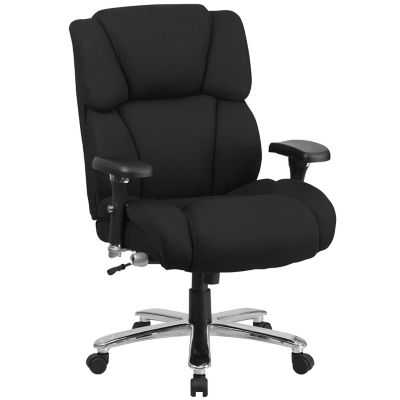
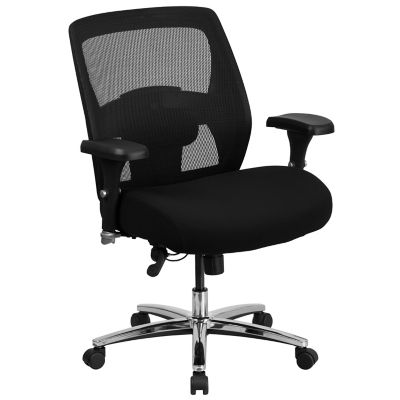
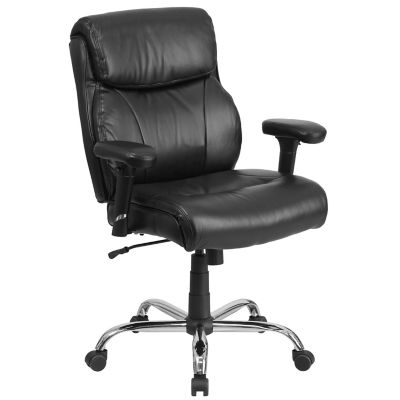
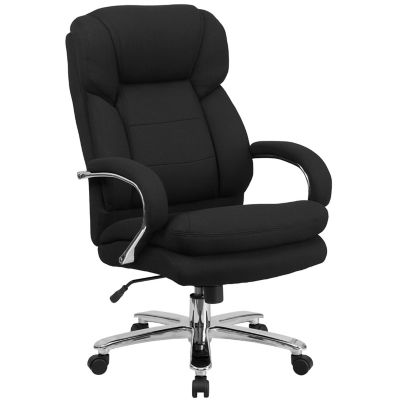
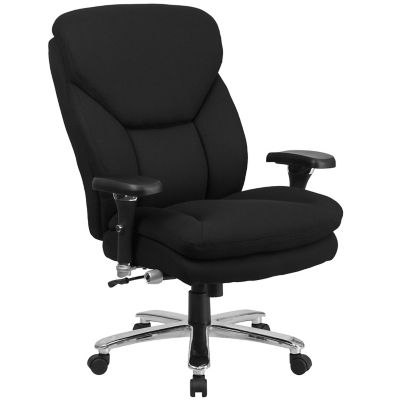
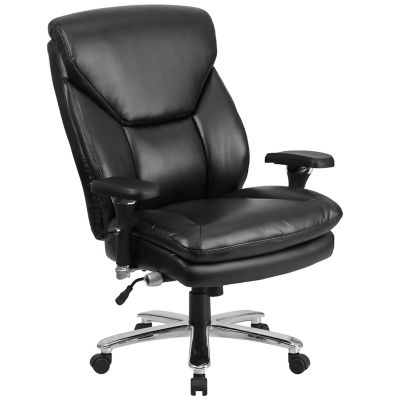
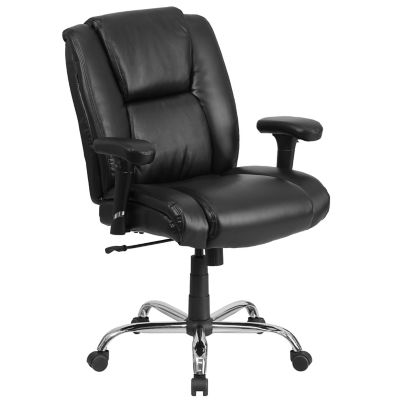
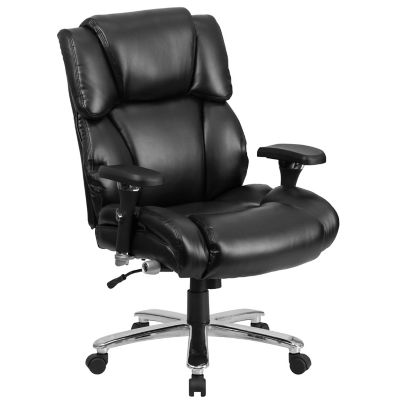
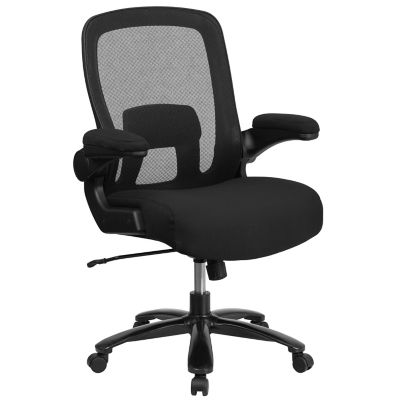
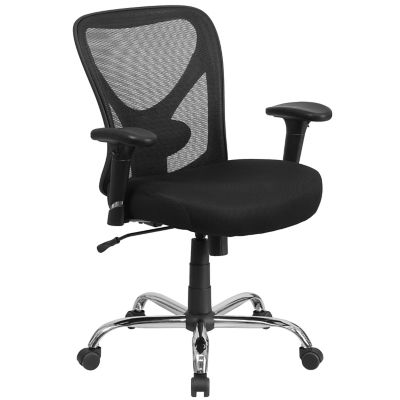
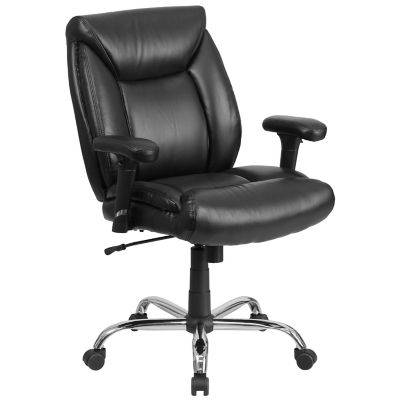
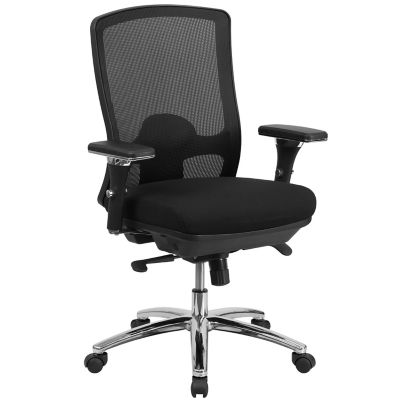
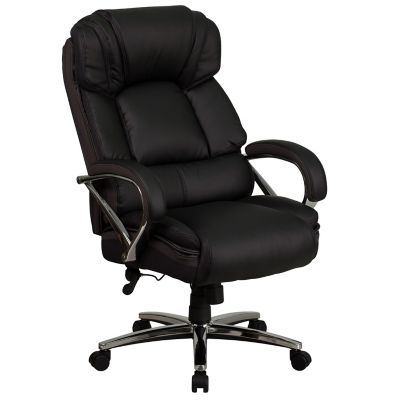
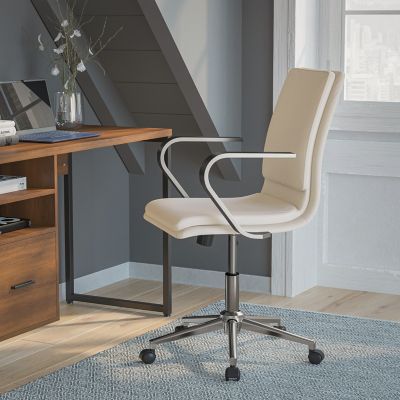
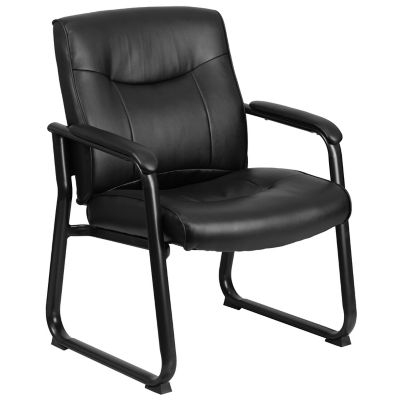
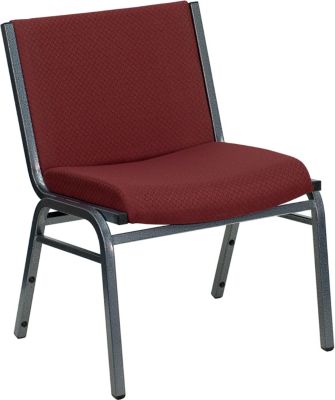
Office chairs with lumbar support help support the natural inward curve of the lower back and can reduce strain associated with a poorly supported sitting position. That lower-back contour matters whether the day involves handling farm invoices, answering customer emails, keeping household records or settling in for schoolwork. Instead of leaving a gap between the backrest and your waist, lumbar support gives the lower back a place to rest while you work. The right fit feels supportive without pressing sharply into one spot or pushing the body forward. Some chairs have a fixed curve built into the backrest, while others have a lumbar pad or panel that adjusts up and down. Certain designs also allow the support to move inward or outward, giving different body shapes more room to find a comfortable position. Height adjustment helps place the support near the beltline rather than too high against the ribs or too low against the hips. Seat fit matters just as much. A seat should support the thighs while leaving a small gap behind the knees, with feet resting flat on the floor or on a footrest. A seat that is too deep can make it hard to reach the backrest, which takes away much of the benefit of lumbar support. Seat width should leave enough room to shift position without the armrests crowding the hips. For a shorter person, a lower seat-height range and shallower cushion may be a better match; a taller person may need more seat depth and a higher backrest. These measurements matter more than how large a chair looks in a photo. At a home desk or in the farm office, a chair that fits both the person and the work surface makes everyday paperwork easier to settle into. Lumbar support is one part of that fit, alongside a comfortable reach to the keyboard, relaxed shoulders and enough room beneath the desk to move your legs.
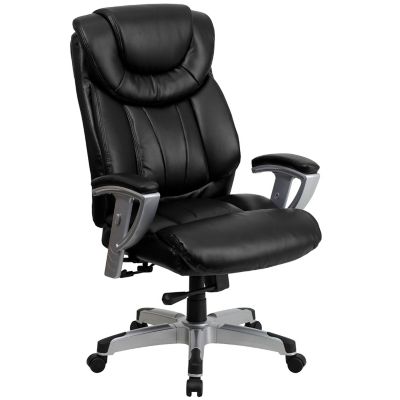
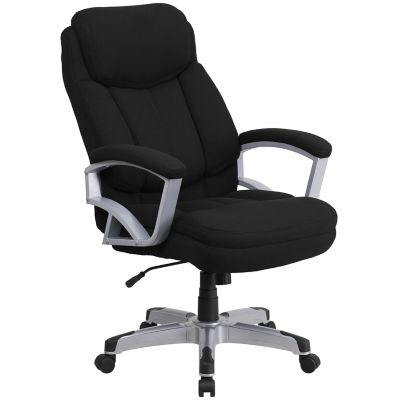
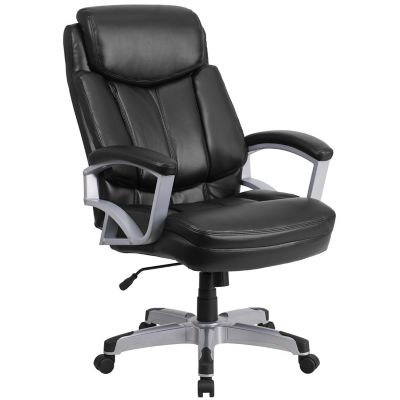
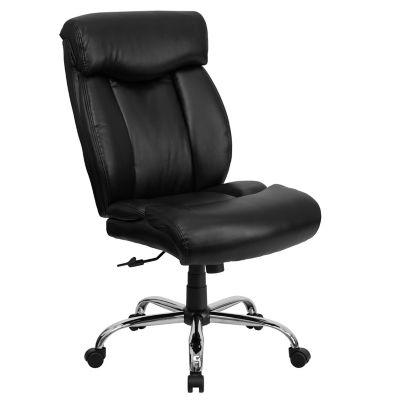
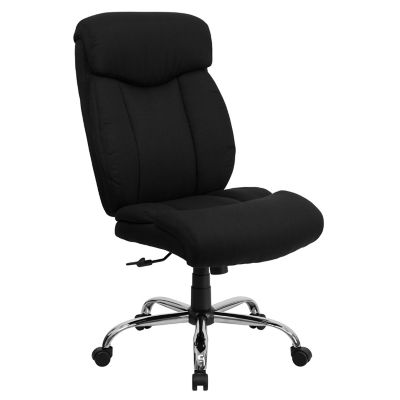
Materials and chair construction shape how that support feels over a full stretch of desk work. Mesh backrests allow airflow and often have a springy feel, while upholstered backs offer a more cushioned surface. Mesh tension, frame shape and the position of the lumbar panel all affect comfort, so a mesh backrest is not automatically a better fit than a padded one. Fabric upholstery can have a softer, less slick feel, while leather and synthetic leather surfaces may be easier to wipe after a small spill, depending on their finish and care requirements. Cushion firmness is worth considering, too. A thick seat is not always the most supportive seat, especially if it compresses enough to change your sitting height or create pressure along the thighs. Even cushioning and a rounded front edge can make a difference when working through a stack of receipts or spending several hours at a computer. Backrest height determines how much of the back has a resting surface, while adjustable armrests can help support the forearms without lifting the shoulders. Arms that lower or move out of the way also make it easier to pull close to the desk. Tilt and recline features provide room to change position, and adjustable tilt tension helps the chair move with the person rather than tipping back too freely or resisting every movement. A locking function can hold a preferred position when steady desk work calls for it. The same fit considerations apply to
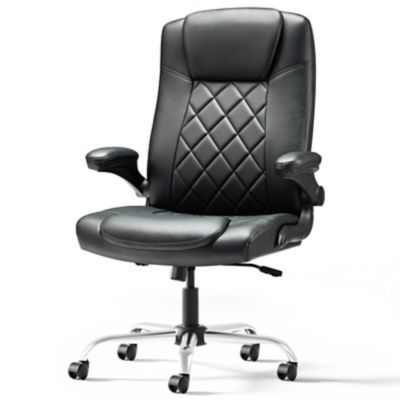
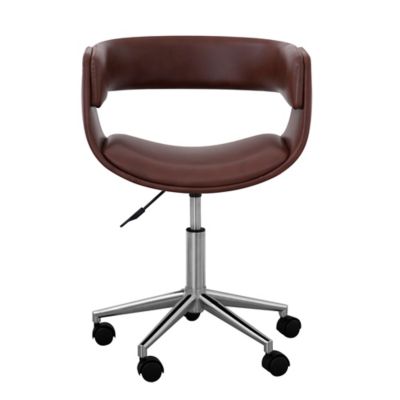
Ergonomic Executive Desk Chairs, where a substantial backrest or padded arms still need to match the person and the desk. Overall chair width, arm height and clearance beneath the work surface deserve a look before choosing a larger profile. A chair should leave room to open drawers, turn toward a filing cabinet and get up without bumping into nearby furniture. Those practical details count in a small spare-room office just as much as in a separate business workspace.
Office chairs with lumbar support also need to suit the kind of work happening around them. A chair for occasional bill paying may have simpler adjustments than one intended for a full workday, while a shared desk benefits from controls that are easy for several people to reset. Someone switching between bookkeeping and phone calls may appreciate smooth swivel movement, while a person doing close computer work may put more value on steady arm support and a backrest that stays comfortably in place. Weight capacity, frame construction, base design and the maker’s intended-use information help establish whether a chair suits the person and the expected workload. Casters should match the floor surface; wheels intended for carpet may behave differently on wood, tile or other hard flooring. A suitable chair mat can help protect the floor and make rolling easier, provided it works with the flooring underneath. In an office near a barn, workshop or gravel drive, grit tracked in on boots can collect around caster wheels and moving parts. Routine vacuuming around the base and removing hair or debris from the wheels can help keep movement smooth. Fabric benefits from regular vacuuming with an upholstery attachment, and spills are best blotted promptly according to the manufacturer’s directions. Mesh needs gentle cleaning that does not stretch or snag the material. Leather and synthetic coverings each have their own care requirements, and harsh cleaners can damage some finishes. Periodic checks for loose fasteners, uneven movement or worn casters help catch small maintenance needs before they interrupt the workday. Even a well-fitted chair is not meant to keep someone motionless for hours. Changing position, standing to sort paperwork and taking short walking breaks complement the support built into the seat and backrest. With sensible proportions, suitable materials and adjustments that match daily tasks, a lumbar-support office chair can make a practical seat for everything from running a small business to keeping the household paperwork in order.