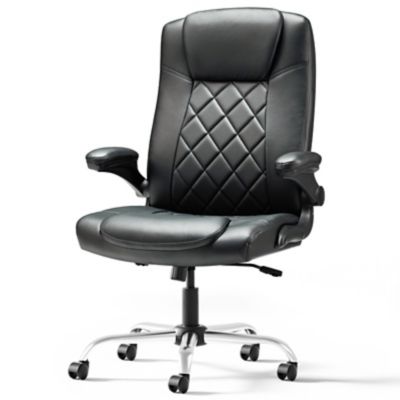
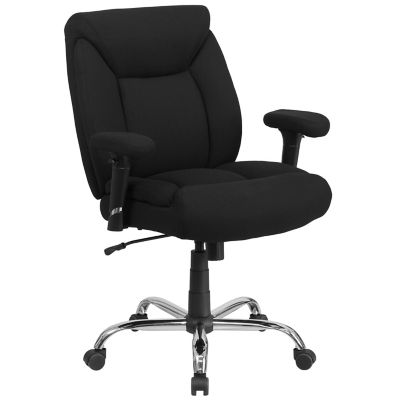
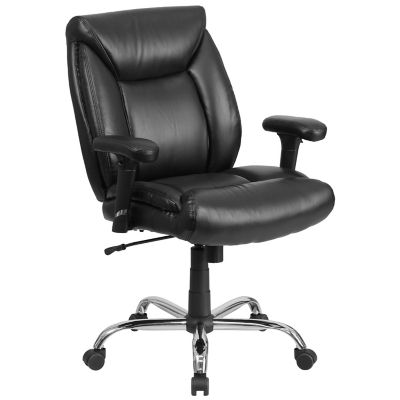
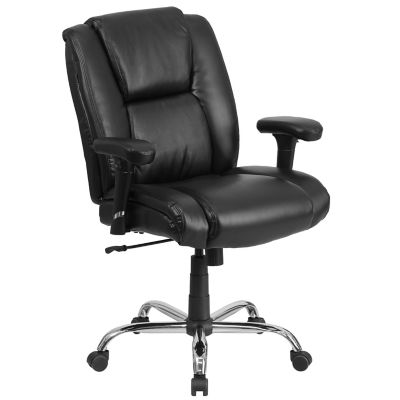
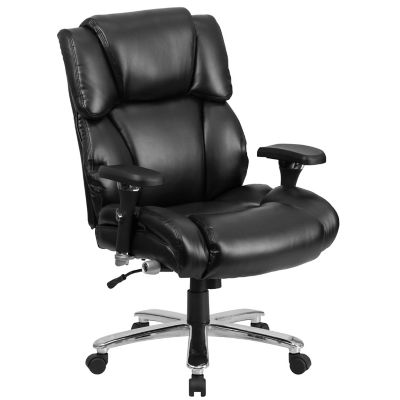
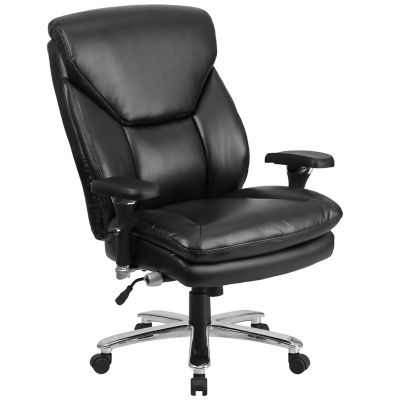
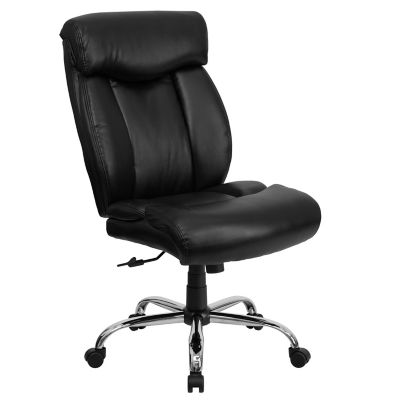
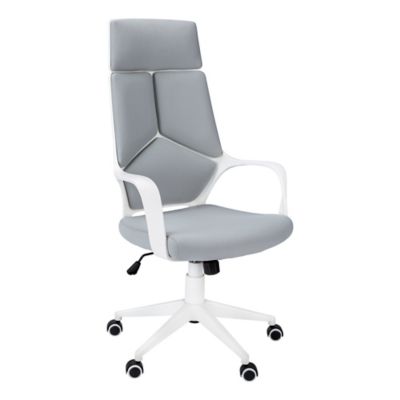
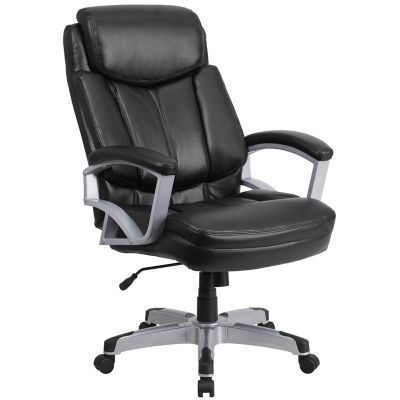
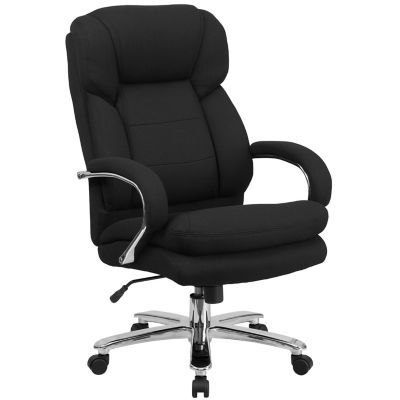
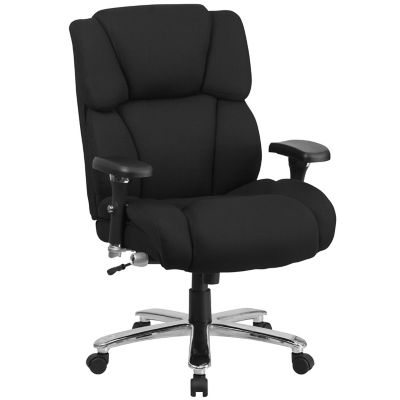
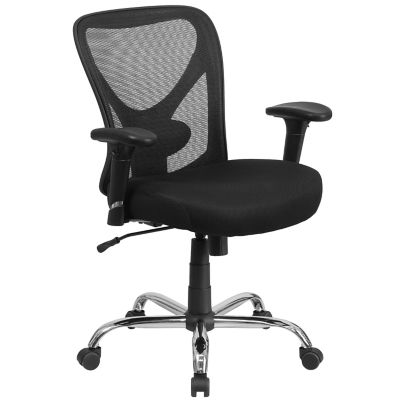
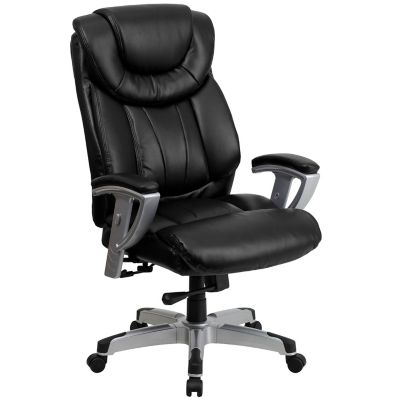
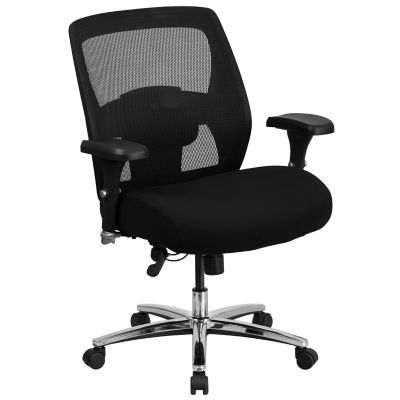
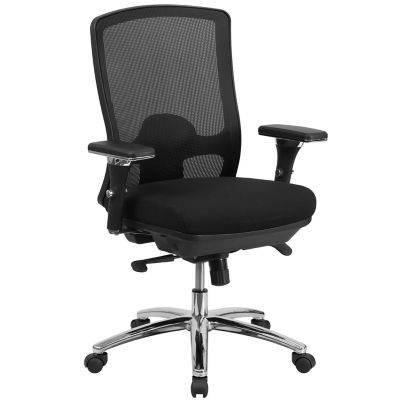
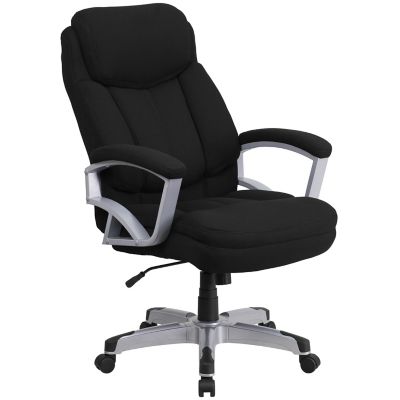
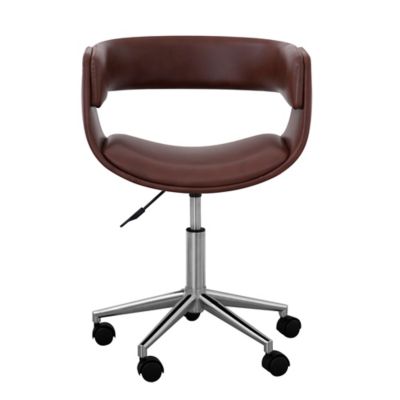
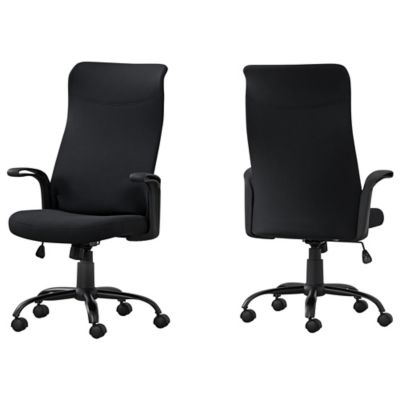
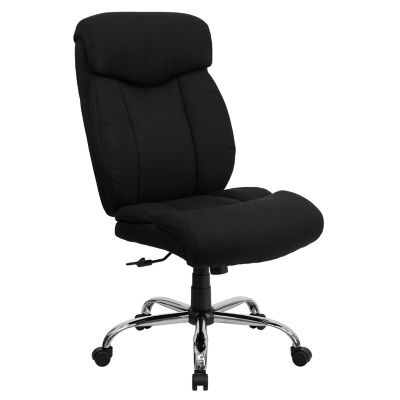
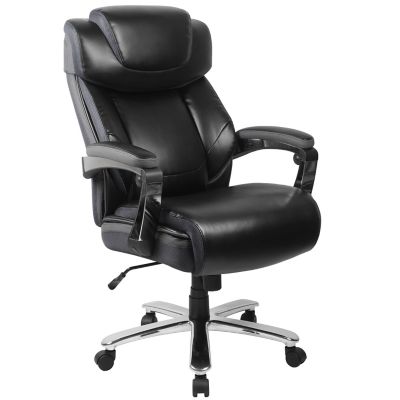
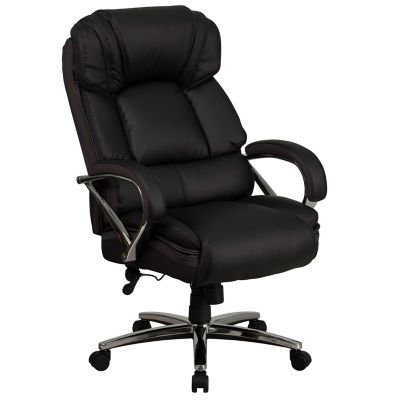
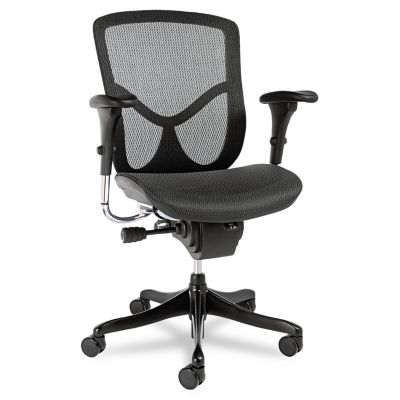
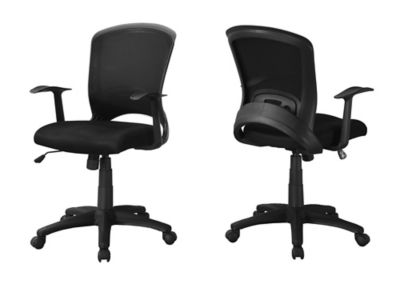
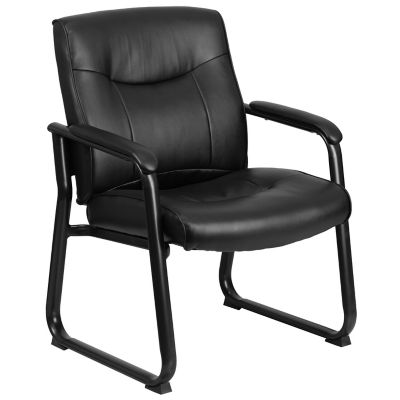
Ergonomic executive desk chairs bring together the substantial look of an executive seat and the adjustments that help it fit the person sitting in it. They belong just as naturally in a farm office with feed invoices spread across the desk as in a home workspace set up for payroll, planning and video calls. A tall back, a cushioned seat and padded armrests often give these chairs their familiar executive profile, while adjustable seat height, lower-back support and tilt controls add everyday function. The important difference is that a tall back and thick padding alone do not make a chair ergonomic. Fit comes from how well the seat, backrest and controls work together for a particular body and task. For someone sorting receipts after chores or handling several hours of computer work, a supportive chair should allow feet to rest flat on the floor or on a footrest, with shoulders relaxed and elbows near the desktop. Seat depth matters, too: a little space between the seat edge and the backs of the knees helps avoid pressure, while enough seat surface supports the thighs. A waterfall-style front edge slopes downward to soften contact under the legs. Taller people may need a deeper seat and a higher backrest; shorter people may find a shallower seat and a lower minimum seat height more comfortable. Seat width and armrest spacing deserve the same attention, especially when sitting down, standing up or reaching for a file drawer. Stated weight capacity is another important specification, but it does not tell the whole story about fit. The chair’s dimensions and adjustment ranges help show whether it will suit the person and the workspace. An executive office chair can also make a practical gift for someone setting up a business office or taking on more desk work, provided their measurements, seating preferences and room layout are part of the choice.
The support features on ergonomic executive office chairs vary, and the most helpful ones are those that match how the chair will serve throughout the day. Lumbar support sits near the inward curve of the lower back; depending on the design, it may be built into the backrest or adjustable in height, depth or both. Adjustable support offers more room to find a comfortable position than a fixed cushion, though neither should feel as if it is pushing the body forward. Some chairs have a backrest that responds to movement, while others hold a selected position. Tilt tension controls how much effort it takes to lean back, and a tilt lock holds the chair at designated angles. On chairs with synchronized tilt, the seat and backrest move together at different rates, allowing a change in posture without requiring the same motion from both parts. These features can be handy when switching from keyboard work to reading a report or talking on the phone. Reclining is not a substitute for a good upright working position, and regular standing and movement breaks still matter. Armrests support the forearms between tasks, but their height and placement should not force the shoulders upward or keep the chair too far from the desk. Height-adjustable, width-adjustable or pivoting arms offer different ways to fine-tune that fit, while flip-up arms can help with clearance where the design allows. A headrest may provide a place to rest when leaning back, but its position should not tip the head forward during screen work. Workspace measurements tie all these features together. When pairing seating with
classic office desks, desktop height, knee space and clearance beneath drawers or an apron matter as much as the chair’s appearance. A broad executive chair needs room to swivel and roll back without bumping a cabinet, wall or doorway. Controls within easy reach are especially useful in a shared office, where different people may reset the seat height and back support before settling in.
Materials shape the feel, appearance and upkeep of an executive desk chair, along with how it stands up to everyday sitting. Leather upholstery has a natural surface character and generally benefits from care products approved for its particular finish. Faux leather can offer a similar smooth look with different maintenance needs, while bonded leather contains leather fibers combined with other materials and should not be mistaken for a full leather hide. Upholstery labels help clarify those differences. Fabric brings a softer, textured surface, though dust, crumbs and spills can take more attention around the weave and seams. Mesh panels allow airflow and provide a different seating feel from thickly upholstered backs; mesh tension and edge placement influence support. Cushion construction matters beneath the covering. A deeply padded seat may feel inviting at first, but steady support over a longer stretch depends on the foam, seat structure and fit rather than thickness alone. Stitching, attachment points, the base and the lift mechanism all contribute to how the chair holds up over time. A five-point base is common on rolling office chairs, and caster type should match the flooring. Hard-floor casters, carpet casters and chair mats serve different purposes, so checking the manufacturer’s floor recommendations can help protect both the chair’s movement and the surface underneath. In an office beside a workshop or barn, grit tracked in on boots can collect around wheels and under the base. Clearing that debris helps the chair roll freely and keeps it from being ground into the floor. Routine care can stay straightforward: vacuum fabric and crevices as directed, wipe suitable surfaces with a soft cloth, and address spills according to the upholstery instructions. Harsh cleaners can damage finishes, so material-specific directions are worth keeping close. Occasional checks for loose fasteners, worn casters or changes in the lift and tilt action help catch maintenance needs early. With a size that suits the sitter, controls that suit the work and materials that fit the setting, an ergonomic executive desk chair gives the office a comfortable place to handle the paperwork that keeps everything else moving.