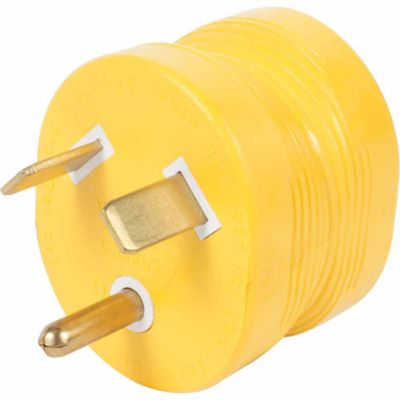
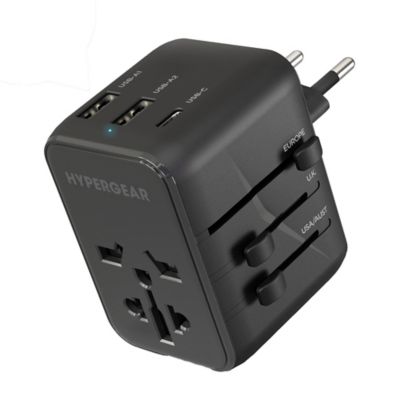
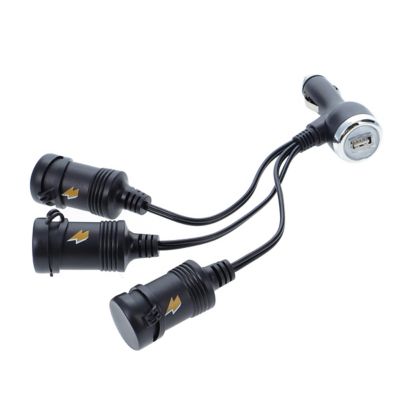
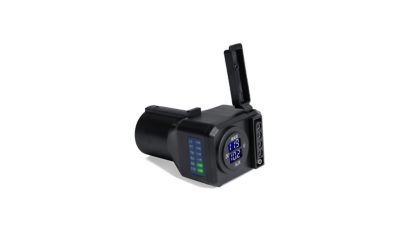
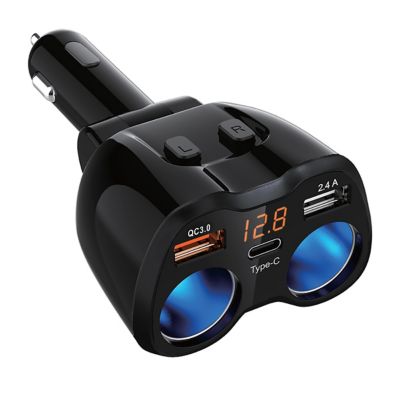
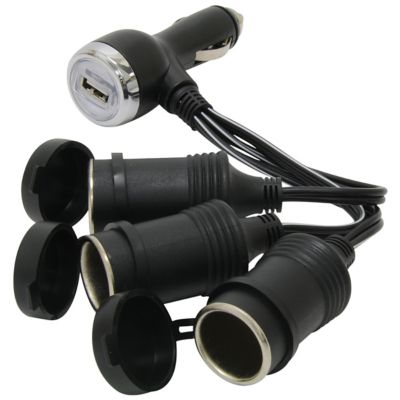
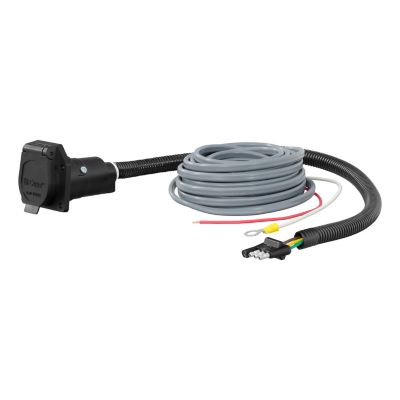
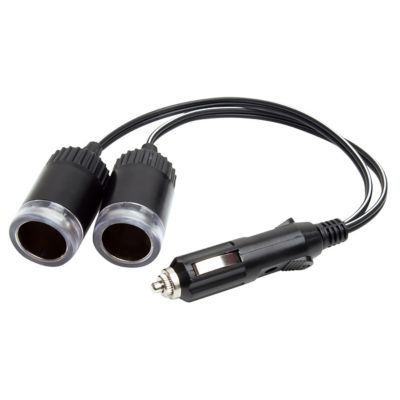
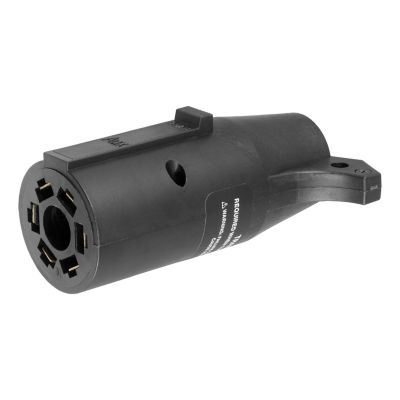
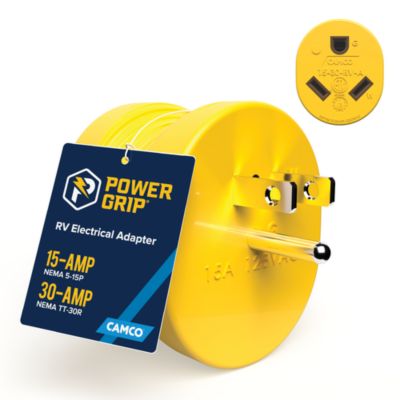
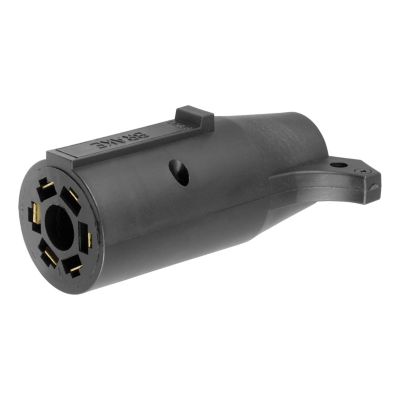
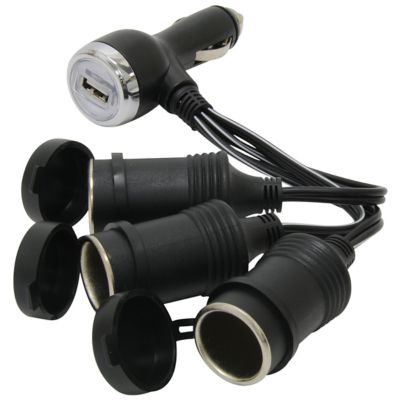
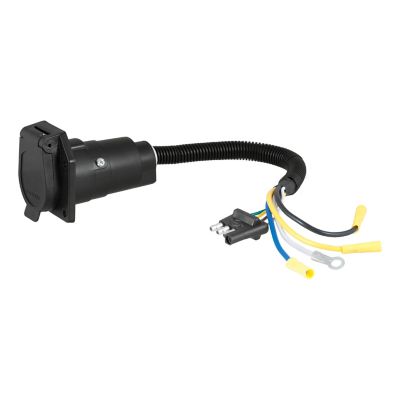
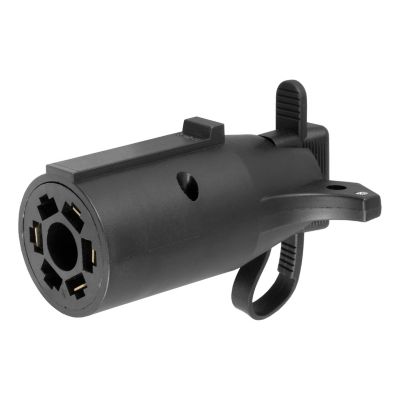
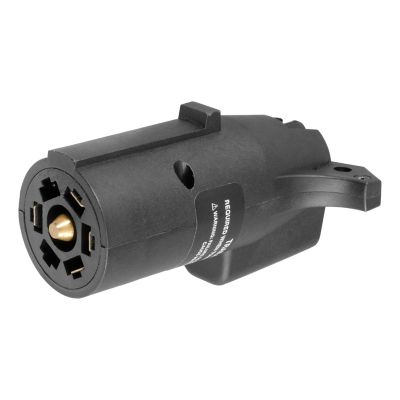
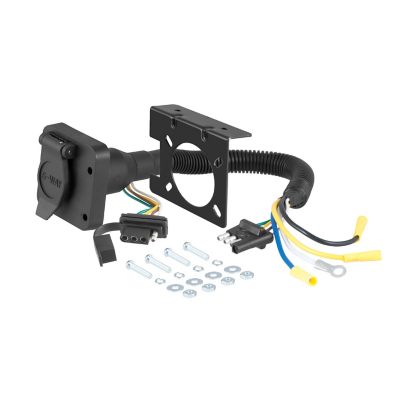
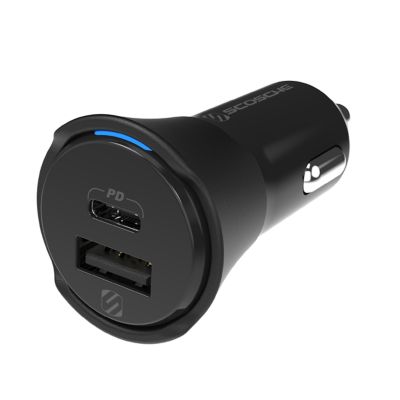
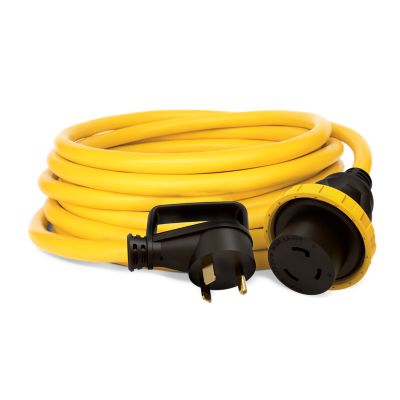
Electronic adapters bridge the gap between connections that do not match, whether that means plugging a charging cable into a different port, connecting a computer to a display, or fitting a power plug into an outlet while traveling. The right adapter depends on more than the shape of its ends: electrical ratings, signal support, connection direction, and the equipment’s requirements all matter. Some adapters simply change the physical connection, while others contain circuitry that converts a signal or changes electrical power. That distinction matters at a kitchen desk, on a shop workbench, or anywhere a phone, laptop, or other electronic device helps keep the day moving. Power adapters convert incoming electricity into the output a device requires. For these connections, the output voltage, AC or DC designation, connector dimensions, and polarity must match the equipment’s specifications, and the adapter’s current capacity must meet the device’s requirements. A round barrel connector can look right and still have the wrong inner diameter or electrical rating, so checking the equipment label beats judging by appearance alone. Travel plug adapters serve a different purpose: they change the plug configuration to fit another outlet style but do not convert voltage or frequency. A device labeled for an input range of 100–240 volts can generally handle common international supply voltages within that range, although its frequency rating and any manufacturer restrictions still matter. Equipment rated only for a lower voltage may need a suitable voltage converter when connected to a higher-voltage supply. Any converter must support the appliance type and its power demand; high-wattage appliances can have requirements that small electronics do not. Grounding also needs to carry through wherever the equipment requires it. An adapter is not a way to bypass a ground connection or make an incompatible electrical setup safe. Clear rating labels and recognized safety certification help make power-related connections easier to evaluate before anything gets plugged in.
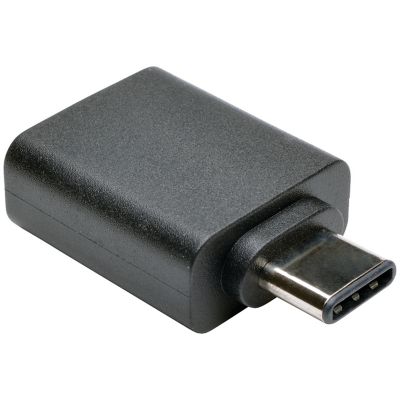
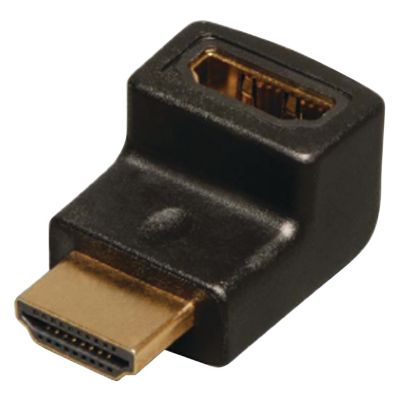
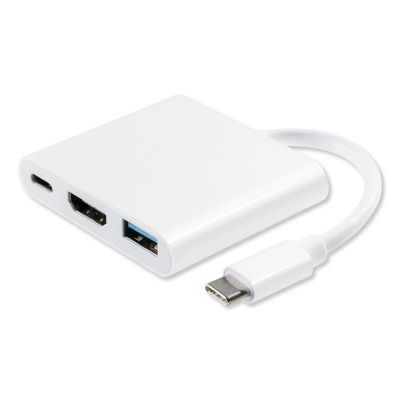
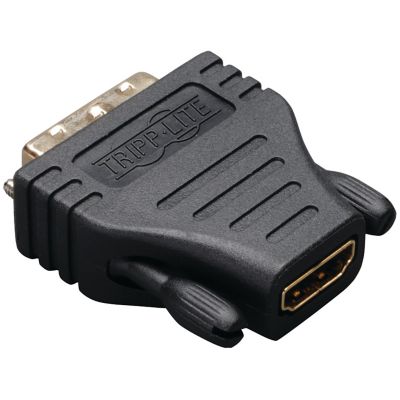
Data and port adapters cover another broad set of everyday connections, from USB-A and USB-C to display, audio, and network interfaces. These adapters can help a newer computer work with an existing cable or let a laptop connect to a larger screen for reviewing records, equipment diagrams, or family photos. Connector shape alone does not tell the whole story here, either. USB-C describes a connector, not a promise that every port supports the same charging wattage, transfer speed, or video functions. A USB-C display connection, for example, needs compatible video support from the source device as well as an adapter that supports the intended display connection. An adapter cannot add a capability that the source port lacks. Charging performance likewise depends on the power source, adapter, cable, and receiving device working together under compatible specifications. For file transfers, the slowest supported component generally limits the connection’s speed. Display adapters have their own limits for resolution and refresh rate, and some operate in only one direction. An adapter intended to send a computer’s output to a monitor may not work with those connections reversed. Passive adapters depend on compatible signals already being present, while active adapters contain electronics that convert between supported signal formats. That difference can explain why two connectors that appear to fit still fail to produce a picture. Physical fit deserves just as much attention as electronic compatibility. A wide adapter body may crowd neighboring ports, and a deeply recessed connection or thick device case can keep a plug from seating fully. Compact, direct-connect designs take up little room in a bag, while short-cable designs can reduce leverage on a device port when a heavier cable hangs off the connection. Angled connectors can help route cables through tight spaces, provided their orientation suits the setup. At a crowded desk or narrow workbench, those small details can make the difference between a tidy connection and a cable that catches an elbow every time someone reaches across.
Materials and construction influence how electronic adapters handle regular plugging, unplugging, and travel between the house, office, and shop. Molded plastic housings can keep an adapter lightweight, while metal housings provide a firm outer shell; neither material alone establishes electrical safety or service life. Connector alignment, secure assembly, and strain relief where a cable enters the housing are worth attention. Flexible jackets and reinforced cable ends can help manage repeated movement, but sharp bends and pulling on the cord still put stress on internal conductors. Gripping the connector body when disconnecting helps protect both the adapter and the equipment’s port. Dust, metal filings, and moisture have no place inside an electronic connection, making storage especially important around farm shops and work areas. A clean pouch or compartment keeps loose adapters away from screws, keys, and other objects that can scrape contacts or lodge inside openings. Cleaning should follow the manufacturer’s directions, with power disconnected before care begins. Damaged insulation, bent contacts, loose connections, discoloration, or a burning smell are reasons to stop operating an adapter rather than keep adjusting it until it works. Power-converting models also need the ventilation and placement their instructions specify. For a setup that stays on a desk, cable routing and room around adjacent outlets may matter most; for a laptop that travels between job sites, a compact footprint and protected connectors may be bigger priorities. Students, home-office workers, and folks keeping farm records can all benefit from connections that suit the equipment they already own. An adapter can also be a practical gift, though knowing the recipient’s device model and intended connection is more useful than guessing from a photograph of a port. Not every adapter belongs in the electronics drawer:
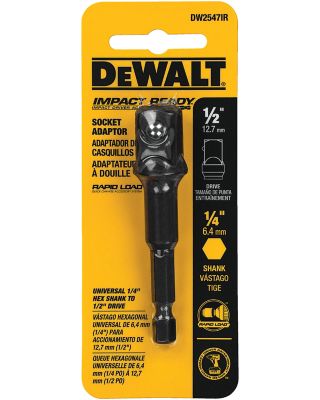
socket adapters for socket-wrench drive connections serve a separate tool-related job. For electronic connections, matching the task, specifications, and physical layout helps keep everyday equipment working together without unnecessary strain on cables or ports.