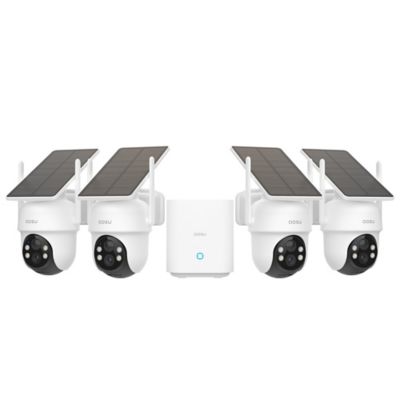
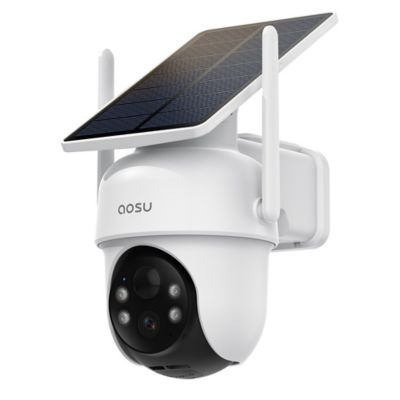
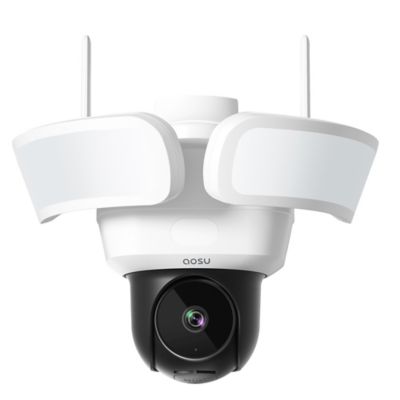
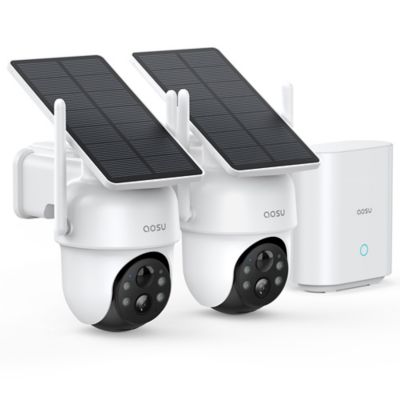
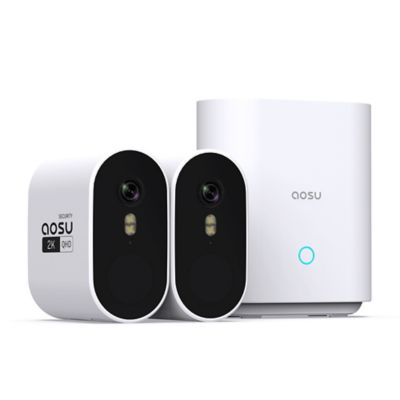
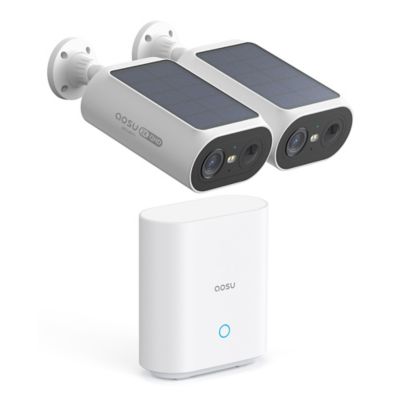
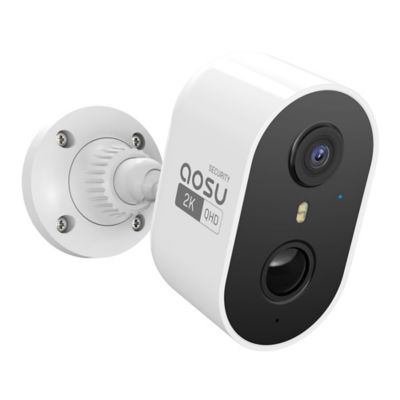
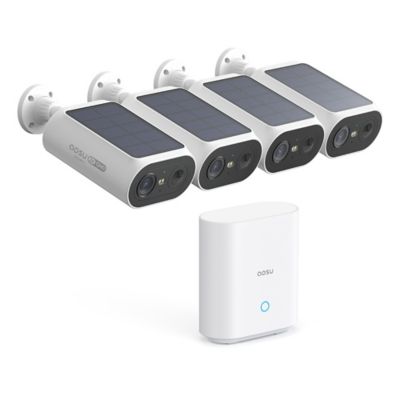
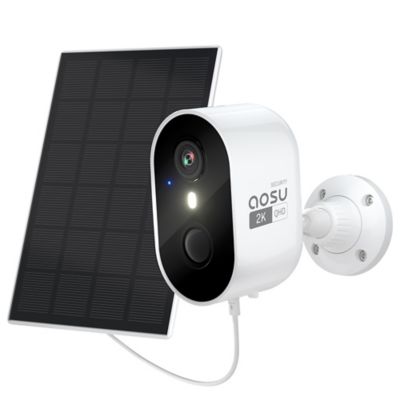
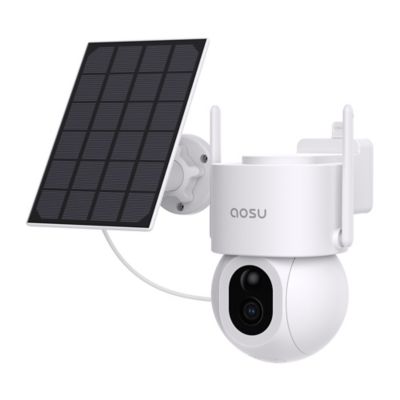
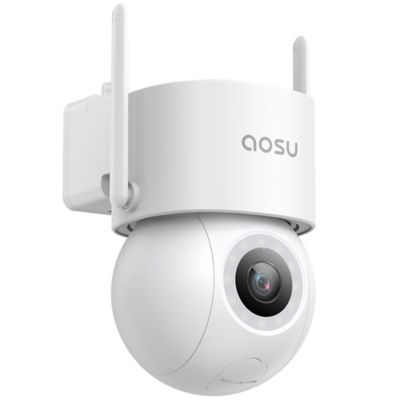
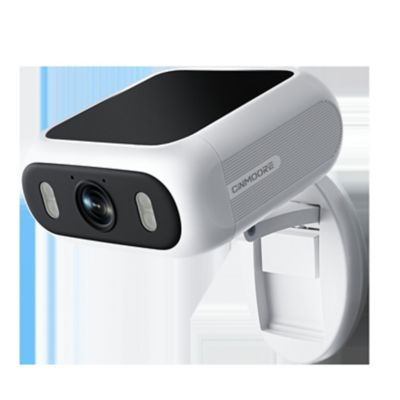
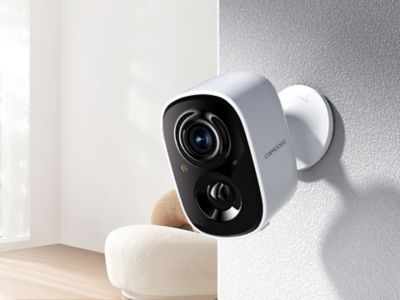
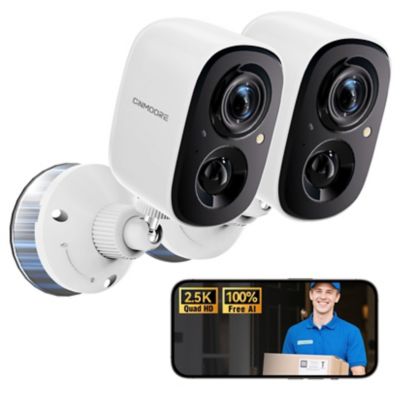
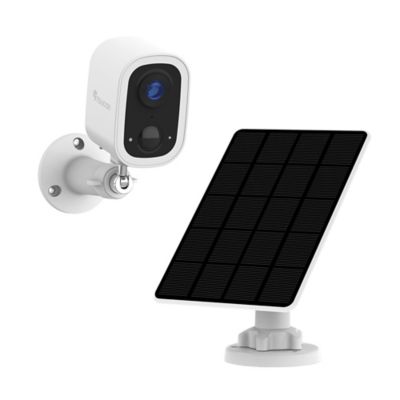
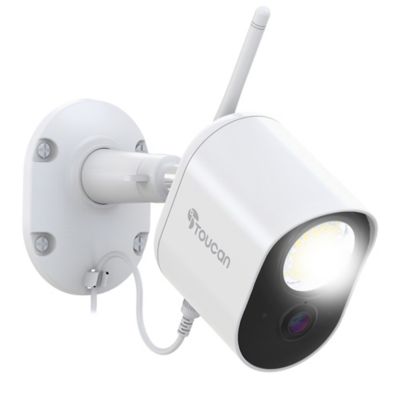
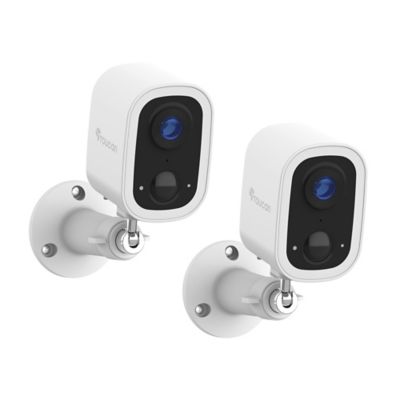
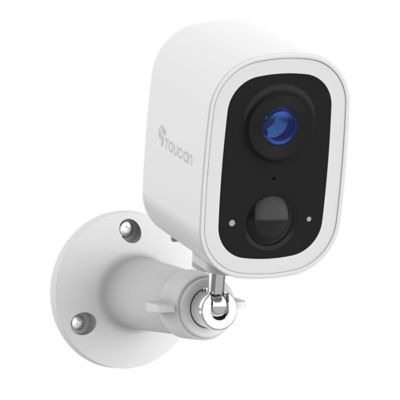
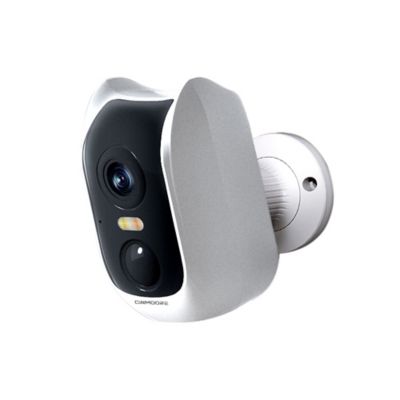
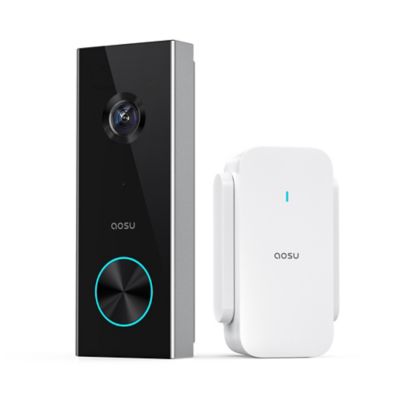
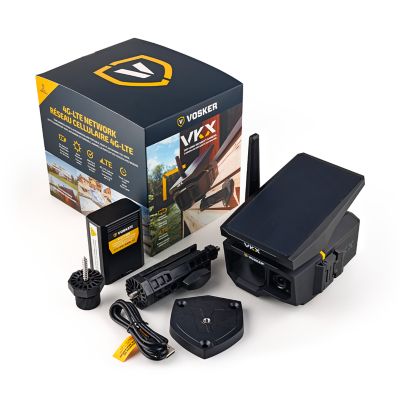
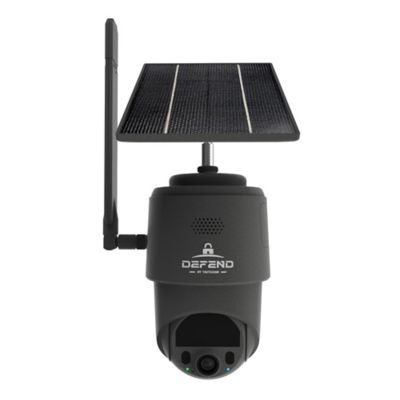
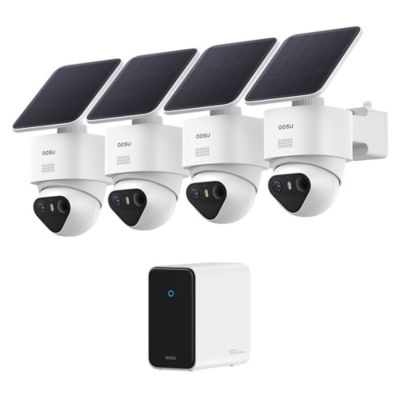
A Wi-Fi security camera connects to a wireless network to bring views of the house, shop, garage, or barn to a compatible phone or display. That makes it handy for seeing who pulled into the driveway, checking a package by the side door, or looking in on pets while chores take you elsewhere. These cameras come in indoor and outdoor designs, with differences in power, mounting, viewing angle, and recording features that matter more than appearance alone. Wireless describes the network connection, not necessarily the power supply: plug-in cameras still need an outlet, while battery-powered cameras need occasional charging or battery replacement. Compatible solar charging can help support some battery models, though charging performance depends on placement and the system’s requirements. A plug-in design can suit a busy workshop entrance where frequent activity calls for steady power, while a battery-powered design offers more mounting flexibility where an outlet is out of reach. Continuous recording depends on the camera’s capabilities and power arrangement; many battery models focus on motion-triggered clips instead. Network reach is just as important as power. A strong signal at the kitchen table does not guarantee the same connection at a detached equipment shed, especially when metal siding, masonry, or distance stands between the camera and router. Many cameras connect through a 2.4 GHz network, while others support additional bands, so compatibility with the property’s network deserves a close look. A network extension may help bring a nearby outbuilding within reach, but a Wi-Fi camera still needs a suitable connection at its mounting spot. For a gate or outbuilding beyond that network’s reach, a
Cellular Security Camera may fit better, provided the location has compatible cellular coverage. Remote viewing and phone notifications generally require internet access, even when a camera also offers local recording. The right setup starts with the place that needs watching and the connections already there.
Picture detail matters most when it helps show what happened. Resolution options such as 1080p, 2K, and 4K describe image dimensions, but lens design, lighting, compression, and camera placement also affect how much detail reaches the screen. A wide-angle lens can take in a broad stretch of porch or an entire room, while objects near the far end of that view may appear small. For a driveway entrance, the distance between the lens and passing vehicles matters just as much as the resolution listed on the box. Digital zoom enlarges part of an image rather than adding detail that was never captured. Fixed cameras keep watch over a set area, while pan-and-tilt designs let a compatible app move the view around a room or yard. Motion tracking can follow activity on supported models, but a moving lens does not watch every direction at once. Night vision is another useful distinction. Infrared illumination typically produces a black-and-white view in darkness, while color night viewing depends on the camera’s design and may require ambient light or a built-in light. Nearby glass, siding, or posts can reflect infrared light into the lens, making placement important around windows and narrow entryways. Motion detection options range from basic movement alerts to supported person, pet, or vehicle recognition. Adjustable activity zones can help focus notifications on the walkway instead of the road beyond it, although detection performance varies with the scene. Two-way audio adds a microphone and speaker for talking with someone at the door or calling to a pet indoors. Sound clarity depends on distance and background noise, so it works best as a convenience rather than a substitute for being there. Compatible smart-home connections can bring camera views into an existing setup, but app, display, and voice-control support vary across systems.
Recording and storage shape how a Wi-Fi security camera fits everyday life after installation. Local storage may save footage to a supported memory card, hub, or recorder, while cloud storage keeps recordings through an internet-connected service. Some cameras offer both, and recording modes, playback tools, storage limits, and service-plan requirements differ. Motion clips suit quick checks of activity, while supported continuous recording can provide context before and after an event. Retention depends on storage capacity, video settings, and recording frequency; a camera aimed at a busy driveway can fill storage sooner than one watching a quiet tack room. Local recording during an internet interruption is model-dependent, and neither local nor cloud storage keeps a camera running without a suitable power source. The physical fit deserves the same attention as the app. Outdoor-rated housings, protected cable connections, and mounting hardware matched to the surface help support exterior installations. Housing materials may include molded plastic or metal, but the enclosure’s rating and intended placement tell more than material alone. A sturdy bracket on solid framing keeps the view steadier than a mount attached to a loose board or a gate that swings throughout the day. Accessible placement also makes lens cleaning, charging, and memory-card maintenance less of a chore. A soft cloth and care that follows the manufacturer’s directions help keep dust, cobwebs, and smudges from blocking the picture. On the digital side, strong passwords, supported account verification, software updates, and individual access permissions help protect camera access. Privacy settings and carefully chosen viewing angles can keep attention on your own entrance rather than a neighbor’s window or shared space. For households, small acreage owners, and folks managing a separate shop, practical features make the biggest difference: a clear view of the right spot, useful alerts, manageable recording, and power and network connections that suit the property. A camera can add visibility to daily routines, alongside sound locks, sensible lighting, and regular checks around the place.