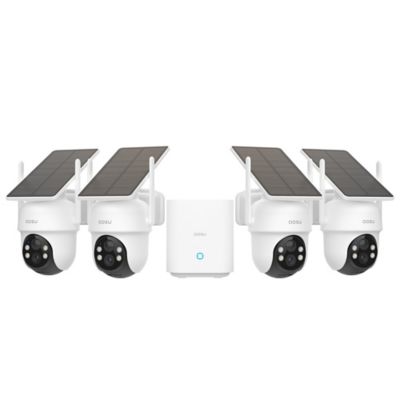
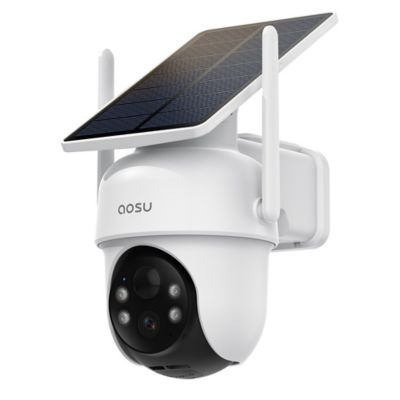
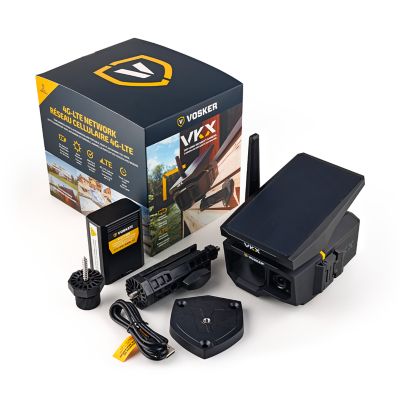
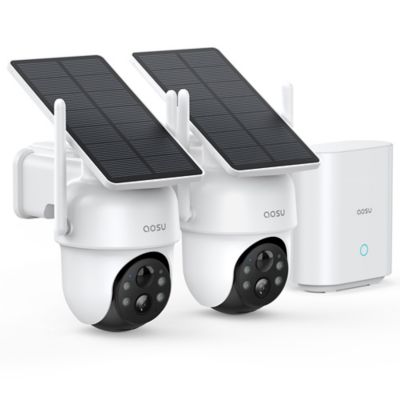
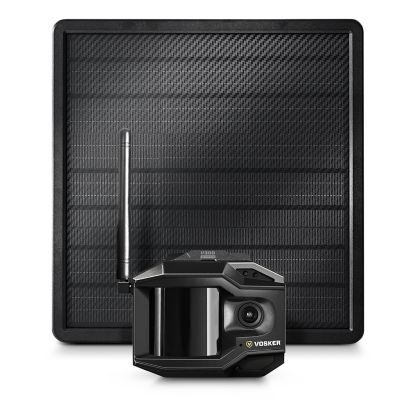
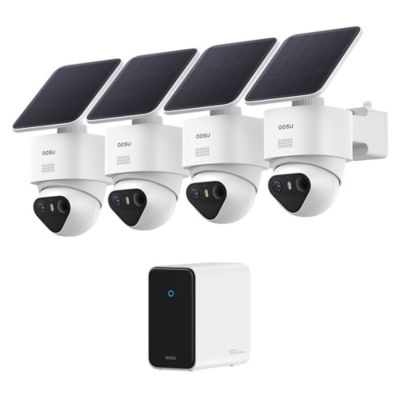
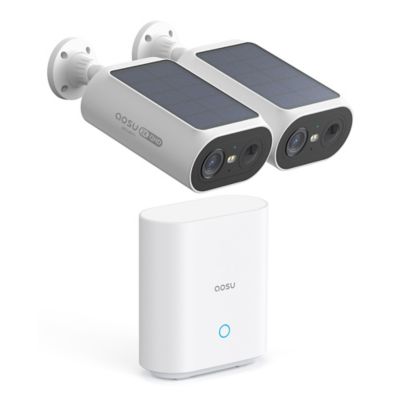
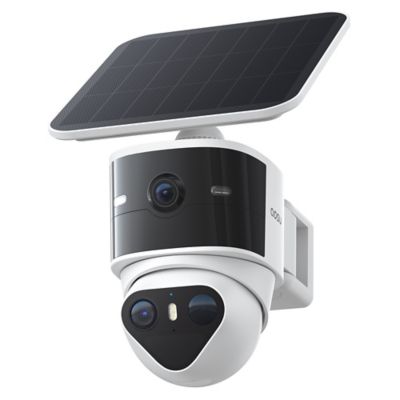
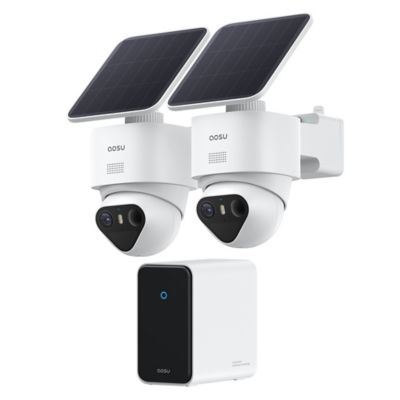
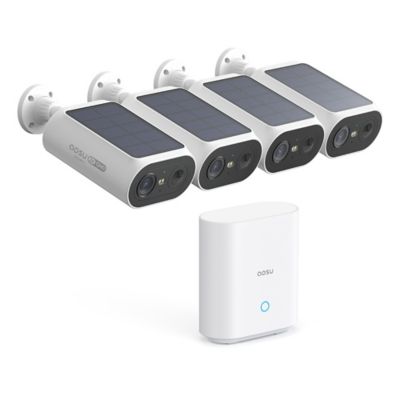
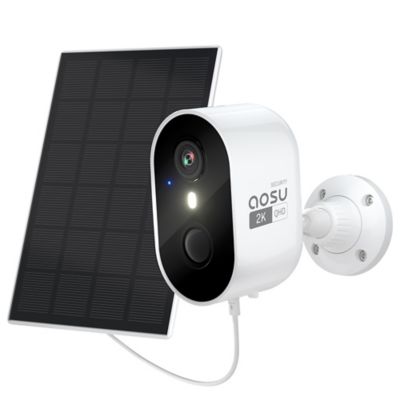
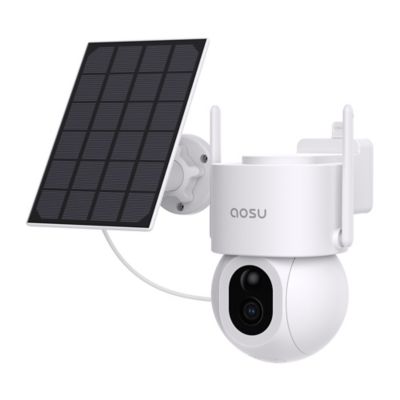
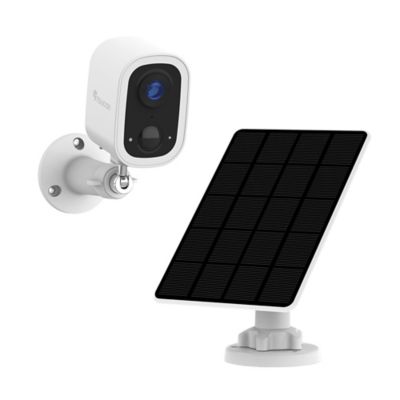
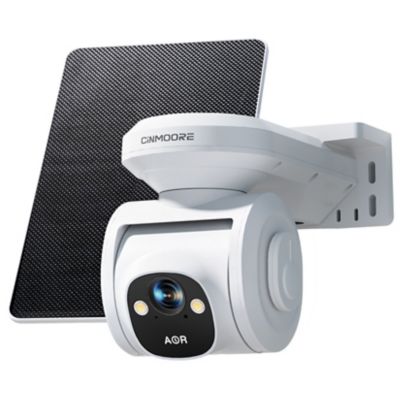
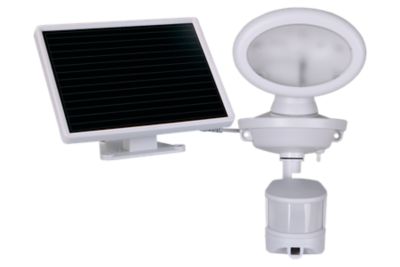
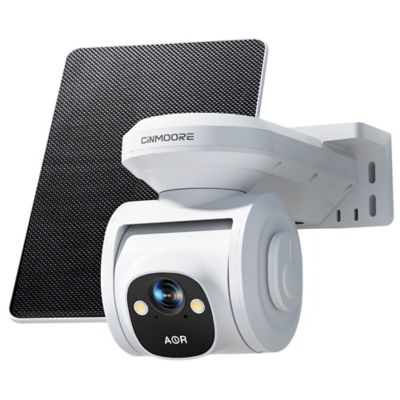
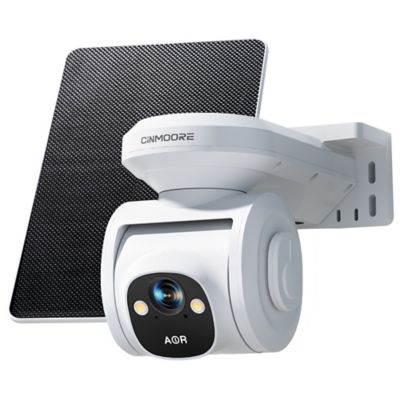
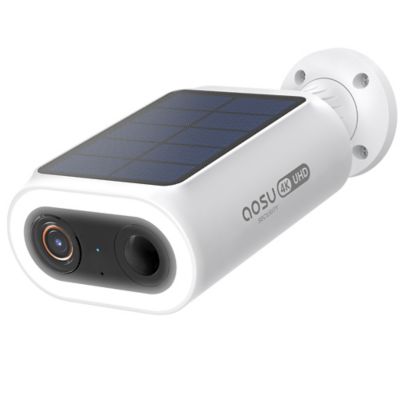
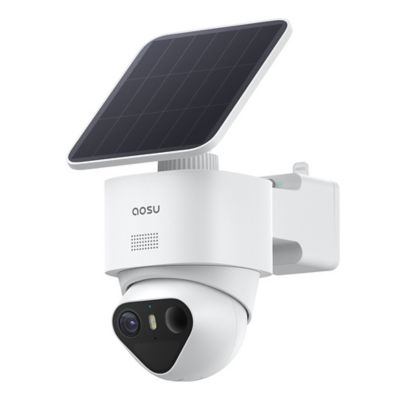
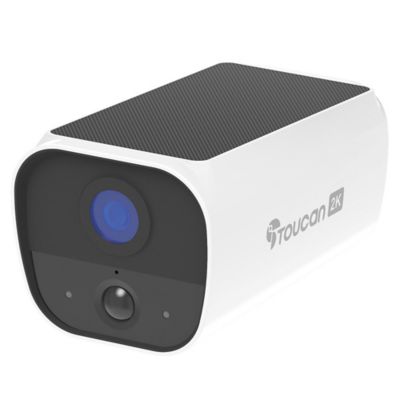
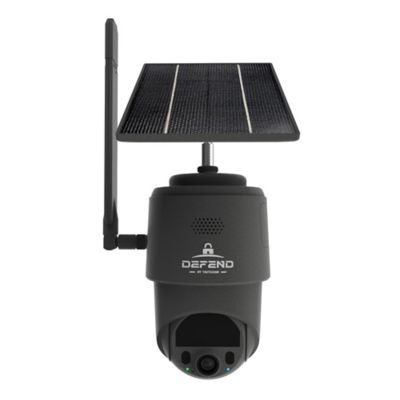
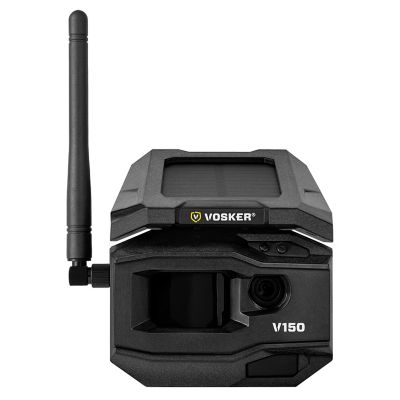
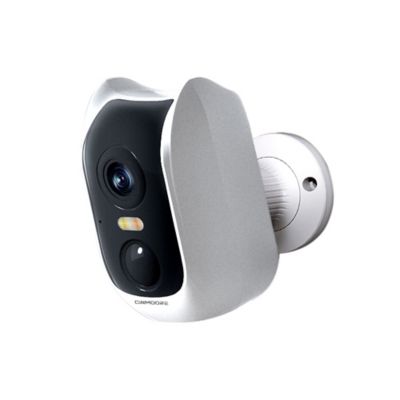
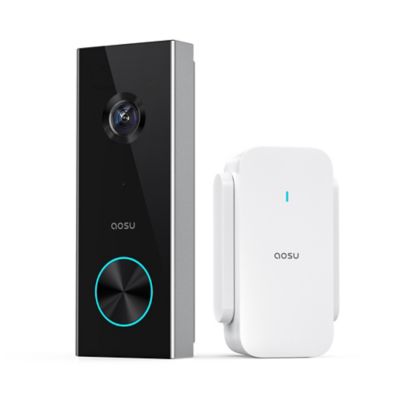
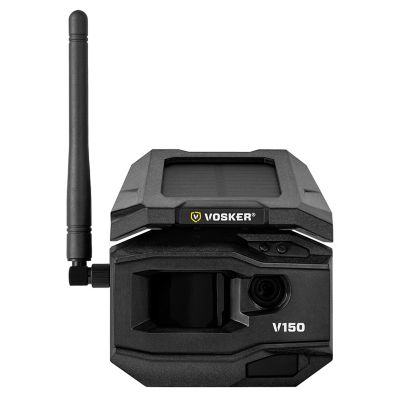
A solar security camera for home monitoring pairs an outdoor camera with a rechargeable battery and a built-in or separate solar panel. The panel converts sunlight into electricity to help replenish the battery, while the battery powers the camera after dark and whenever the panel is not producing enough energy. That setup can reduce trips up a ladder for charging and bring a view to places where running an electrical line would be a chore. It does not mean every camera records around the clock or never needs a manual recharge; sunlight exposure, battery capacity, recording settings and activity all affect performance. Around a rural home, these cameras can help keep an eye on a front walk, a garage entrance, a driveway approach or the side door near the feed room. They are also handy for checking a delivery at the porch or seeing whether someone has pulled up while the household is out tending animals. A camera with an attached panel keeps the setup together, while a separate panel allows the lens to face the area being watched and the panel to face stronger sunlight. A south-facing panel often receives good exposure in the United States, though rooflines, nearby buildings and tree cover can change what works at a particular spot. A deep porch roof may suit the camera’s view but block the panel’s light, making a separate panel and an appropriate connecting cable worth considering. Panel placement needs to follow the manufacturer’s recommendations, including cable length limits and mounting angles. Wireless operation also needs a little distinction: a camera can run without household power wiring and still need Wi-Fi to send alerts or show live video. The connection must reach the actual mounting location, not just the nearest room inside. For a gate or outbuilding beyond that reach, cameras with cellular connectivity may be a better fit, provided the location has compatible network coverage and the required service plan.
Picture detail matters most when it matches the space being watched. A wide-angle lens can take in a broad stretch of yard, while a narrower view can put more attention on a doorway or driveway entrance. Higher resolution can help reveal detail, but mounting distance, lighting and the camera’s viewing angle still affect what appears on screen. A camera overlooking an entire front yard may show a person approaching without capturing the same facial detail as one positioned closer to the entry. Digital zoom enlarges the image already captured; it does not guarantee that distant details become readable. Pan-and-tilt functions, where included, can make it easier to look around from a phone, although one moving camera does not necessarily record every direction at once. After-dark viewing also varies. Infrared night vision generally produces a black-and-white image, while some cameras offer color viewing with sufficient light or an onboard light. Placement away from nearby walls, porch posts and reflective surfaces helps keep the camera’s own illumination from washing out the view. Motion detection deserves just as much attention as the picture. A driveway beside a busy road has different needs than a quiet back door, especially when passing vehicles, wandering livestock or a curious barn cat can trigger activity. Detection zones, sensitivity controls and person or vehicle recognition, when supported, can help focus notifications on the area and activity that matter. Fewer unnecessary recordings may also help conserve battery power. Motion-triggered recording, scheduled recording and continuous recording are separate capabilities, so the recording mode should match the household’s expectations. Clip length and the pause between events can affect how much of an arrival or departure appears in the recording. Frequent live viewing, lights, two-way talk and heavy motion activity can increase power demand. For a household that wants to speak with a visitor at the gate, two-way audio can be useful, but clear conversation still depends on microphone placement, background noise and the network connection.
The physical setup should fit the building as well as the view. Outdoor-rated housings, secure battery compartments and properly seated connection covers matter for a camera mounted on a porch post, garage wall or outbuilding. Housing materials may include molded plastic, metal or a combination, with the manufacturer’s outdoor-use rating offering more useful guidance than appearance alone. Mounting brackets need to suit the camera’s weight and the surface beneath them; fasteners appropriate for solid wood may not suit masonry or siding without the right anchors or mounting block. A firm mounting point helps keep the image steady when a nearby door shuts. There should also be enough room to reach charging ports, remove a battery if the design allows it and adjust the panel without taking the whole assembly down. Separate-panel cables belong out of walkways and away from door hinges, sharp edges and places where animals might chew them. Routine care is straightforward but worth keeping up with: a clear lens gives a better view, and a clean panel can collect sunlight more effectively than one covered in dust or bird droppings. Cleaning methods should follow the manufacturer’s directions, without abrasive pads or harsh solvents. Storage and account features round out the setup. Local memory cards, a compatible recording hub and cloud storage work differently, and support varies by camera. Recording retention, automatic overwriting, playback access and any subscription requirements deserve attention before settling on a system. A dropped internet connection may interrupt remote viewing and alerts even when a camera can continue saving clips locally. Strong account passwords, software updates and carefully managed sharing permissions help protect access to household footage. Cameras should face the intended property rather than a neighbor’s private spaces, and audio recording calls for attention to applicable laws. For a broader look at ways to watch the house and nearby buildings, explore
Security Camera for Home Monitoring.