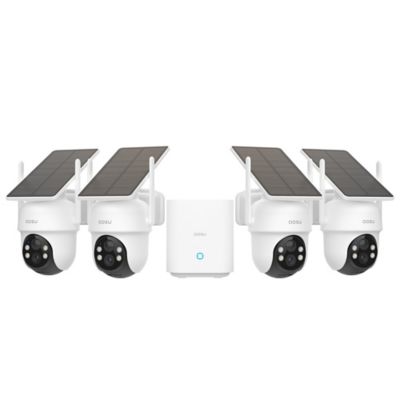
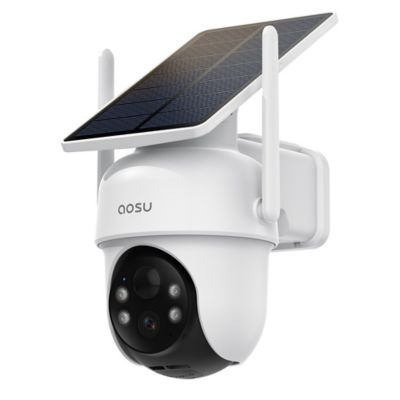
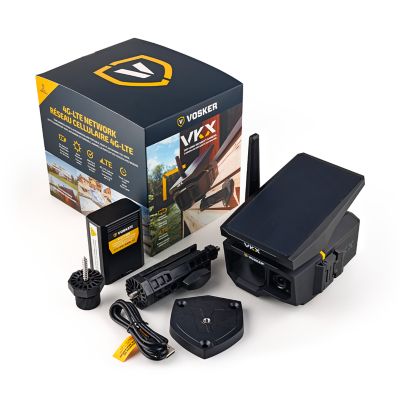
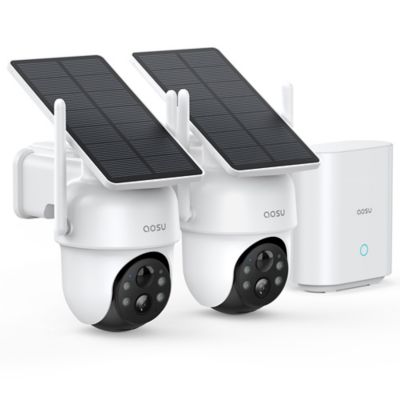
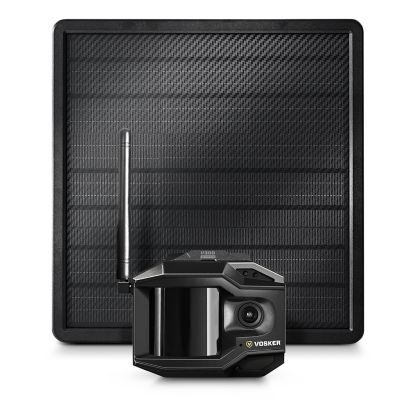
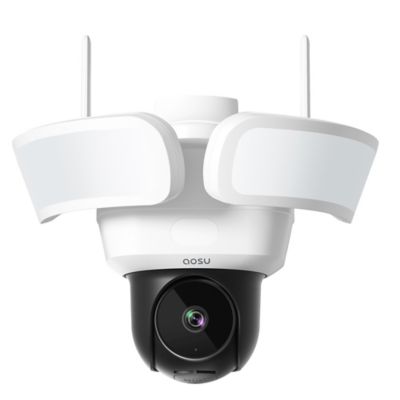
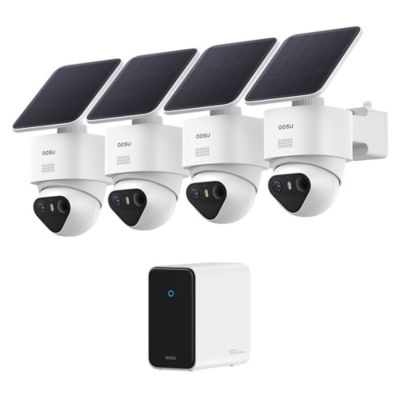
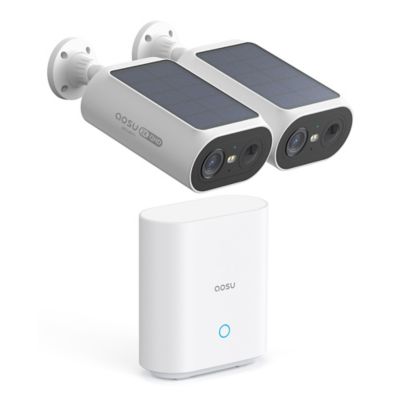
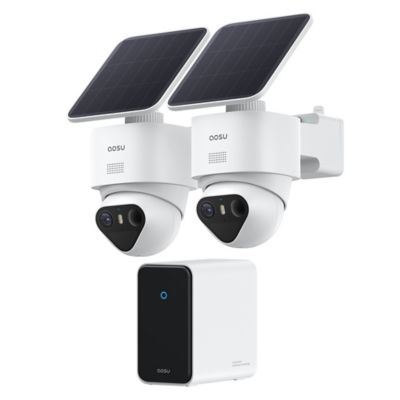
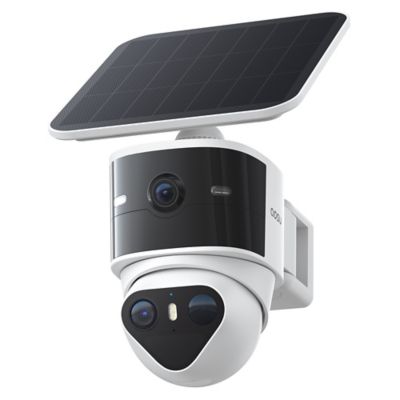
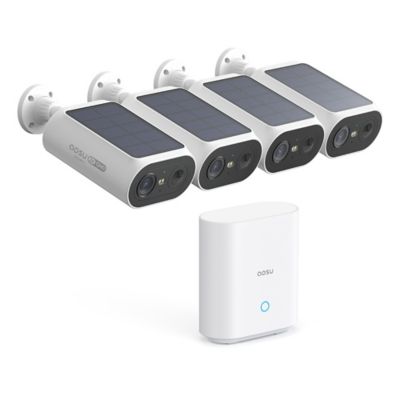
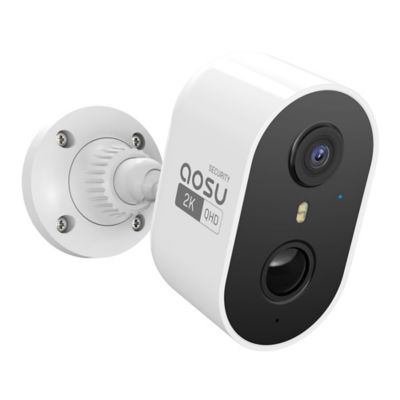
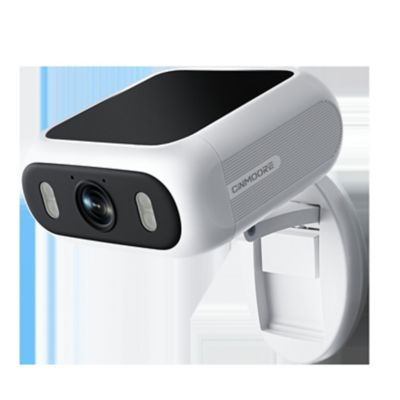
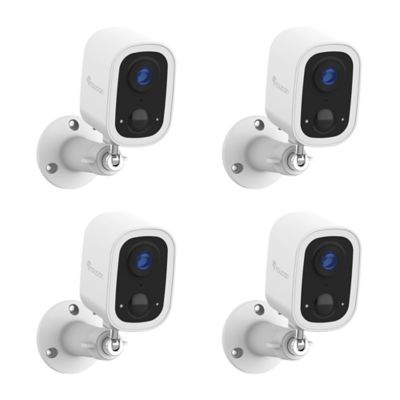
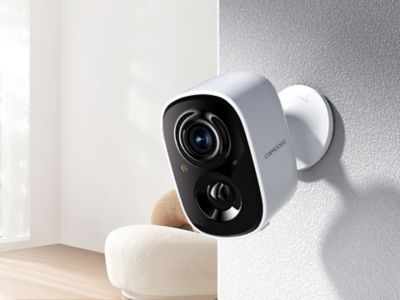
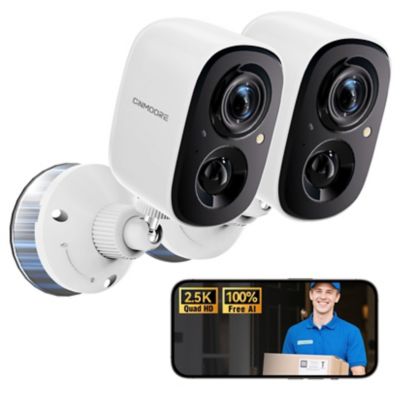
A security camera for home monitoring helps keep an eye on doors, driveways, and indoor spaces through live video, motion alerts, and recorded footage, depending on the camera’s features and recording setup. It can show when a delivery reaches the porch, help identify a visitor at the side door, or provide a look at the house while someone is out checking fence. Recorded video can also help explain what happened after an unexpected alert. A visible camera may discourage unwanted activity, though cameras work alongside good locks, sensible lighting, and other security measures rather than replacing them. For a home on a larger property, coverage often starts with the places people actually approach: the driveway entrance, front steps, garage door, and path between the house and shop. Indoor cameras serve a different purpose, offering a view of shared living areas, entryways, or pets while family members are away. Camera shape and mounting style affect how neatly a unit fits into those spaces, whether it sits on a shelf or attaches beneath an overhang. A wide field of view covers more of a room or yard, but a broad view does not necessarily capture fine detail at a distance. Higher resolution can make faces and objects easier to distinguish when lighting, placement, and connection strength support it. Digital zoom enlarges the recorded image rather than adding detail that was never captured. Night vision matters for an unlit porch or side entrance, with infrared and color night-viewing features offering different capabilities. Infrared light can reflect off window glass, so an indoor camera aimed through a window may not provide a clear nighttime picture outside. Two-way audio adds another practical function, letting someone speak with a visitor through a compatible app. Person, vehicle, or animal detection may help sort activity, but detection options vary, and no alert system catches every event. A camera aimed at the approach to a door generally provides more useful footage than one pointed across a broad stretch of empty ground.
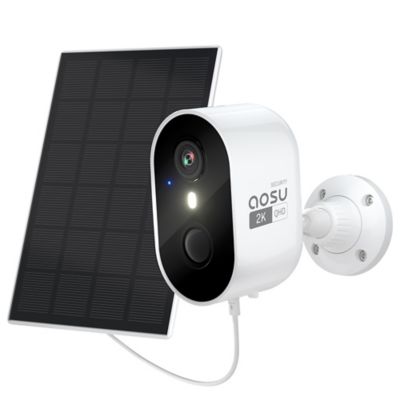
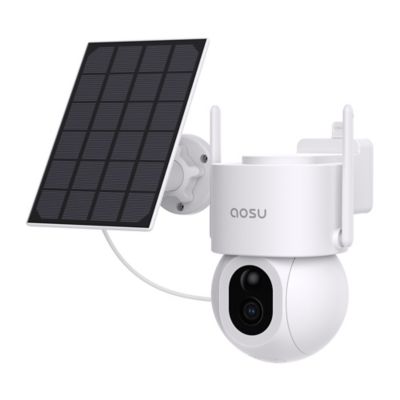
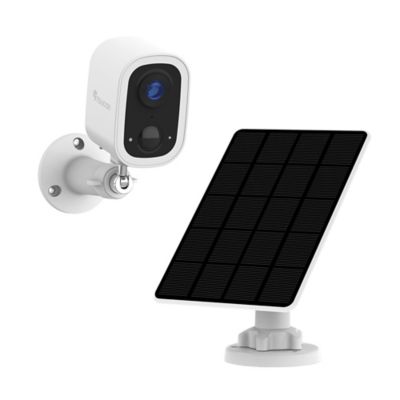
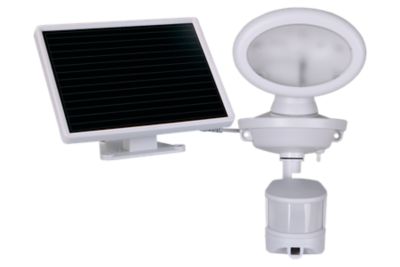
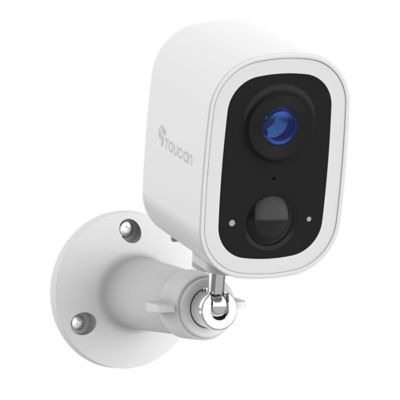
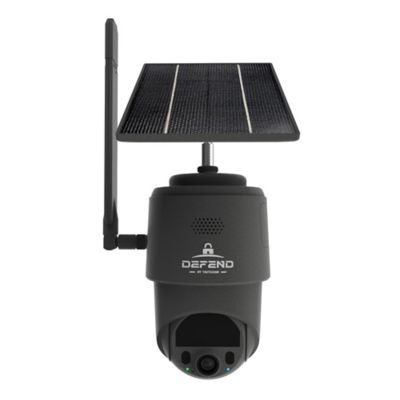
Power and connectivity have a big say in where a home security camera fits. Plug-in cameras need a suitable outlet and a protected cable route, while battery-powered cameras offer more freedom of placement but need periodic charging or battery replacement. Battery life varies with recording activity, settings, signal strength, and how often live video is opened. Compatible solar charging can support certain battery cameras where the panel receives enough direct sunlight, though the camera and panel must be designed to work together. Wired systems may carry power, video, or both through cable, and Power over Ethernet setups require compatible network equipment. These distinctions matter around a farmhouse, detached garage, or gate where electrical service and internet access may be far apart. Wi-Fi coverage inside the kitchen does not guarantee a strong connection at the end of the driveway. Distance, masonry walls, metal siding, and other obstacles can limit signal strength, making network reach an important part of the setup. Cellular cameras connect through a supported mobile network instead of household Wi-Fi, with service coverage and plan requirements to consider. Mounting hardware also needs to suit the surface, whether that is wood siding, brick, or a post. Adjustable brackets help frame the approach without forcing the lens into an awkward angle. Housing materials may include molded plastic or metal; the intended location, mounting design, and stated protection ratings matter more than appearance alone. Outdoor locations call for cameras rated for outdoor installation, while indoor models belong in the spaces specified by the manufacturer. Cables and connectors need protection from chewing pets, passing equipment, and accidental pulls. A mount that stays firmly in place keeps the view from drifting away from the doorway it is meant to watch. Routine care includes clearing cobwebs from around the lens, wiping the lens according to the manufacturer’s directions, and checking brackets and cable connections. Easy access for that upkeep matters, especially when a camera needs charging.
Recording and everyday access are just as important as the camera’s view. Live viewing shows what is happening when the app is open, while recorded footage provides something to review later. Motion-triggered recording saves clips around detected activity; continuous recording captures an ongoing timeline when the camera, power source, and storage system support it. Local storage may keep footage on a compatible memory card or recorder, while cloud storage sends recordings to an online service. Storage capacity, video resolution, and recording settings affect how much footage remains before older recordings are overwritten. Clip length and the delay between events can also matter when someone walks from a parked truck to the porch. Some battery-operated cameras record events rather than a continuous stream, so recording specifications deserve a close look when uninterrupted coverage matters. Remote access generally depends on a working connection, and the ability to keep recording during an internet outage varies by system. A power outage can interrupt operation unless suitable backup power is part of the setup. App features such as activity zones, alert schedules, and access sharing help a household manage notifications without treating every passing vehicle or moving branch as equally important. Compatibility with an existing recorder, phone, or smart-home platform matters for households adding cameras over time. Security settings deserve attention, too: strong passwords, multifactor authentication when offered, and software updates help protect access to private video. Camera placement should respect neighboring homes and private areas, and audio recording may be subject to state or local requirements. A
security camera for monitoring children can add a view of a playroom or shared family space, but it never replaces direct adult supervision. For general home monitoring, useful coverage comes from a clear view of the right places, a connection that reaches them, and recording features that match the household’s needs. That might mean checking the front step during a workday or reviewing activity near the garage after everyone has turned in for the night.