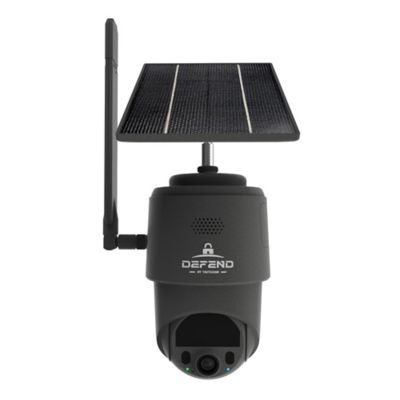
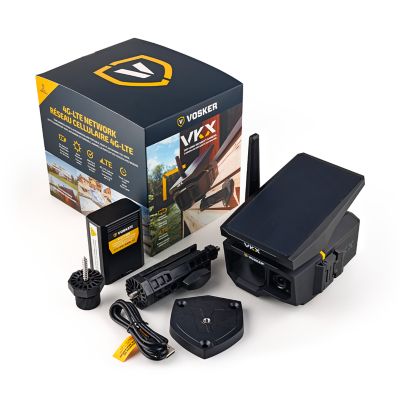
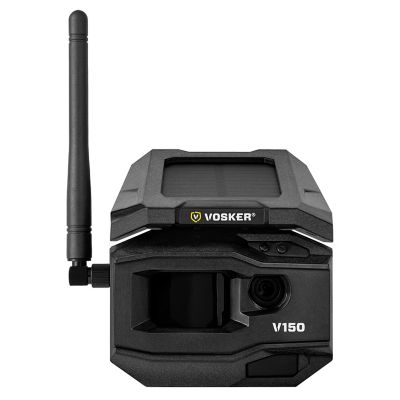
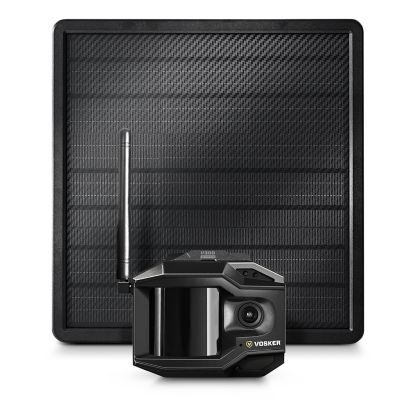
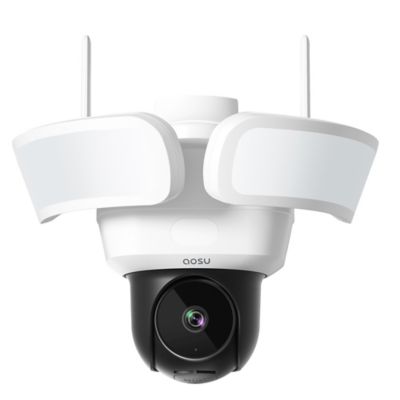
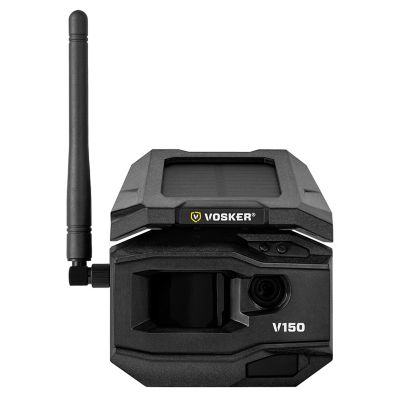
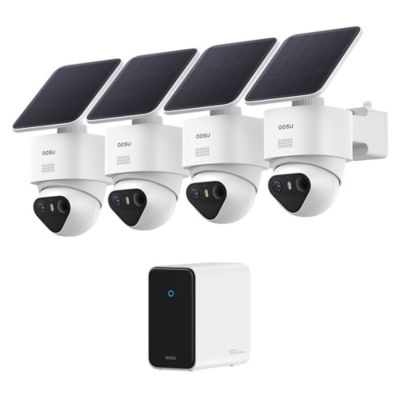
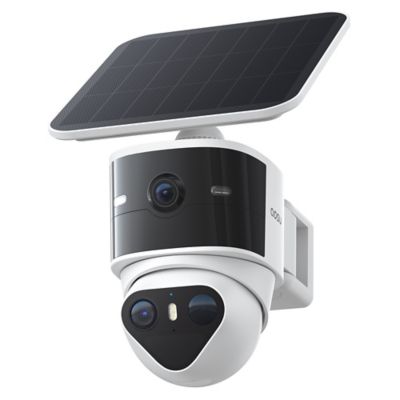
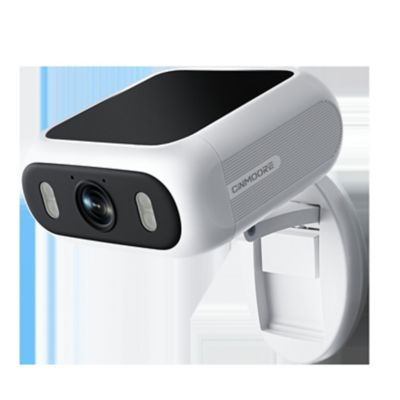
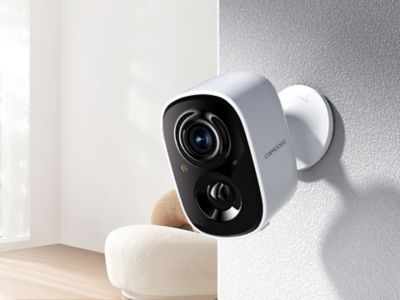
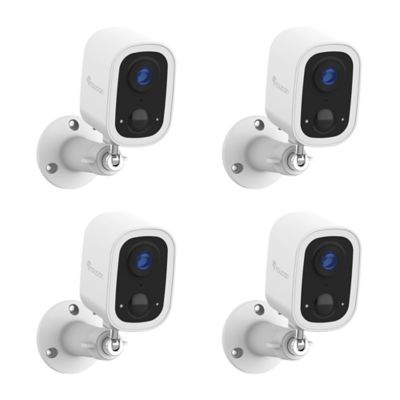
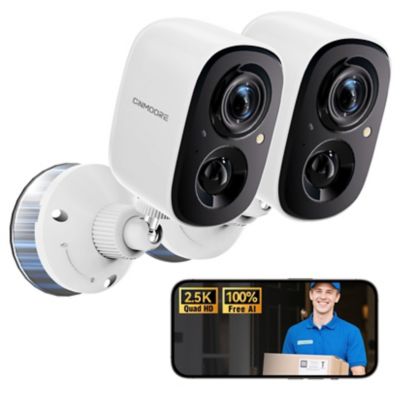
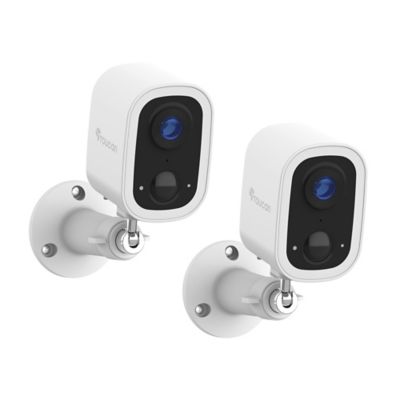
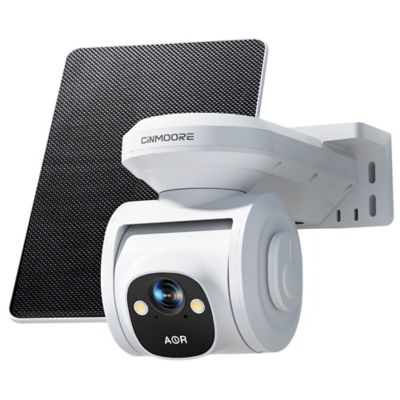
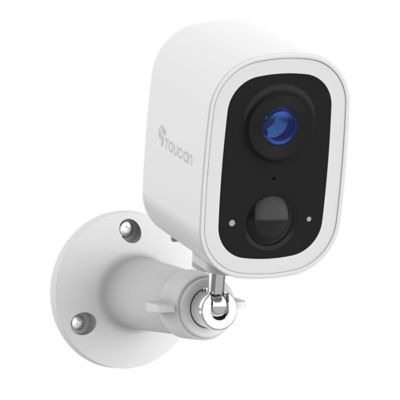
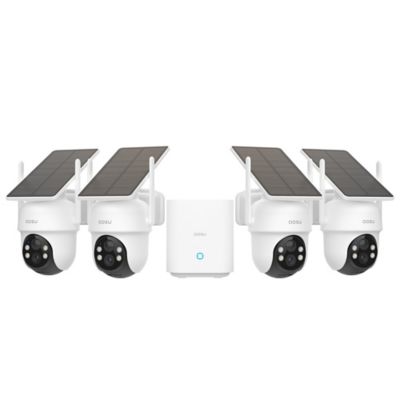
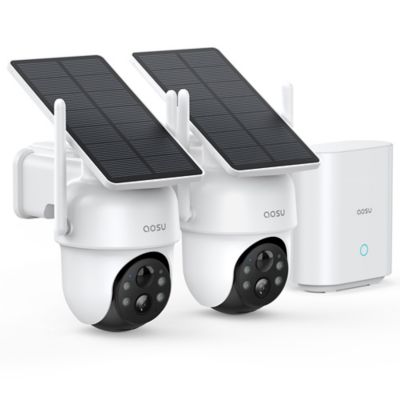
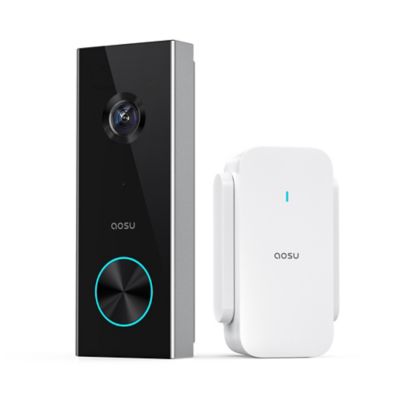
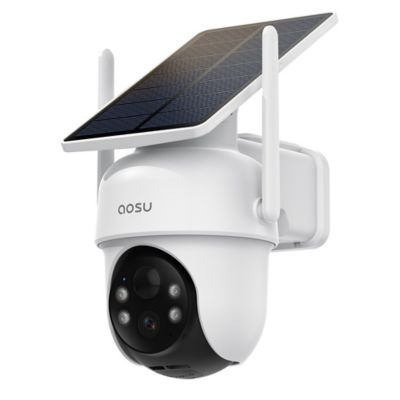
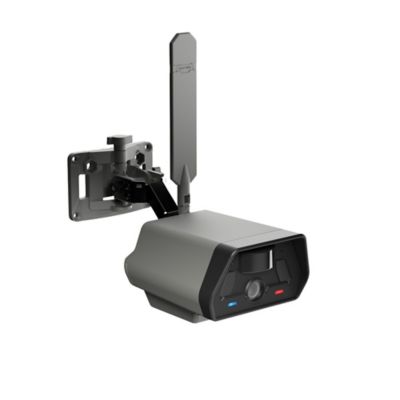
Security cameras for storage units add another set of eyes where tools, tack, furniture, and work supplies stay between trips. The right setup depends on whether the camera is watching an individual rented unit or covering a whole storage property. An individual unit may have neither an electrical outlet nor access to the facility’s Wi-Fi, making battery-powered cameras with local memory card recording worth considering. Local recording means footage stays on a compatible memory card inside the camera; it does not automatically provide live viewing or phone alerts from another location. Those features generally need an internet connection through Wi-Fi or a cellular connection supported by the camera. Offline recording also varies by model, since some cameras need a network connection for setup or certain functions. That distinction matters when a unit holds a contractor’s tools, a family’s belongings between moves, or equipment that only comes out for particular jobs. A camera can document activity inside the space, but it cannot replace a sound lock, a properly latched door, or the facility’s own security measures. Permission matters, too: rental agreements may limit cameras, mounting hardware, electrical connections, or views into shared areas. Inside a private unit, a view of the entry and the aisle between stored belongings often tells more than a wide shot filled with stacked boxes. A camera tucked behind a shelving upright may be hard to notice, but that same upright can block the moment someone steps through the door. Compact housings and adjustable mounts help make the most of tight spaces without taking up a shelf meant for feed tubs, tool cases, or household goods. For units with no interior lighting, infrared night vision can capture activity in darkness, though the usable distance and clarity depend on the camera, its position, and nearby surfaces. Reflective metal doors and objects close to the lens can create glare that hides details farther back.
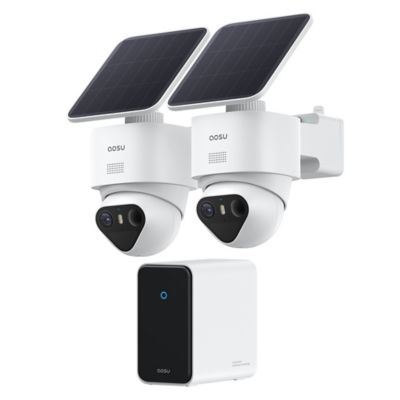
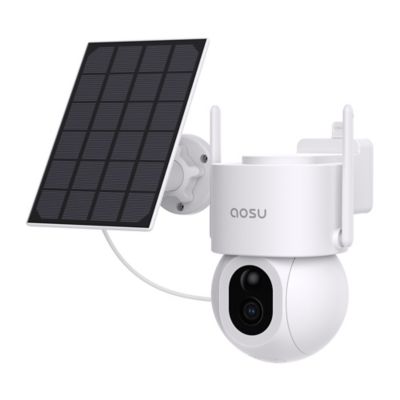
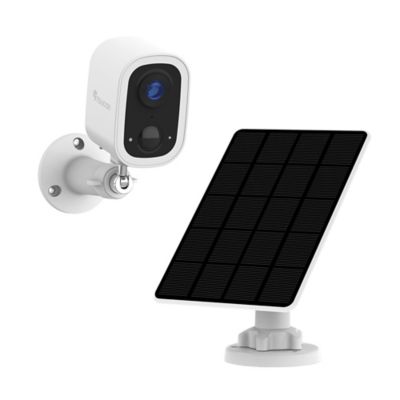
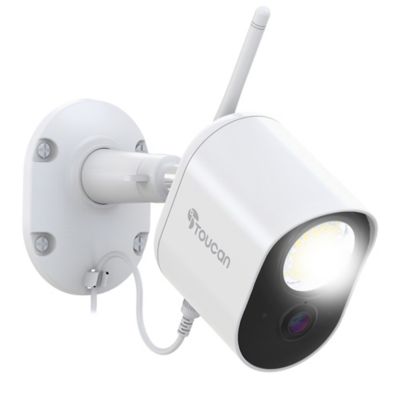
Power, storage, and connection options shape how well security cameras for storage units fit everyday routines. Rechargeable battery designs reduce the need for wiring, while plug-in cameras suit spaces with an approved outlet and a safe cord route. Battery life depends on recording length, motion activity, live viewing, and other enabled features, so a busy doorway can drain a charge faster than a quiet corner. Motion-triggered recording helps conserve battery power and memory card space, but the camera’s wake-up time affects how much of an event appears in the clip. Continuous recording provides a longer timeline when the camera supports it and has a suitable power supply. Memory card capacity, supported card type, and loop-recording settings determine how much footage remains before older recordings are overwritten. Cards designed for repeated video recording are a practical match for frequent recording cycles, and access to the card matters when footage needs to be retrieved in person. Cloud recording offers another way to retain footage away from the camera, but it depends on compatible service and a working connection. Wi-Fi models need a usable signal inside the closed unit, not just out by the office or with the door rolled up. Steel walls and doors can interfere with wireless connections, and cellular cameras also depend on coverage at their installed location. Remote access should not be assumed just because a camera pairs with a phone. For someone who stops by a locker to load fencing tools before a job, clear battery status and straightforward clip playback may be more useful than a long list of extra features. A storage property manager may have different needs, including several camera views, shared access for authorized staff, and recordings organized by time and location. Systems built around wired connections and a central recorder can suit broader coverage where installation is permitted, while individual cameras can serve smaller spaces with fewer viewing angles.
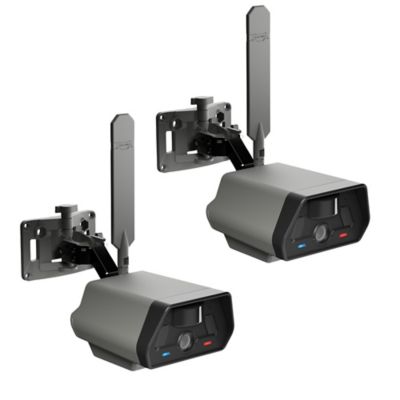
Camera construction and placement matter just as much as the recording features. Metal housings can suit exposed mounting positions, while lighter plastic housings may fit smaller brackets or shelves; the housing material alone does not establish where a camera belongs. Indoor and outdoor ratings, mounting requirements, and the manufacturer’s installation directions establish the intended setting. In a rental unit, a shelf mount or another permitted removable support may avoid holes in walls or door frames, but the support still needs to hold the camera steady. Magnetic mounts require a suitable metal surface and enough clearance to stay out of the door’s path. Roll-up doors, overhead tracks, and stacks of totes leave little room for equipment that sticks out into a working aisle. A broad viewing angle can cover more floor space, while a narrower view may show an entry or latch area in greater detail. Resolution helps, but readable footage also depends on lighting, distance, focus, and how much of the frame a person or object occupies. Cameras aimed through glass can suffer from reflections, especially with infrared lights active. For a larger facility, views of gates, drive lanes, and building entrances serve different purposes from cameras inside individual units, and coverage should respect neighboring spaces and applicable privacy rules. Recording sound may involve additional legal restrictions. A
Security Camera for Equipment can serve a similar purpose in a shop or shed where machinery and tools need another set of eyes. Wherever the camera sits, simple upkeep helps keep the picture clear: a lens free of dust, a secure mount, a charged battery, and working recording storage all matter. Footage checks can reveal a shifted bracket or a new stack of boxes blocking the doorway. Security cameras are most useful when they fit the space and the way people actually visit it, whether that means checking recordings during a scheduled stop or receiving supported alerts when someone enters.