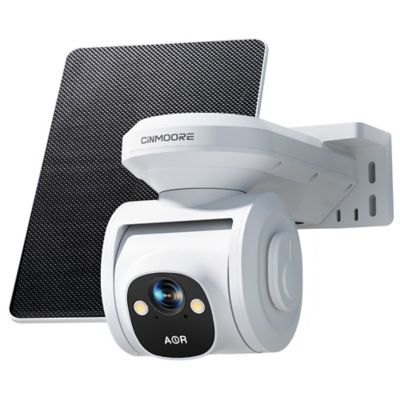
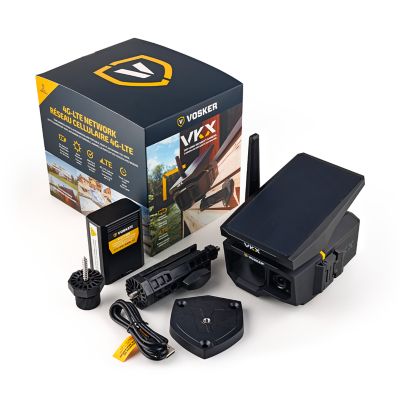
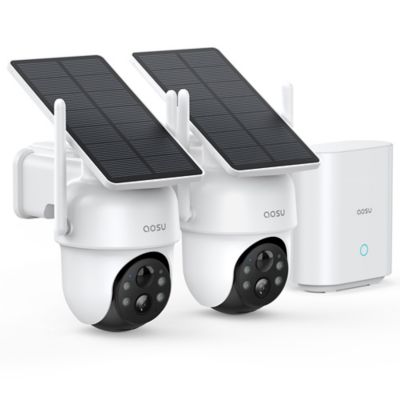
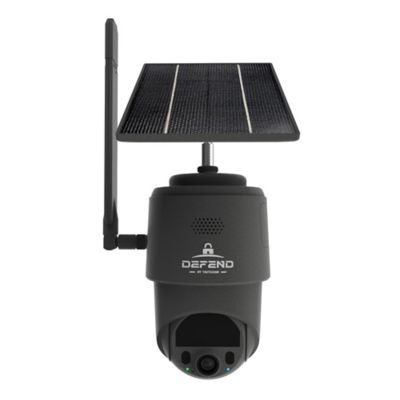
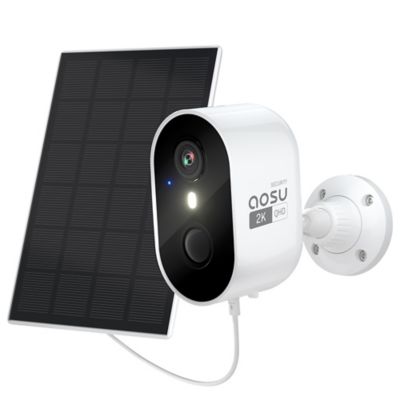
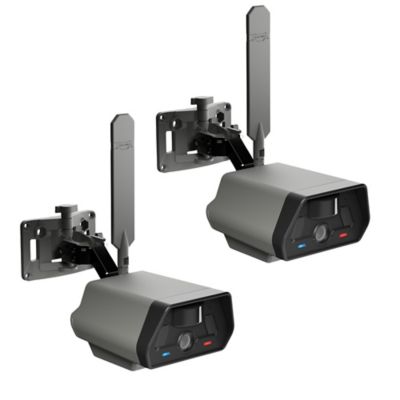
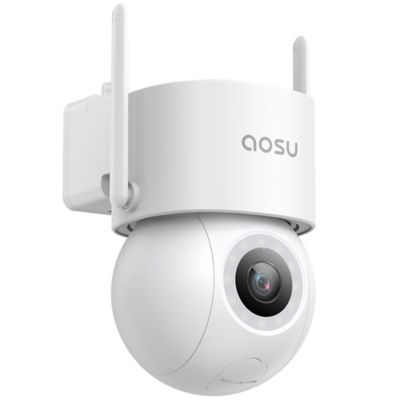
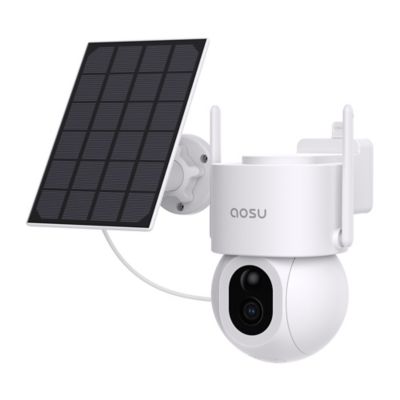
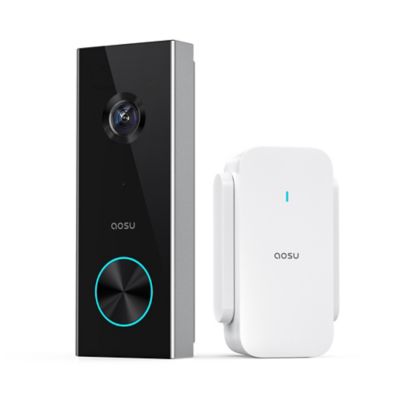
Security cameras for rental properties can help document activity around entrances, parking areas, driveways, and other shared spaces while keeping tenant privacy front and center. For landlords and property managers, the right setup depends on the property layout, the areas that need coverage, and the rules governing surveillance at that location. A duplex with one shared driveway has different needs than an apartment building with several entrances or a rental house beside a shop or equipment shed. Cameras can provide a record of package deliveries, damage near a gate, or activity at a shared entrance, but they do not replace sound locks, lighting, or regular property checks. Camera placement on rental property must follow applicable laws, lease terms, and any building or community requirements. Shared access does not automatically make every recording location permissible. Landlord-controlled cameras should stay out of tenants’ private living spaces, including bedrooms, bathrooms, and the interiors of rented homes. Even a camera mounted outside needs careful positioning so its view does not reach through a neighbor’s window or into a private area. Privacy masking, when supported, can block selected portions of the image from view or recording. Written disclosure of camera locations, purpose, recording practices, and who can access footage helps set clear expectations; local rules may also require notice, consent, or signs. Audio deserves separate attention because consent and recording laws can differ from the rules for video. A microphone should remain off unless the recording arrangement complies with applicable law and any required consent has been obtained. Renters choosing cameras for their own leased space have a different set of considerations, including lease restrictions, permission for mounting, roommate privacy, and limits on recording shared areas. A freestanding camera inside a tenant’s own home may avoid drilling, but placement still needs to respect anyone else living there. Clear boundaries make a camera setup more practical for everyone involved, whether the property is a single rental home or several units along the same lane.
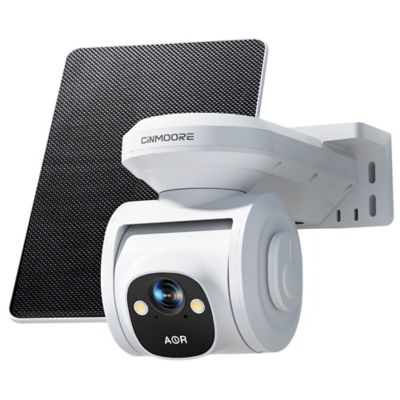
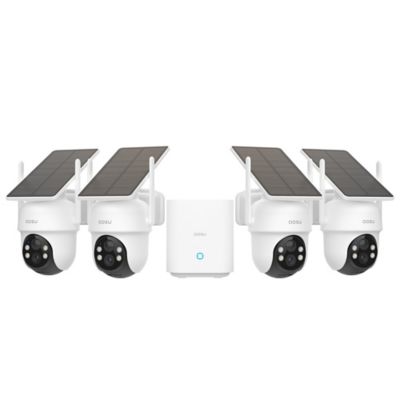
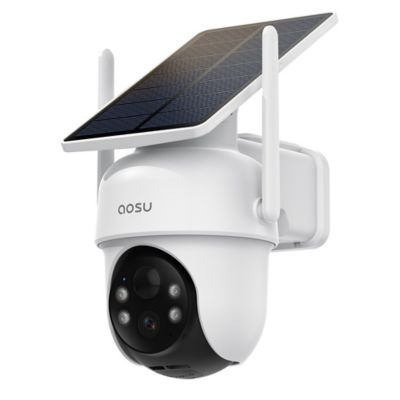
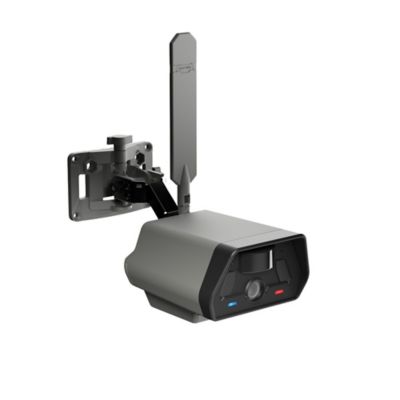
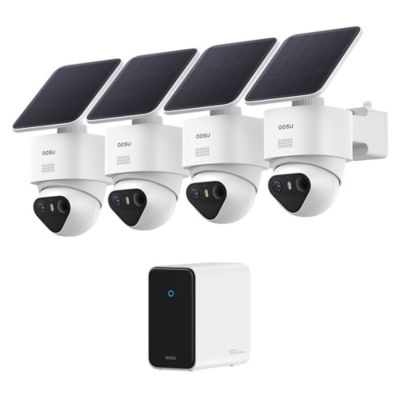
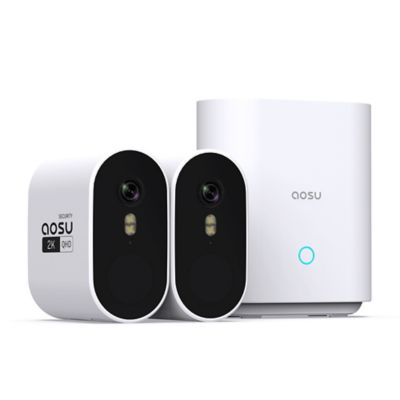
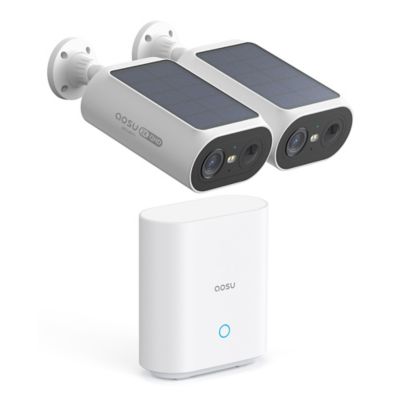
The connection and power arrangement often determine how well a security camera fits a rental property. Battery-powered cameras can simplify placement where there is no nearby outlet, though charging access and battery maintenance remain part of the job. Recording frequency, live viewing, and other enabled features can affect how often batteries need attention. Plug-in cameras need a suitable power source and a cord route that stays clear of walkways, doors, and tenant access. Wired systems can make sense for ongoing coverage across several buildings, especially where cable pathways are already in place. With compatible Power over Ethernet equipment, one network cable can carry both power and data, reducing the need for a separate outlet at each camera. Wireless does not necessarily mean wire-free: a camera may connect through Wi-Fi while still needing a power cord. That distinction matters when comparing mounting locations around a porch, garage, or shared stairwell. Wi-Fi coverage should reach the actual camera position, not just the room nearest the router. Distance, masonry walls, metal siding, and separate buildings can weaken a signal, and internet service at one rental unit should not be assumed to support equipment elsewhere on the property. Mounting style matters, too. Freestanding bases, compatible clamps, and approved removable mounts can suit some renter-controlled spaces, while fixed brackets may be a better match for permitted permanent installations. Any mounting method needs to support the camera securely without damaging the surface or creating a falling hazard. Housing materials, bracket construction, protected cable connections, and suitability for indoor or exterior placement all deserve a close look. A compact body may fit neatly beside an entry, while an adjustable bracket can help aim the lens down a driveway without including the neighboring yard. For properties that need several viewpoints,
Security Camera Systems bring the focus to coordinated coverage, compatible recording equipment, and management of multiple camera feeds. Compatibility matters more than simply matching the number of cameras to the number of doors.
Image detail, recording behavior, and storage options shape what a camera can actually show when something happens. Higher resolution may help reveal details, but lens angle, distance, lighting, and mounting height also affect the result. A broad view can cover a parking area, yet a person standing far from the camera may occupy only a small part of the image. A tighter view at a permitted entrance can provide more useful detail than a sweeping view of the whole property. Night vision can support coverage after dark, though glass reflections, nearby surfaces, and passing headlights may interfere with the picture. Motion-triggered recording can limit the amount of footage to review, while continuous recording provides a longer timeline when the camera, power source, and storage system support it. Activity zones and person or vehicle detection can help reduce alerts from branches, passing traffic, or animals moving near a fence, but detection results can vary. Local storage may keep footage on a memory card or recorder, while cloud storage sends recordings to an off-site service; both approaches call for checking retention limits, access controls, and what happens during an internet or power interruption. Remote viewing depends on compatible equipment and connectivity, and a live picture does not always mean footage is being saved. Strong passwords, multifactor authentication where supported, software updates, and separate access permissions help protect recordings from unwanted viewing. For a landlord managing several rentals, limiting each person’s access to the footage needed for their role can keep day-to-day oversight more orderly. Routine care is straightforward but important: follow the maker’s cleaning directions, keep lenses clear, inspect mounts and cables, and check sample recordings rather than relying only on a live preview. A camera aimed at a shared gate is useful only if the gate remains in frame and saved clips can be retrieved. Matching coverage, upkeep, and privacy protections to the property helps make security cameras a sensible part of caring for a rental.