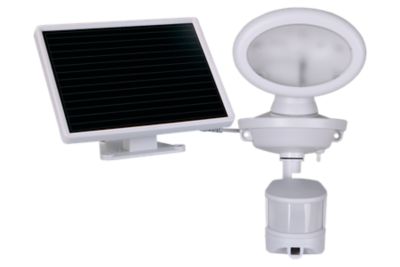
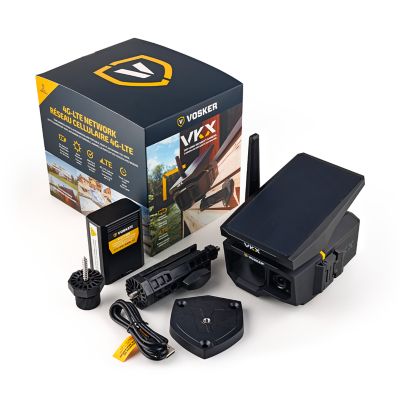
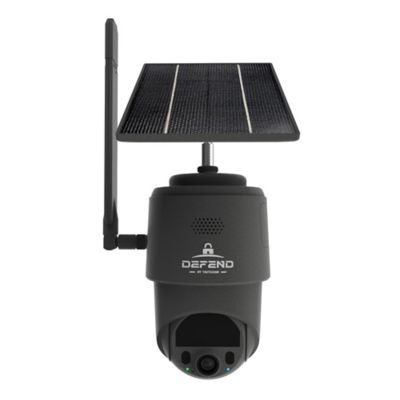
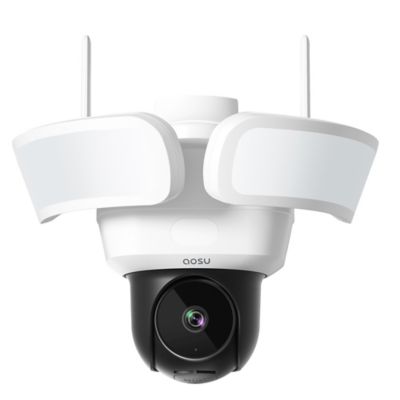
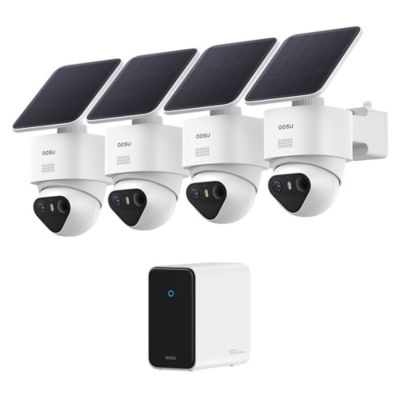
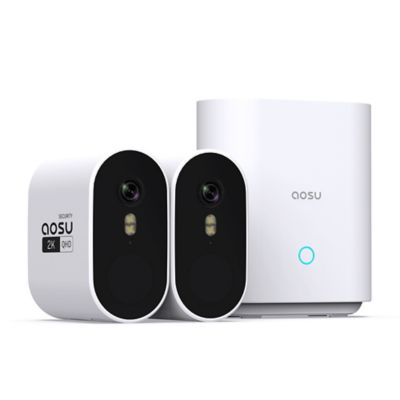
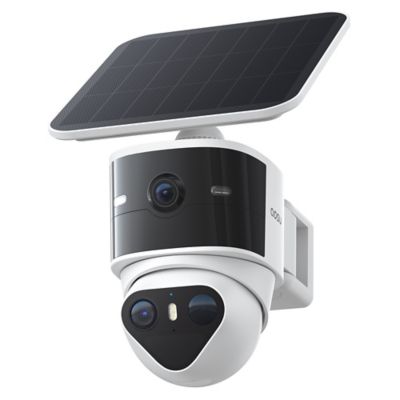
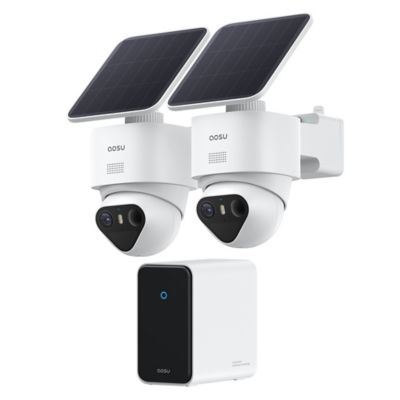
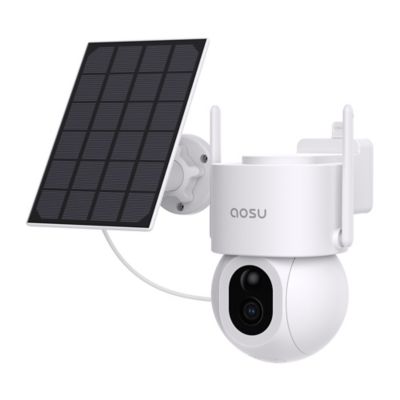
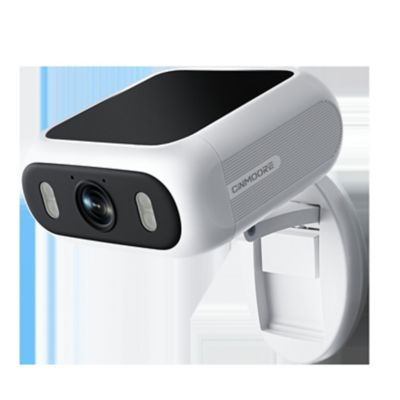
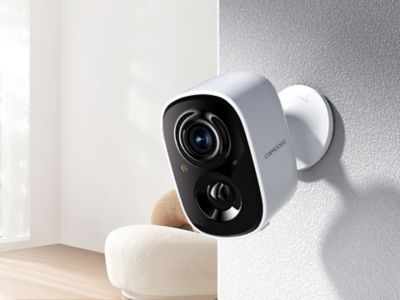
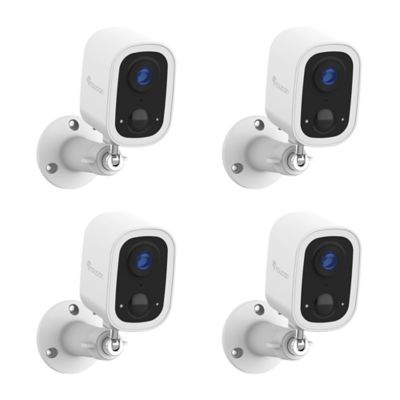
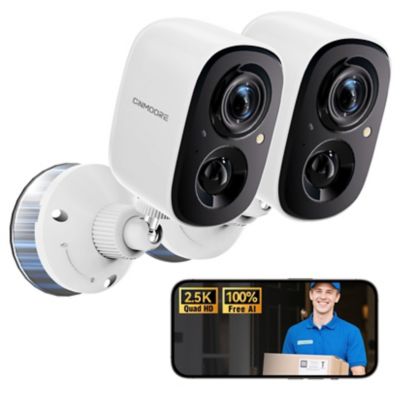
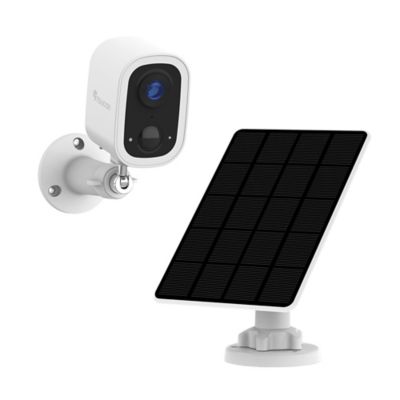
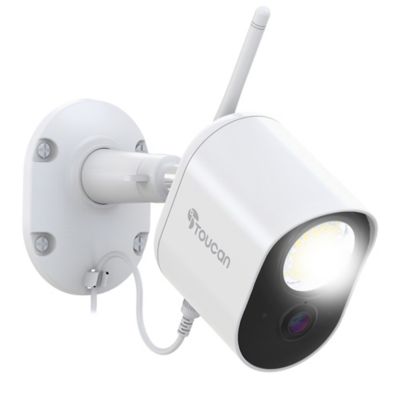
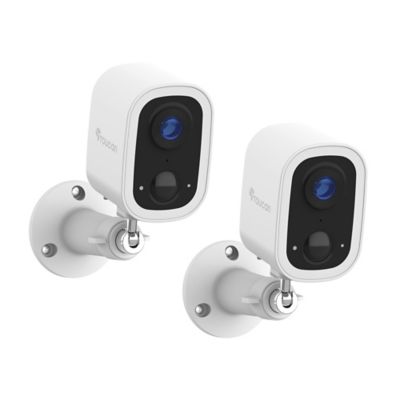
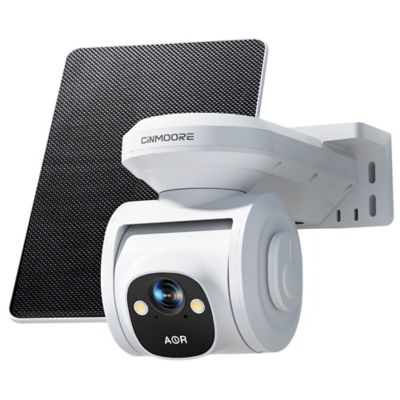
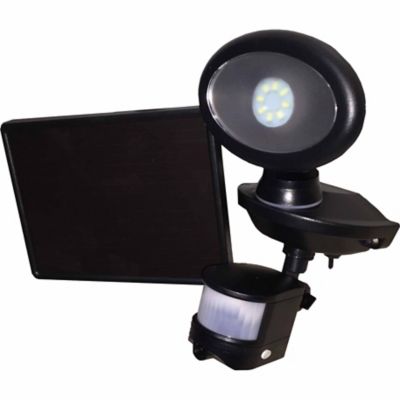
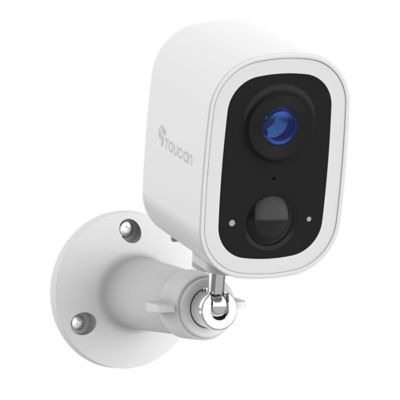
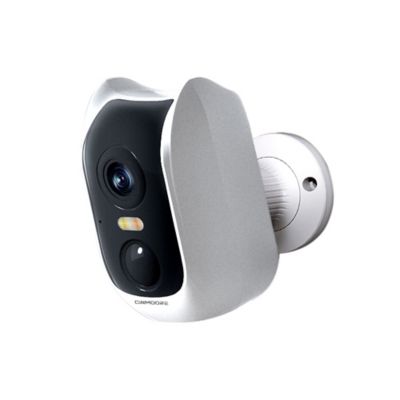
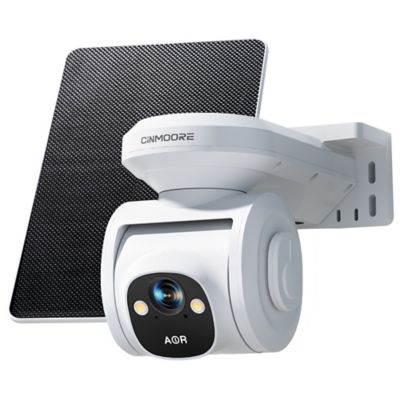
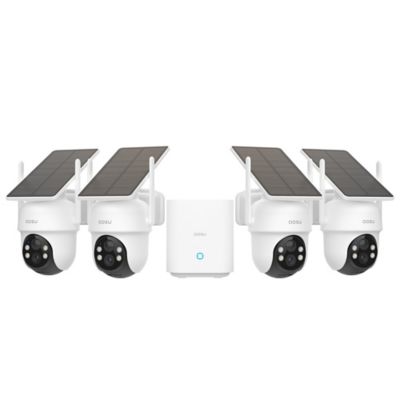
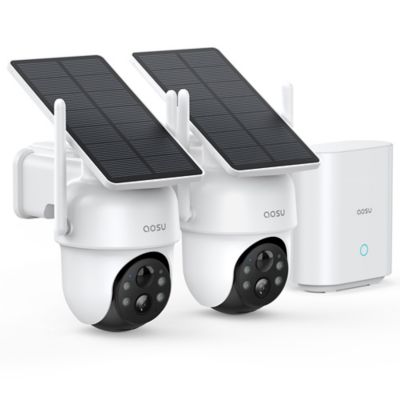
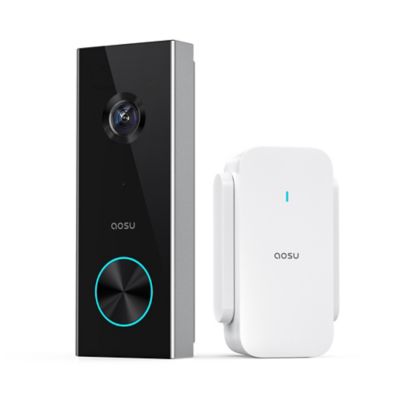
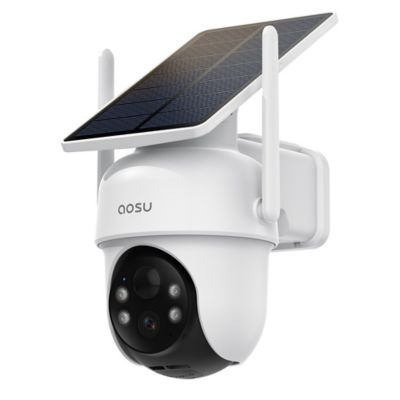
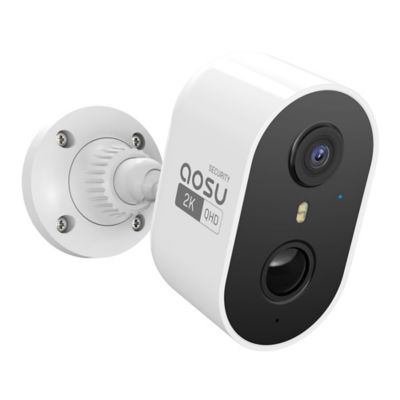
A security camera for a garage helps keep an eye on vehicles, tools, equipment, and the doors people use to reach them. Indoor garage cameras are suited to watching workbenches, storage shelves, and the inside of an overhead door, while exterior garage cameras can cover the driveway, a side entrance, or the approach from a gate. The right fit depends on what needs to be visible, how far the camera sits from that area, and whether power and a network connection reach the mounting spot. For a garage that doubles as a workshop, a view of the tool chest and walk-in door may matter more than seeing every corner. For a detached garage at the end of a long drive, watching the approach and getting a person or vehicle alert may be the bigger priority. Wide-angle lenses can take in a broad stretch of floor or driveway, though distant faces and small objects may look smaller within that wider scene. Higher-resolution video can show more detail, but lighting, distance, and video compression also affect what a recording reveals. Night vision is another consideration for garages where the lights stay off between visits. Infrared illumination can provide a view in darkness, while cameras with suitable lighting may support color images at night. Glass and nearby reflective surfaces can bounce infrared light back toward the lens, so a camera pointed through a garage window may not deliver the view expected after dark. Motion detection adds another layer of awareness, especially when alerts can distinguish people or vehicles from ordinary movement. Detection zones can help keep attention on a walk-in door instead of every passing vehicle beyond the driveway. Two-way audio can make it easier to speak with someone near the camera, whether that is a family member unloading feed or a visitor at the side door. These features support everyday awareness, but a camera is one part of garage security alongside sound locks, good lighting, and sensible equipment storage.
Power and connectivity have a big say in how a garage security camera fits the space. Plug-in cameras need a suitable outlet and a cord route that stays clear of moving door sections, opener hardware, vehicle tires, and the workbench. Battery-powered cameras offer more flexibility where outlets are scarce, although battery maintenance becomes part of ownership. Recording activity, live viewing, and camera settings can all affect how often a battery needs attention. Wired network cameras can provide a direct connection, and compatible Power over Ethernet systems carry power and data through an appropriate network cable. That arrangement can suit a permanent installation, provided the building layout and supporting equipment allow it. Wi-Fi cameras depend on signal strength at the camera itself, not just inside the house. A detached garage, metal siding, masonry walls, and a long stretch between buildings can all affect that connection. Supported wireless bands also vary, so compatibility with the home network matters as much as the signal indicator on a phone. Camera housings commonly feature metal or molded plastic, with different designs intended for indoor or outdoor installation. Placement and the stated enclosure rating matter more than appearance alone, particularly around dusty work areas or an exposed mounting location. Compact housings can tuck beneath a shelf or ceiling edge, while adjustable brackets help frame a doorway without pointing straight at an obstruction. Mounting hardware needs to suit the surface, whether that is wood framing, masonry, or another approved support. A camera above the garage door may offer a broad view, but the open door itself can block an indoor camera if the placement does not account for its travel. Mounting height also affects the picture: a steep overhead angle may show the top of a cap rather than a clear face. A setup that leaves room for ladders, lumber, and tall equipment is easier to live with in a garage that earns its keep every day.
Recording and everyday upkeep matter just as much as the initial view. Some garage cameras save motion-triggered clips, while others support continuous recording when paired with suitable power and storage. Event clips can make it easier to find a delivery or a late-night visit, but clip length and the pause between recordings can affect how much of an event appears. Continuous recording offers a longer timeline, with greater storage demands. Local memory cards, network recorders, and cloud storage each have different requirements, and a camera’s supported storage method determines what can be saved and retrieved. Internet interruptions may affect remote viewing or cloud recording, while local recording during an outage depends on the equipment and its power source. App access, shared viewing permissions, playback controls, and any service-plan requirements are worth considering as part of the setup. Clear account permissions let household members check the garage without passing around a single login, and strong passwords, software updates, and multifactor authentication help protect access where supported. Camera placement should respect neighboring property and private spaces, with audio recording handled according to applicable laws. Around a working garage, routine care can be straightforward: a clean lens has a better chance of showing useful detail than one covered with dust or cobwebs. A soft cloth and the manufacturer’s cleaning directions help protect the lens and housing, while occasional checks of brackets, cables, batteries, and recorded clips can reveal a shifted view or interrupted recording. For properties with equipment stored beyond the garage,
Security Camera for Shed options bring another outbuilding into the picture, with separate power and signal needs to consider. Whether the garage holds a daily driver, mowing equipment, or a bench full of projects, a well-matched camera setup makes it easier to see what is happening around the space without getting in the way of the work.