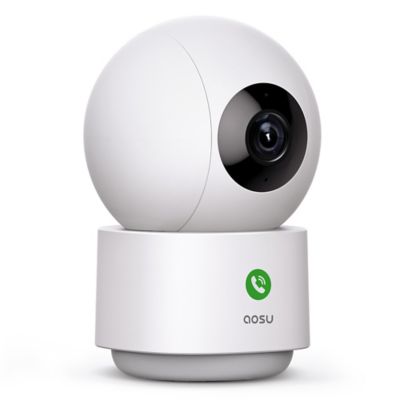
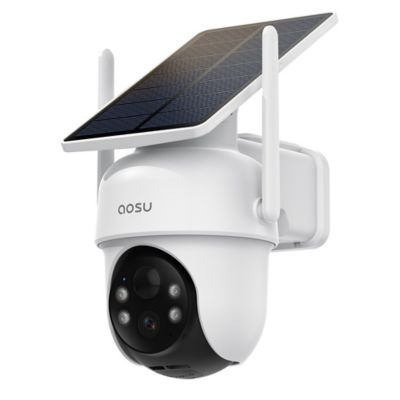
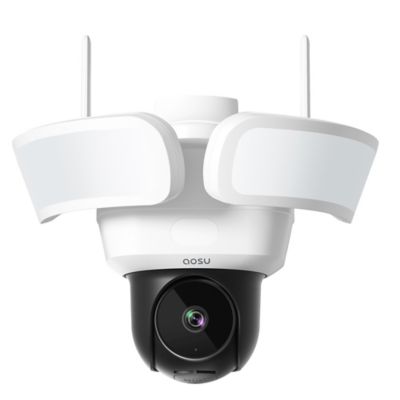
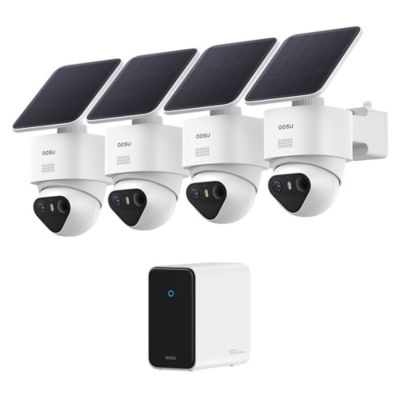
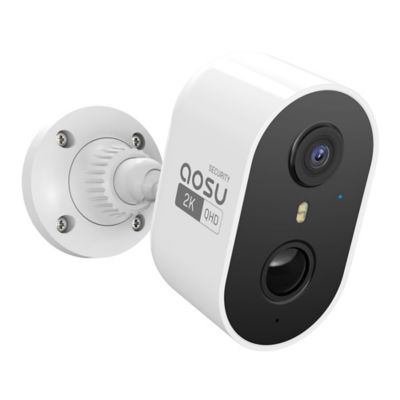
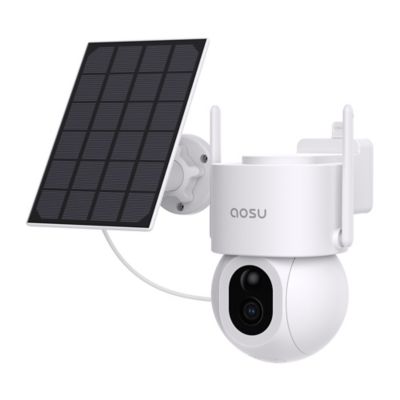
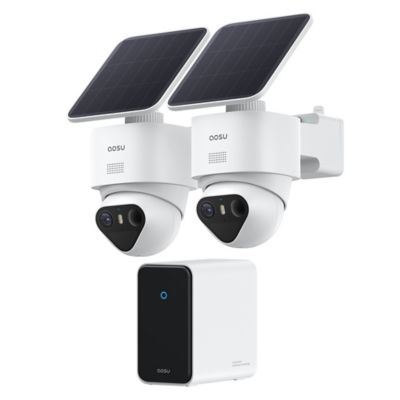
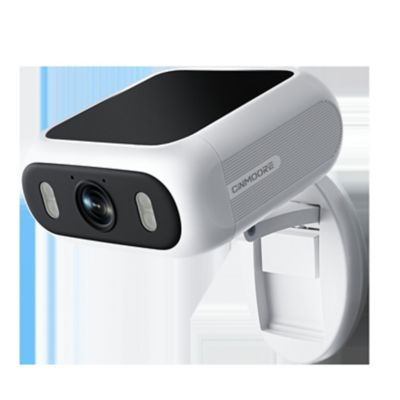
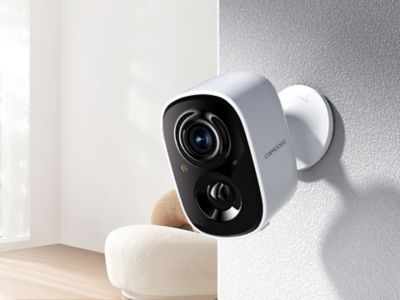
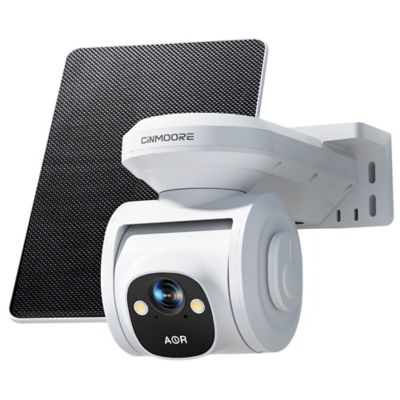
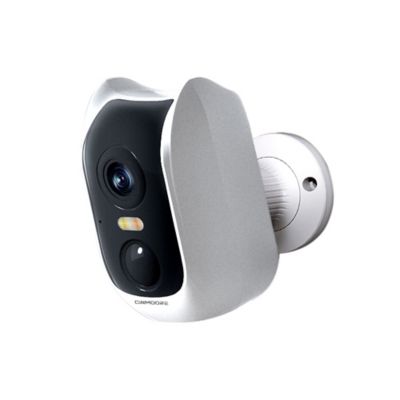
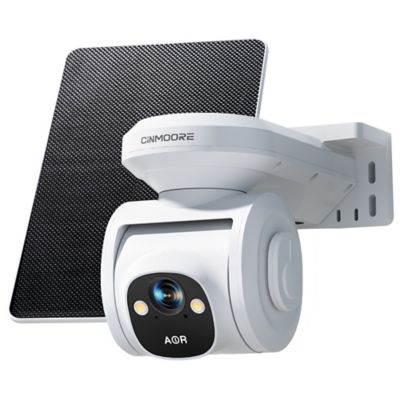
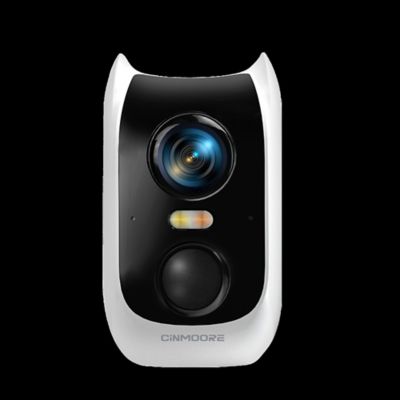
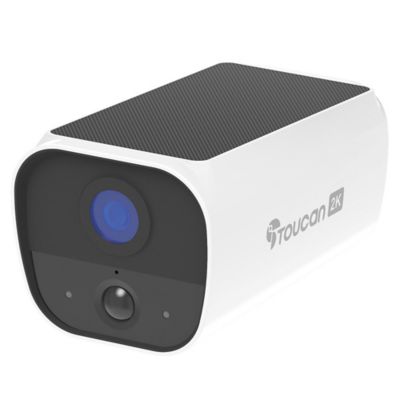
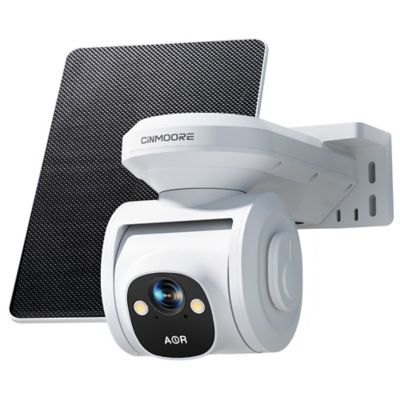
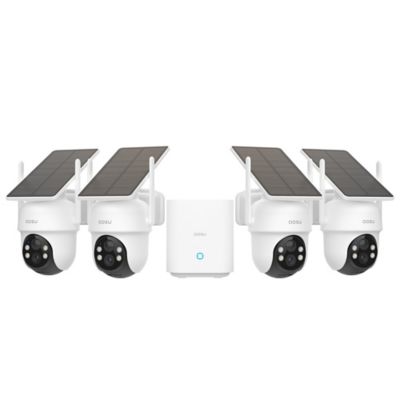
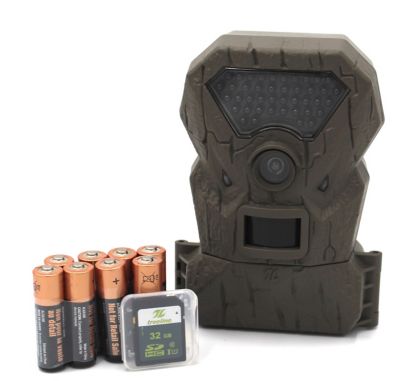
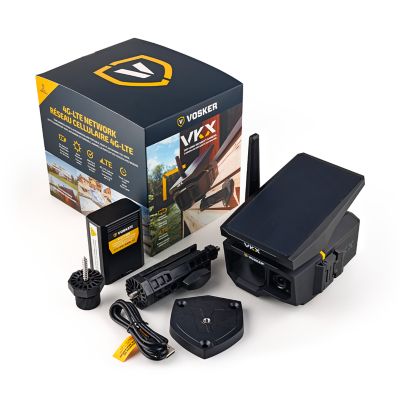
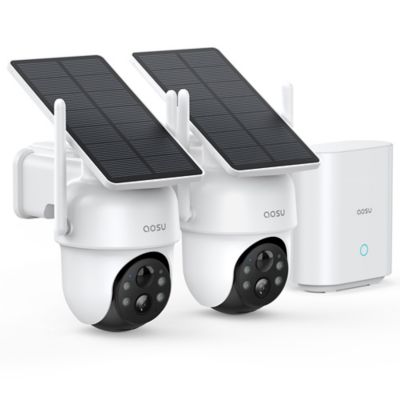
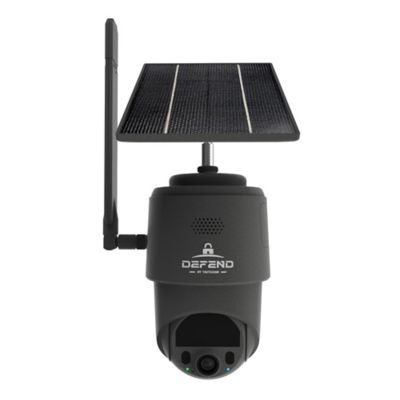
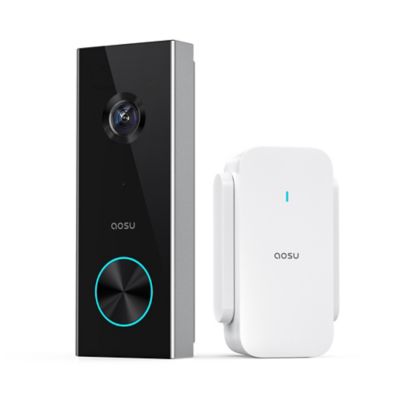
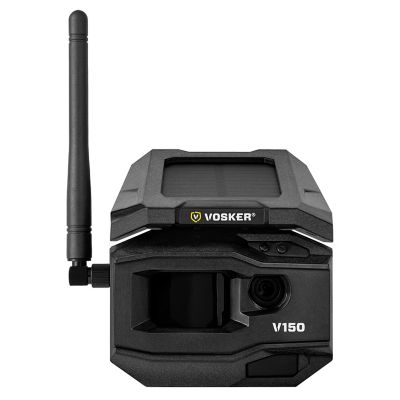
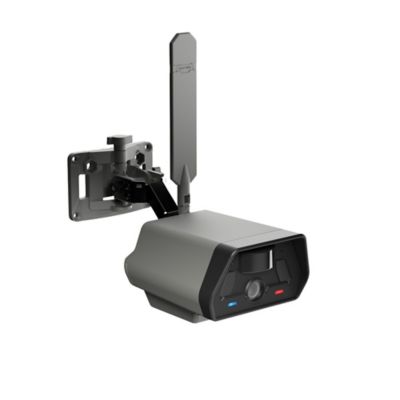
A security camera for monitoring children gives parents and caregivers a way to check a nursery, playroom, or shared family space through a compatible phone or viewing screen. Depending on the model, features may include live video, two-way talk, night vision, sound alerts, motion alerts, and recorded clips. These cameras can help a parent check an older child’s playroom from the kitchen or let a traveling family member join a bedtime story while another caregiver stays with the child. They support everyday awareness, but they do not replace attentive adult supervision or the care a child needs nearby. Security cameras and dedicated baby monitors also serve somewhat different purposes. Many security cameras center on motion-triggered events, while dedicated baby monitors often provide an ongoing audio or video connection through a parent unit. Capabilities vary, and a security camera’s live feed may time out, depend on an open app, or stop when the internet connection drops. For a nursery, continuous audio access and clear notification behavior matter more than a long list of extra features. Two-way talk can carry a familiar voice into the room, although speaker volume and connection delays affect how that exchange sounds. Clear daytime images help show activity around a toy shelf or reading corner, while night vision makes a dim room easier to see without switching on an overhead light. Infrared video often appears in shades of gray, so it may not show color details the same way as daytime footage. A wide-angle lens can cover more floor space, but distant faces and small movements may be harder to make out. Pan-and-tilt controls offer a way to change the view remotely, although furniture can still block the picture. For infants, standard security cameras are not substitutes for medical monitoring and should not be treated as devices that track breathing or prevent sleep-related harm.
Room coverage depends on placement as much as image resolution. A view across the main play area can be more helpful than a close-up of one chair, especially when a child moves between a bookshelf, a puzzle table, and the rug. Shelf placement calls for a steady base and a spot that little hands cannot reach; wall mounting calls for hardware suited to the wall surface and the camera’s weight. Cameras should stay out of children’s reach, with power cords at least 3 feet from cribs, bassinets, and play yards and secured so they cannot be pulled closer. Mounting directly over a sleeping area adds a falling-object concern. Indoor housings commonly feature molded plastic, while stands and mounting brackets may include metal components. Secure joints, a stable mount, and protected cable routing matter for daily use in a busy home. An indoor camera belongs indoors unless its specifications expressly support another setting. Care generally means following the maker’s cleaning directions, keeping the lens free of fingerprints, and preventing moisture from entering ports or vents. A soft, dry cloth is often suitable for exterior dust, with sprays kept away from the camera itself. Power and connectivity deserve the same attention as the physical fit. Plug-in models need a suitable outlet without stretching cords across a walkway, while battery-powered models need periodic charging or battery changes. Frequent viewing and recording can shorten battery runtime. Thick farmhouse walls, long hallways, and distance from the router can weaken a wireless signal even when a phone works well in another room. A wireless camera’s supported Wi-Fi band must match the home network. Remote access usually depends on both a working internet connection at home and a connection for the viewing device, so a service outage can interrupt a check-in.
Recording options and account settings shape how a camera fits into family life after it is mounted. Event-based recording saves clips when the camera detects qualifying activity, while continuous recording, where supported, provides a longer record within the system’s storage limits. A motion clip does not necessarily include everything that happened before or after an alert. Sound detection may respond to crying, conversation, a barking pet, or a television, depending on its settings and capabilities. Adjustable sensitivity and activity zones can help cut down on extra notifications where those features are supported, but alerts may still arrive late or miss an event. Local storage and cloud storage also work differently: local footage may depend on a memory card or recorder, while cloud footage depends on the connected service and its retention settings. Neither approach removes the need to protect access. Strong passwords, two-step verification when offered, and software updates help safeguard a household camera account. Separate caregiver permissions, where supported, let parents share access with a grandparent or sitter without handing over the main account password. Access can then end when that caregiving arrangement ends. Camera views should avoid bathrooms, changing areas, and neighboring property, and older children deserve clear conversations about where cameras point and who can watch. A camera in a shared playroom serves a different purpose from one facing a private bedroom, and those boundaries can change as children grow. Families supporting an aging parent alongside younger children can also explore
Security Camera for Elderly for that separate caregiving role. Whether the goal is a quick look at the reading corner or a check-in while another adult handles bedtime, the right fit comes down to a clear view, suitable access controls, manageable upkeep, and expectations that match what the camera can actually do.