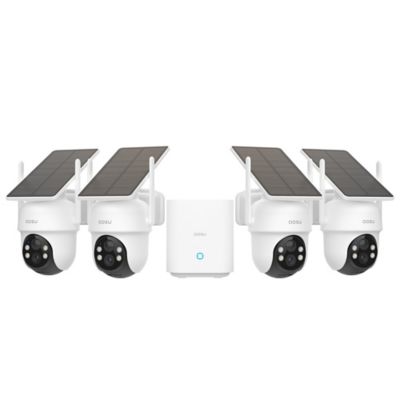
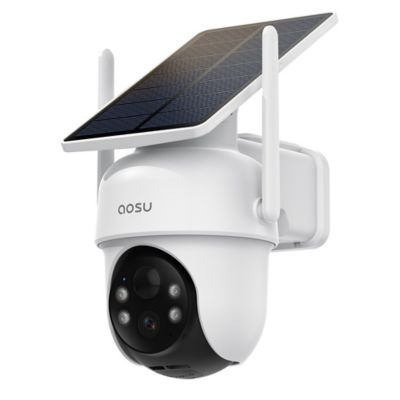
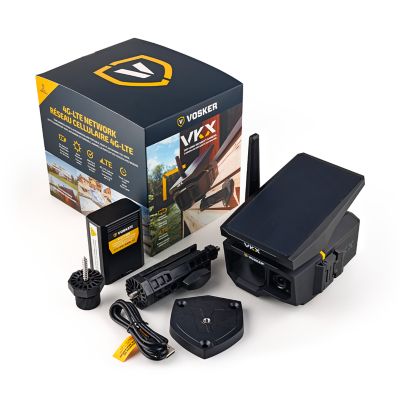
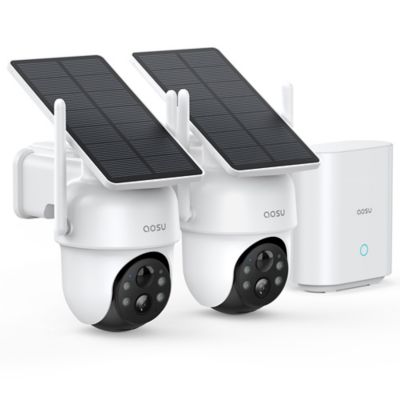
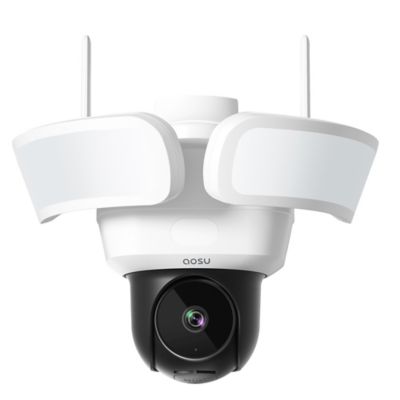
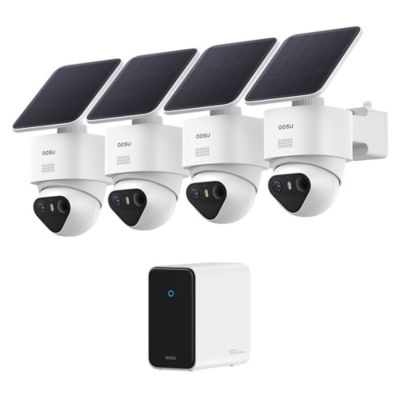
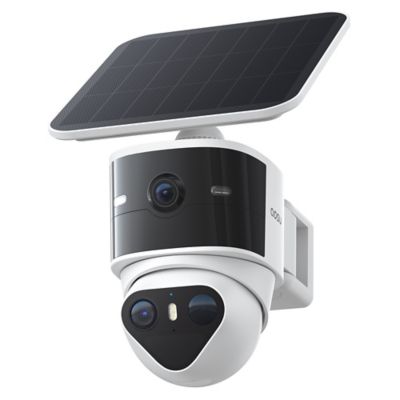
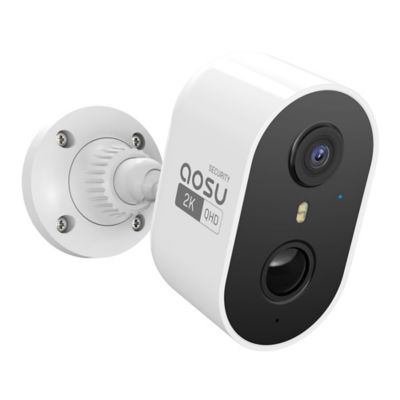
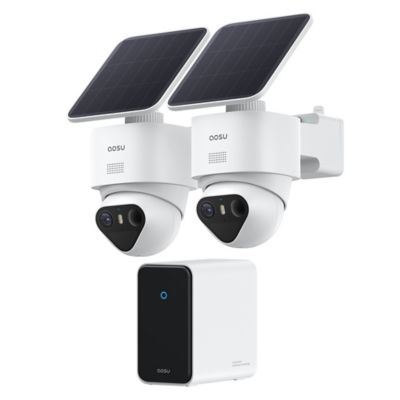
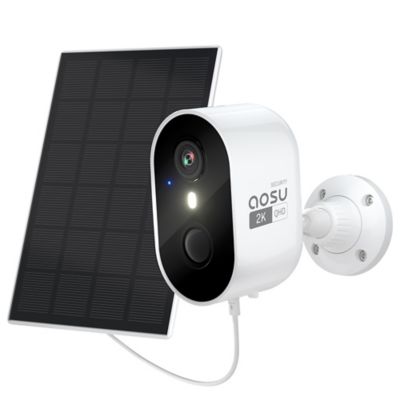
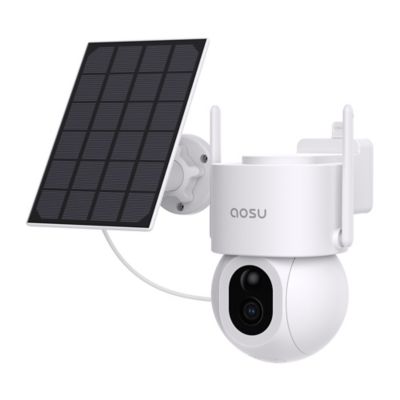
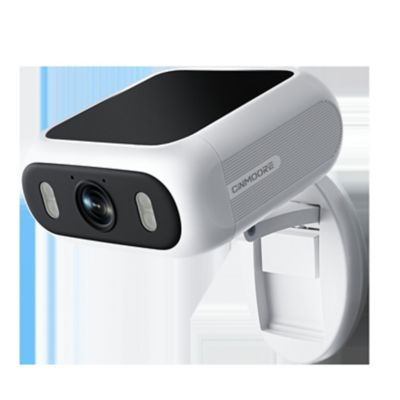
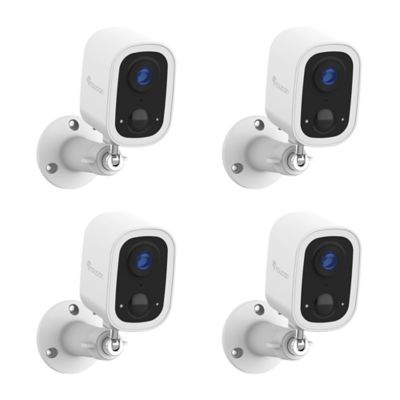
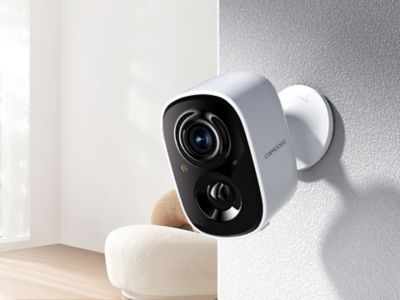
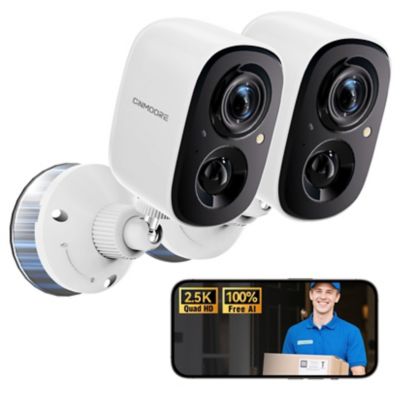
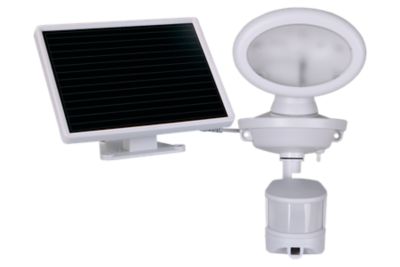
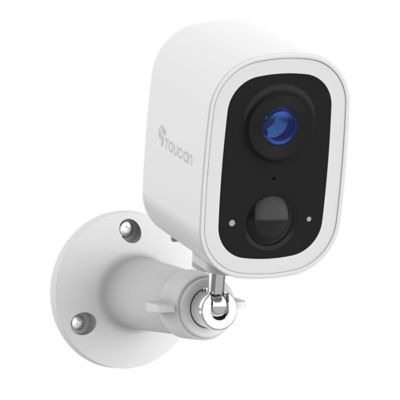
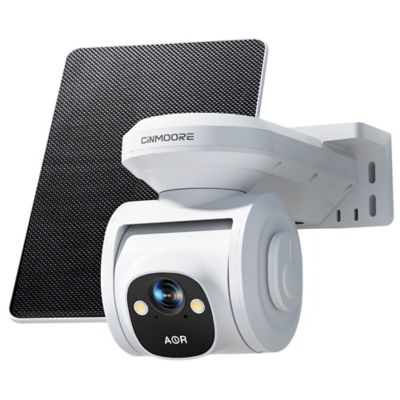
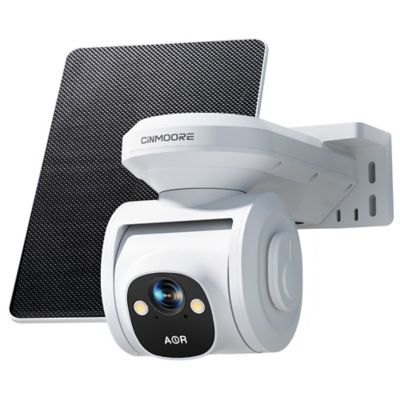
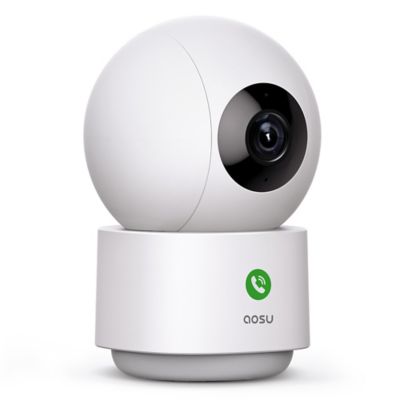
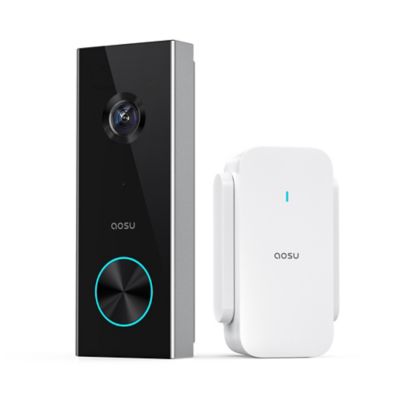
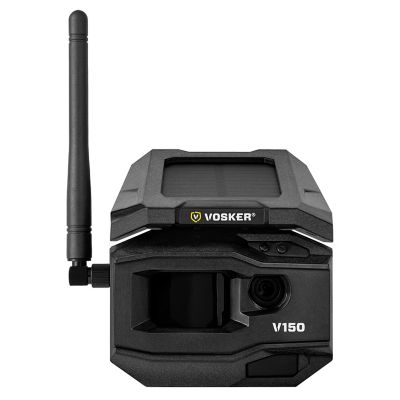
A security camera for a busy home helps keep everyday comings and goings in view, whether that means a delivery at the front steps, a truck pulling into the drive or a pet waiting by the back door. Useful setups pair clear video and sensible motion alerts with power and recording options that fit the household’s routine. For families juggling school pickups, chores and long workdays, being able to check a live view from a phone can make a quick check-in simpler. Person, pet and vehicle detection can help separate activity worth checking from ordinary movement, although the detection features offered vary by camera. Adjustable activity zones are handy when a walkway needs attention but a busy road beyond the fence does not. Notification schedules can also keep the phone from sounding off every time someone crosses the kitchen during the afternoon rush. A broad field of view suits shared living areas and wide entryways, while a narrower view may better frame a gate or side door. Video resolution matters, but lighting, viewing distance and placement also affect how much detail a recording shows. A camera overlooking a long driveway has a different job than one watching a small porch, and digital zoom cannot bring back detail that was never captured. Night vision helps extend visibility after dark, with infrared and color viewing options depending on the camera and available light. Two-way audio gives someone at home or away a way to speak with a visitor, though microphone placement and background noise affect the conversation. Clear recordings, manageable alerts and straightforward app controls tend to matter more in daily life than a long list of features that never get opened. The goal is a useful view of the places that matter without adding another demanding chore to the day.
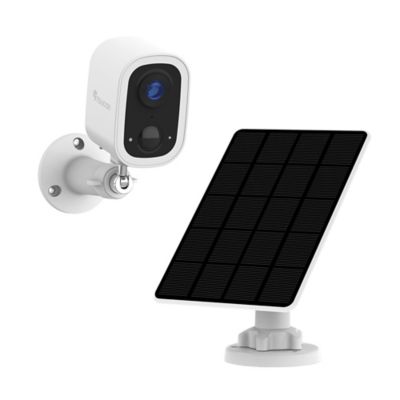
The physical setup deserves just as much attention as the view on the screen. Indoor cameras often fit on a shelf or mount to a wall, while cameras intended for outside placement need housings and connections rated for that location. Molded plastic and metal housings are common, and a steady bracket helps hold the chosen angle when a door closes hard nearby. Mounting hardware needs to suit the surface, whether that is wood siding, masonry or an interior wall. Placement also affects everyday convenience: a camera mounted high above a garage may cover the drive well but be harder to reach for charging or cleaning. Battery-powered designs offer flexibility where an outlet is out of reach, but recording frequency, live viewing and alert settings all influence the time between charges. Plug-in cameras keep power close at hand when a suitable outlet is nearby, while hardwired setups involve a more permanent installation. Compatible power-over-Ethernet equipment can carry power and network data through one cable, which may suit a planned installation with a clear cable route. For wireless cameras, the signal at the mounting spot matters more than how well the phone connects beside the router. A detached garage, a long hallway or thick walls can put a camera beyond a strong connection, even when the house has internet service. Remote viewing also depends on the home network and the connection on the phone being checked. Camera angles deserve some thought, too. A clear view of the approach to a door often tells more than a straight-down view of the doorstep. Placing an infrared camera behind a window can create reflections after dark, so indoor placement is not always a substitute for a camera intended to sit outside. Cords should stay clear of walkways and out of reach of children and animals, with enough access left for ordinary upkeep.
Recording and privacy features help determine how well a camera fits a household over time. Live viewing shows what is happening at the moment, while recorded footage gives a way to review a missed visit or see when a package arrived. Motion-triggered recording captures selected activity; continuous recording, where supported, provides a longer timeline but calls for more storage. Local recording may save footage to a compatible memory card or recorder, while cloud recording stores it through an online service. Features such as saved video history, advanced detection and access from multiple devices may depend on an account or service plan, so those details matter when comparing setups. Storage capacity, video settings and recording frequency affect how much footage remains before older recordings are overwritten. A local recording option does not necessarily mean every function works without internet access, and a power interruption can affect both cameras and network equipment. For homes with several cameras, clear names such as front gate, back porch and mudroom make app navigation easier when an alert comes through. Shared access lets household members check the same spaces without passing around a single login, when the system supports separate accounts. Strong passwords, two-step verification and software updates help protect access to private footage. Privacy zones and recording schedules can keep attention on entrances and common areas rather than neighboring property or personal spaces. Families looking at indoor coverage can also explore
Security Camera for Monitoring Children while keeping privacy, secure mounting and adult supervision in mind; a camera does not replace direct care. Day-to-day upkeep is generally straightforward: a soft cloth helps keep the lens clear, accessible mounts make battery changes easier, and occasional playback checks show whether recordings cover the intended area. For a busy household, a well-matched security camera setup makes it easier to check the porch, follow an arrival or look in on a shared room without turning every movement into an interruption.