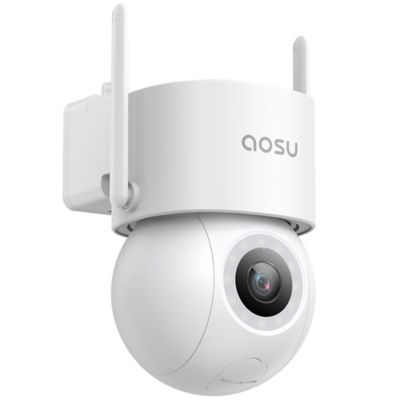
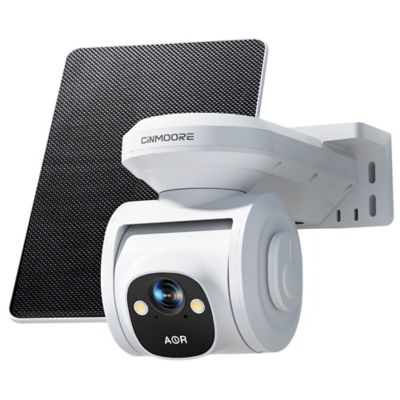
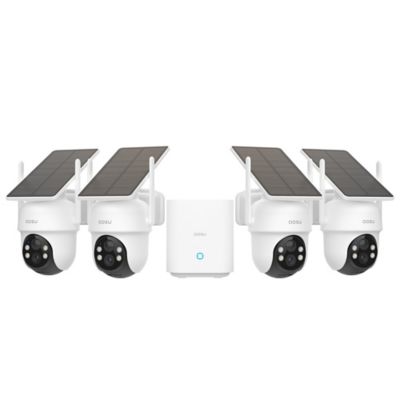
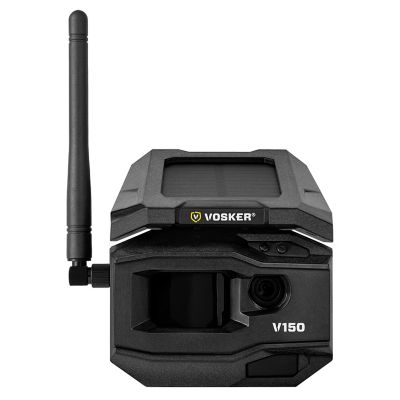
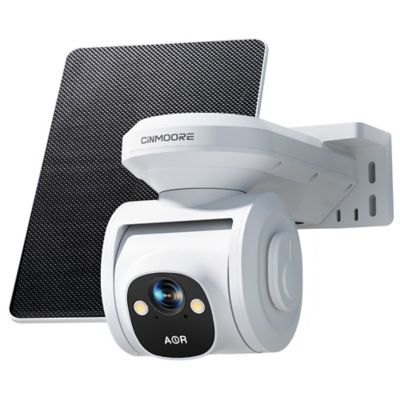
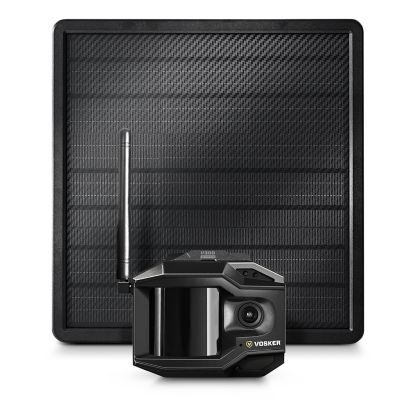
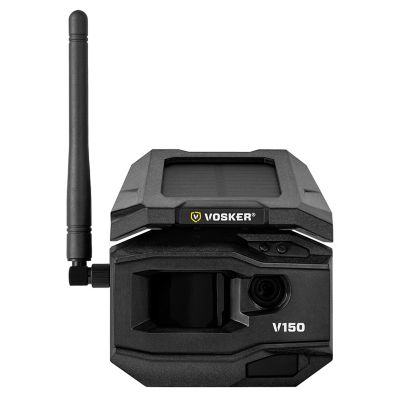
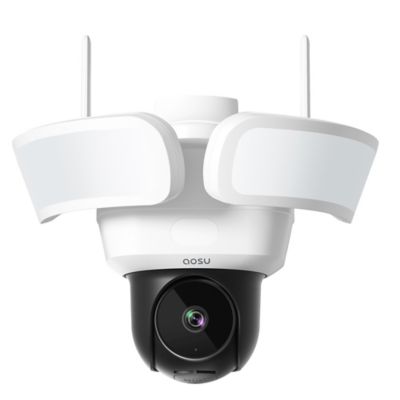
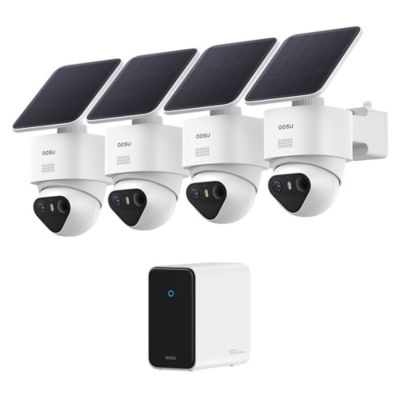
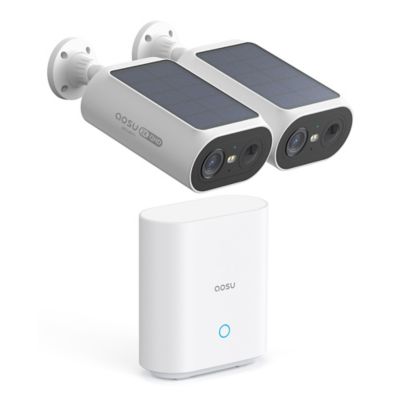
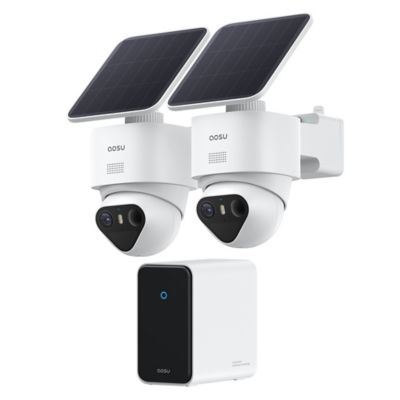
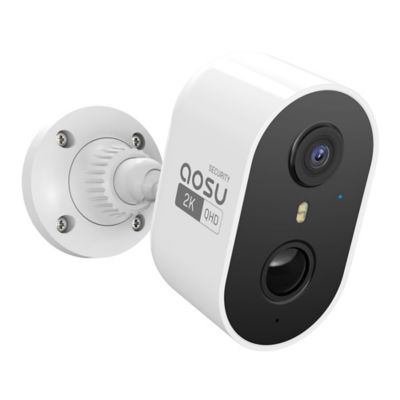
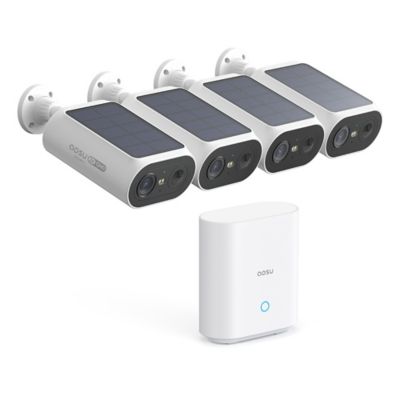
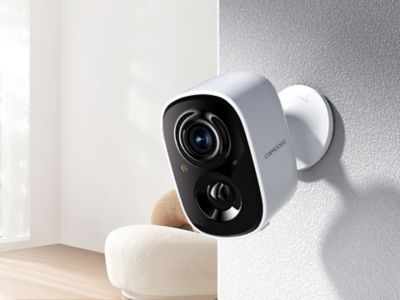
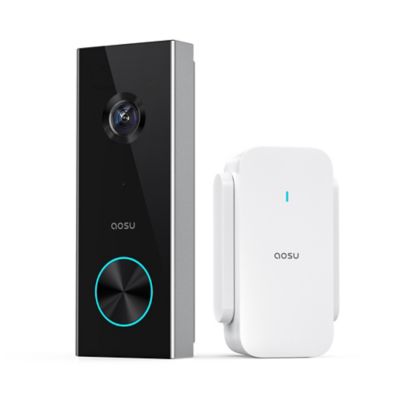
A security camera for a driveway helps keep the approach to a home, shop, or barn in view, whether that means catching a delivery at the garage or seeing a truck pull in from the road. The right fit depends on the driveway’s length, the area that needs coverage, access to power, and how recordings will be saved. A short drive beside the house may suit a fixed camera overlooking the parking area, while a long gravel lane may need separate views of the entrance and the space near the buildings. Wide-angle lenses take in more of the scene, but objects farther away can appear small. A narrower view can show more detail at a particular spot, such as the turn beside a mailbox or the approach to a detached garage. Higher video resolution can help reveal detail, though distance, lighting, lens design, and camera placement still matter. A clear picture of a vehicle does not necessarily mean its license plate will be readable, especially when it is moving or its headlights face the lens. For everyday driveway monitoring, useful features include person and vehicle detection, adjustable motion zones, and notifications that distinguish activity near the house from traffic passing on the road. A camera aimed across the driveway can sometimes detect movement more readily than one facing straight down a long approach, depending on its motion-sensing technology. Night vision also deserves attention because a driveway often has little lighting beyond the porch. Infrared night vision generally produces a black-and-white picture, while color night viewing may depend on available light or an integrated spotlight. Motion-activated lighting can make a parking area easier to see, but its direction matters around neighbors, livestock areas, and passing drivers. Two-way audio adds another practical option for speaking with someone at the entrance without walking out from the house. Pan-and-tilt features can broaden the area a camera observes, although a moving lens may leave another part of the driveway outside the frame while it follows activity.
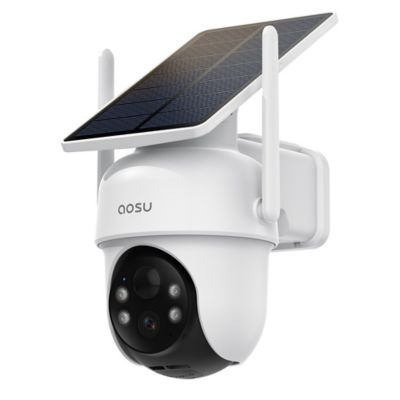
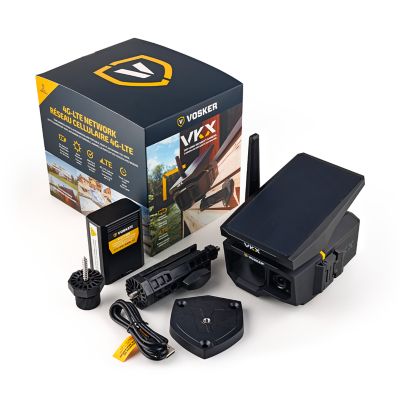
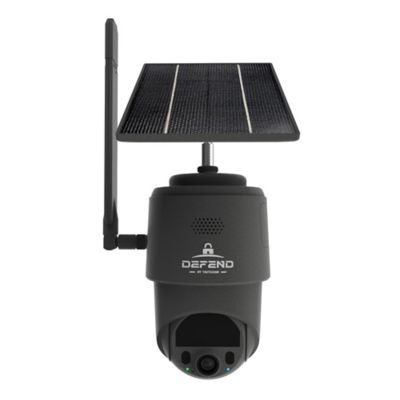
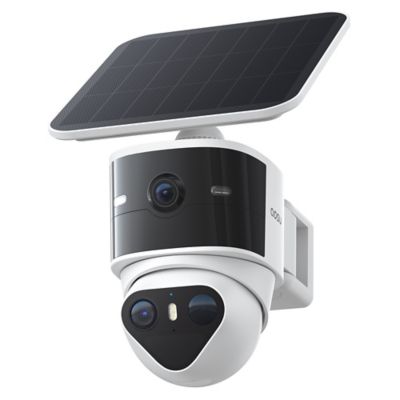
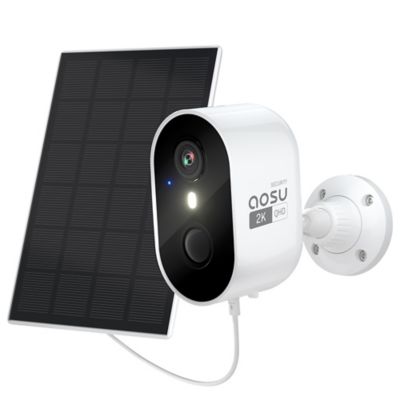
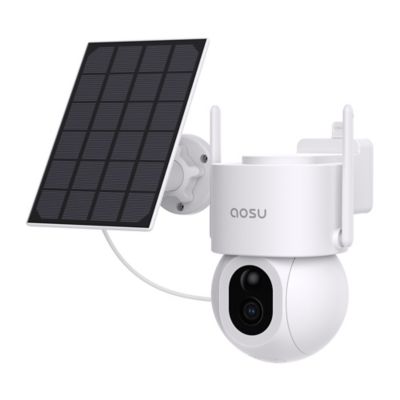
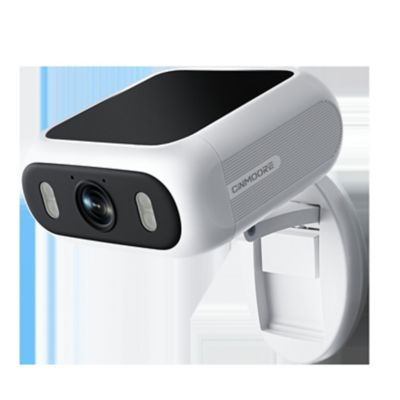
Power and connection options shape where driveway security cameras can go and how much attention they need after installation. A plug-in camera needs a suitable outlet and a protected cable route, while a hardwired setup calls for a compatible electrical connection and may require professional installation. Power over Ethernet carries power and data through a compatible network cable, making it worth considering where a cable route is practical. Battery-powered cameras offer more placement flexibility, especially on a post or outbuilding away from an outlet, but their batteries need charging or replacement according to the design. Frequent motion events, long recording clips, and repeated live viewing can increase power consumption. Solar-assisted models can help maintain a compatible battery when the panel receives enough direct daylight; panel placement and energy demand still determine how well that arrangement works. Wireless does not always mean battery-powered, and Wi-Fi does not mean the camera can connect from anywhere on the property. A strong signal at the kitchen window may fade well before the end of a gravel drive, particularly with metal siding, masonry, or several buildings in between. Connection strength at the intended mounting spot matters more than the signal inside the house. Cellular camera designs may suit locations beyond the home network, provided compatible cellular coverage reaches the site. For outdoor mounting, sealed housings, corrosion-resistant hardware, secure brackets, and an appropriate ingress-protection rating help match the camera to the setting. The rating describes protection against dust and water intrusion; it does not replace the installation requirements for outlets, cable connections, or mounting surfaces. A solid wall, post, or structural support gives a steadier view than a loose board or a branch that moves. Mounting height should balance a clear view, access for maintenance, and protection from casual tampering. Roof overhangs, nearby walls, and bright fixtures can also interfere with a picture by reflecting infrared light toward the lens. Keeping the lens clear of those surfaces helps preserve a more useful nighttime view.
Recording and playback features make the difference between noticing activity and being able to review what happened afterward. Motion-triggered recording saves clips when the camera detects an event, while continuous recording can provide a fuller timeline when the camera, power supply, storage, and recording system support it. Battery-operated designs often emphasize event recording rather than nonstop video. Local storage may save footage to a memory card, recorder, or compatible hub, while cloud storage sends recordings to an online account. Each approach has practical considerations: a card inside the camera may be accessible if the camera is taken, and cloud recording depends on a working internet connection. Some systems keep recording locally through an internet outage, but remote viewing and phone notifications may stop until service returns. Subscription requirements also vary by feature, so live viewing, recorded playback, detection tools, and storage should be considered separately. A driveway camera can be handy for homeowners expecting feed deliveries, families keeping an eye on vehicles, and property owners checking activity around a workshop entrance. Adjustable detection areas help focus attention on the drive instead of every passing car, and notification schedules can keep routine activity from filling a phone with alerts. On a property with a separate entrance, an
Outdoor Security Camera for Gates can complement coverage near the house, showing an arriving vehicle before it reaches the parking area. Cameras should face the property being monitored without unnecessarily recording neighboring windows or private spaces, and audio recording calls for attention to applicable laws. Account protection matters, too: strong passwords, multifactor authentication when supported, and software updates help protect access to footage. Routine care is straightforward but important. Follow the manufacturer’s cleaning directions, clear cobwebs from around the lens, inspect mounting hardware, and check that stored recordings remain accessible. A camera that matches the driveway’s layout, connection options, and everyday traffic can make it easier to see who came through and what happened along the way.