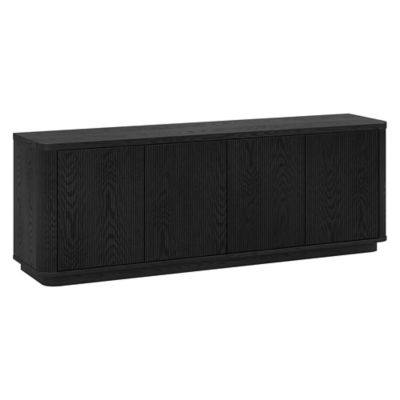
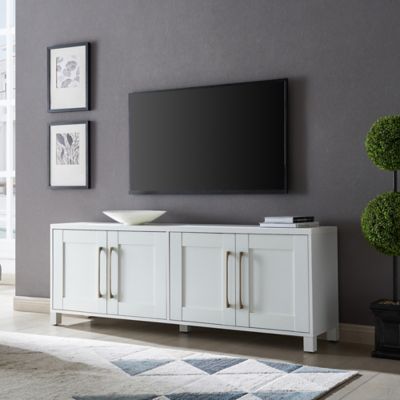
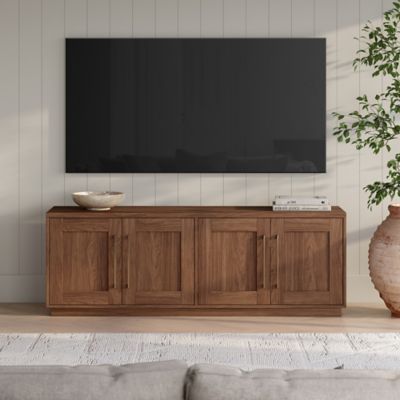
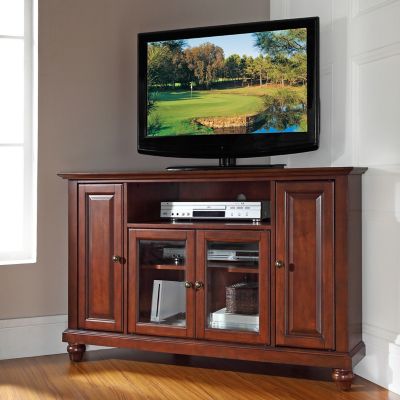
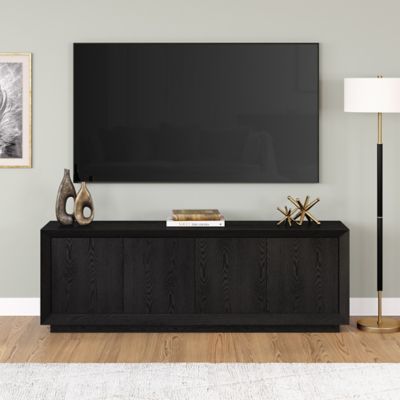
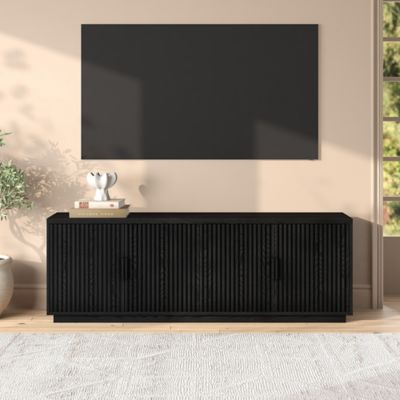
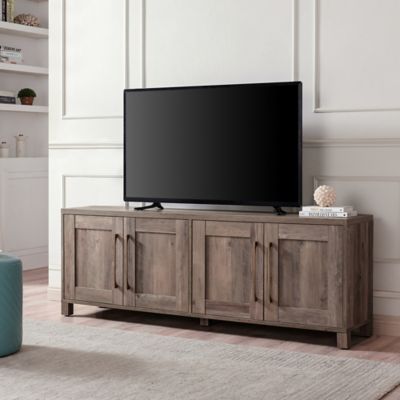
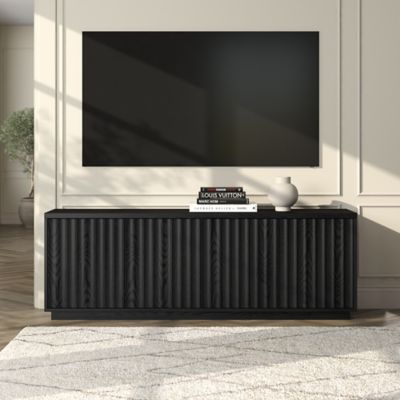
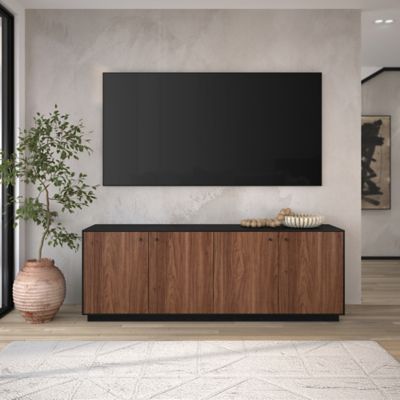
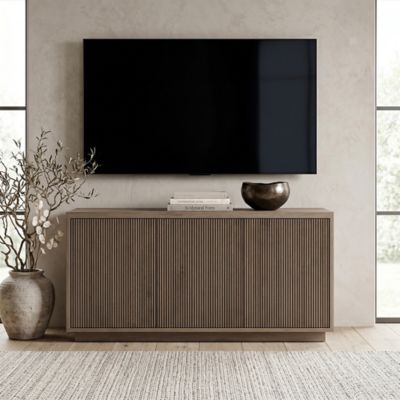
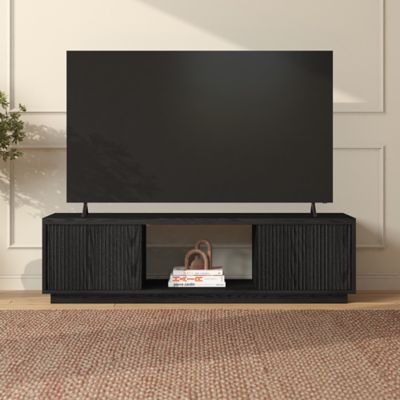
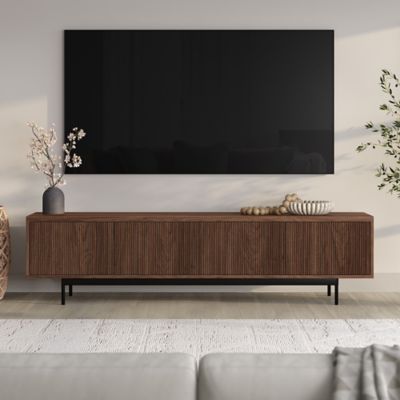
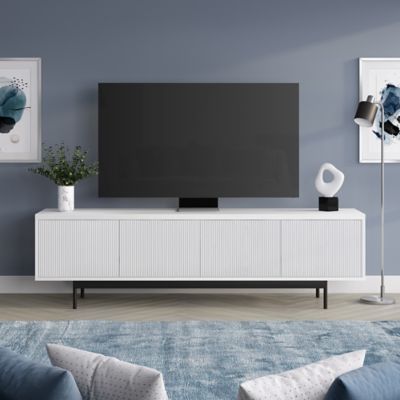
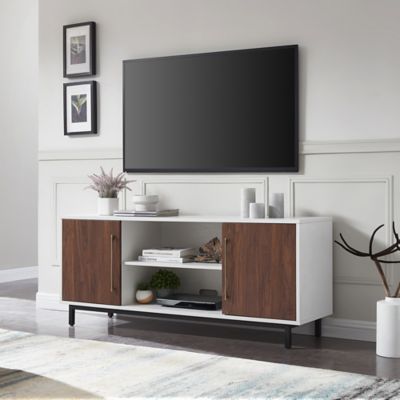
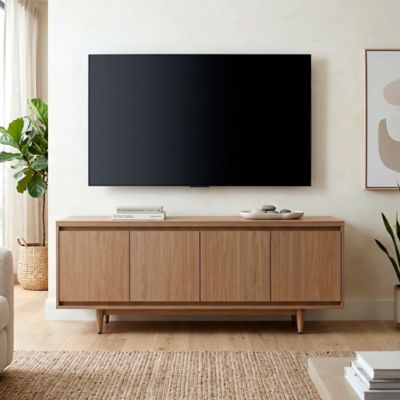
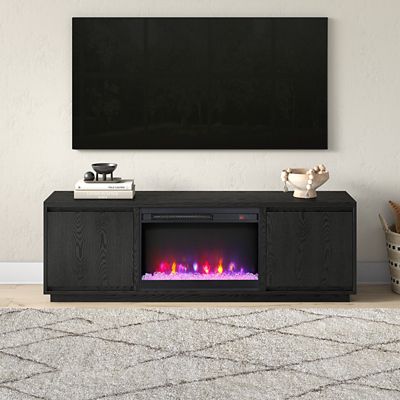
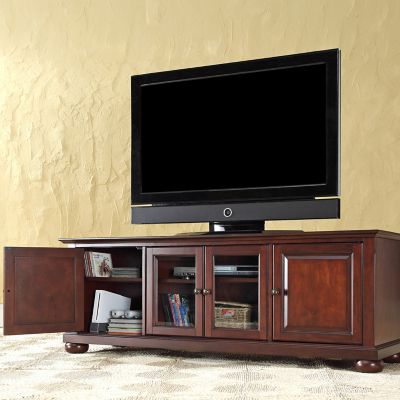
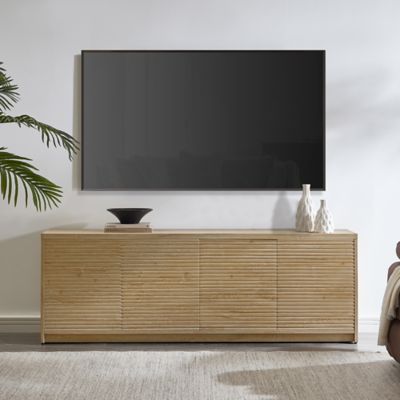
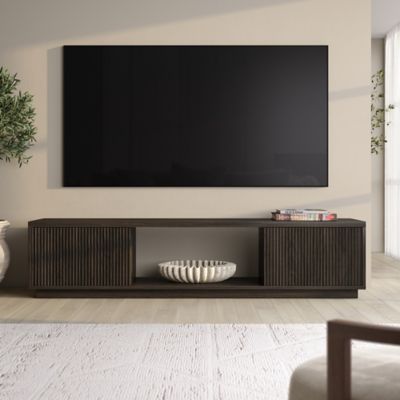
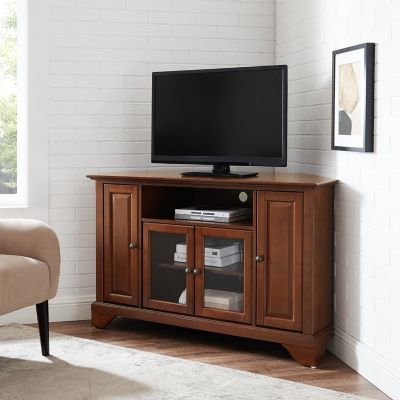
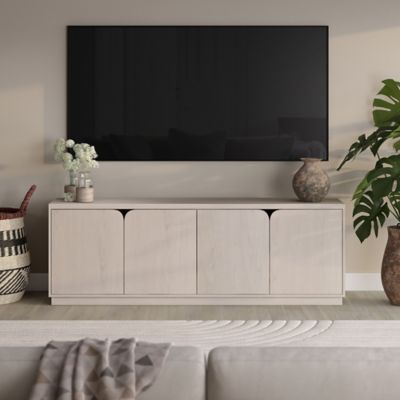
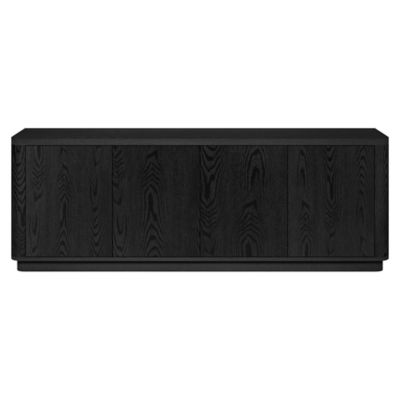
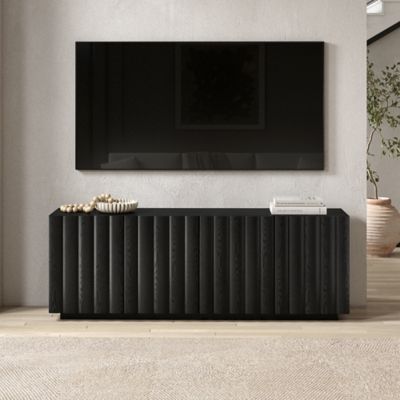
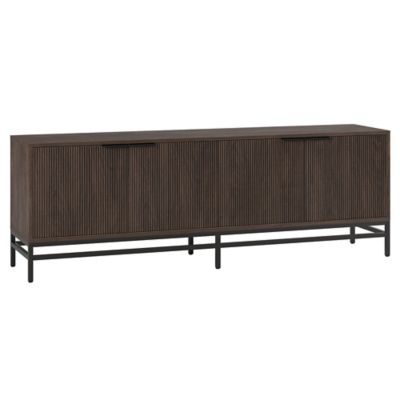
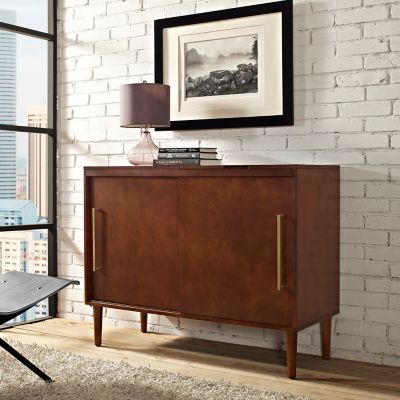
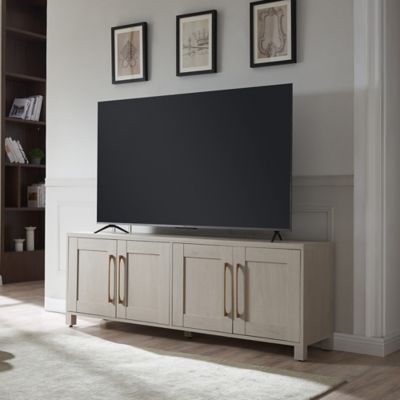
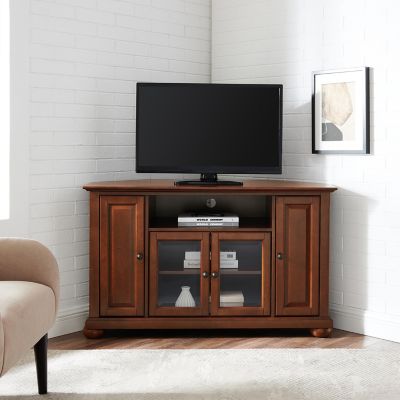
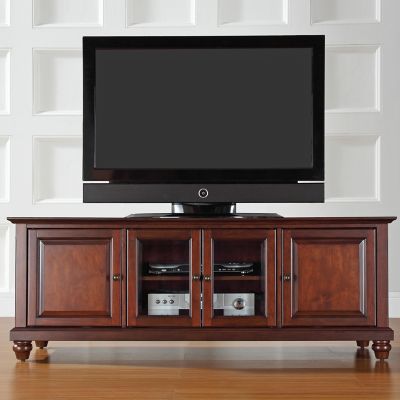
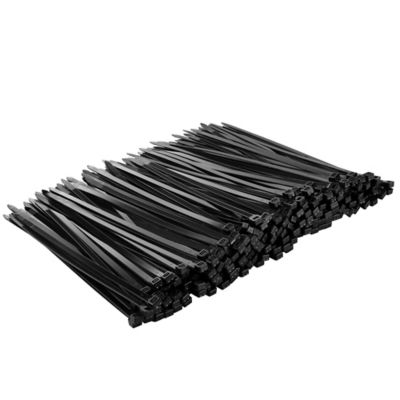
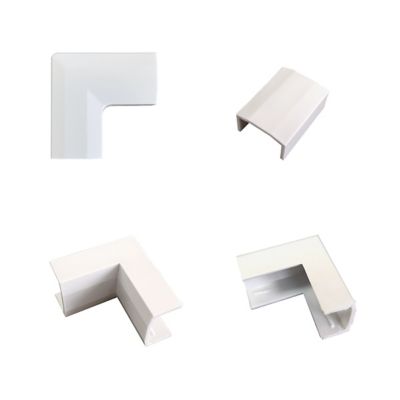
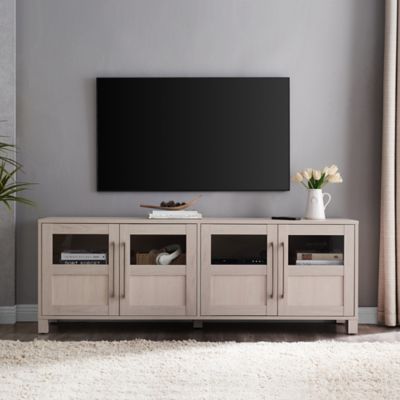
Cable Management TV Stands help bring some order to the tangle of cords that comes with a television, streaming device, game system, soundbar, cable box, or DVD player. Instead of letting HDMI cables, power cords, and charging wires hang over the back or trail across the floor, a well-designed media stand gives each piece of equipment a sensible place to sit. Look for rear cutouts, routing notches, or built-in grommet holes that let cords pass from the front of a shelf to the back of the stand without bunching up in plain sight. Open shelves can make it easy to reach remotes and swap out equipment, while cabinets or slatted doors help keep smaller gear, controllers, movies, and extra cords tucked away. Some stands include a roomy compartment for a surge protector or power strip, allowing several devices to connect inside the furniture while a single main cord runs neatly to the wall. This can make a living room, den, bedroom, or covered porch entertainment area feel more settled, especially when the television sits near a walkway or in a room where loose cords could catch a boot, vacuum, or curious pet. Ventilation is another detail worth checking. Streaming boxes, game consoles, receivers, and other electronics give off heat while they run, so open backs, slatted panels, perforated sections, or generous spaces around the equipment can help air move through the stand. A closed cabinet may look tidy, but it should still provide enough breathing room for the devices stored inside. Removable or hinged rear panels are handy, too, since they let you reach ports and connections without dragging a heavy piece of furniture away from the wall. For households that use several devices, these small conveniences can save a heap of frustration when a cord needs replacing or a connection needs troubleshooting.
Before choosing a Cable Management TV Stand, measure the television, the wall area, and the equipment that will live on or inside the stand. A TV’s advertised screen size is measured diagonally, so the actual width can vary by design; the stand should be wider than the screen and rated to support the television’s full weight. Give yourself a little extra room on each side for a balanced look and for easier access to cords. Measure the depth as well, particularly if the stand will sit in front of a baseboard, near a doorway, or beneath a wall-mounted television. Shelves should be tall and deep enough for the devices you already own, with space for airflow and room to reach the buttons and ports. If you expect to add a soundbar, speakers, a game console, or a larger receiver later, choosing a little extra capacity now can keep the setup from feeling crowded down the road. Sturdy construction matters in busy homes, farmhouses, hunting cabins, and family rooms where furniture gets plenty of everyday use. A broad base, solid shelves, dependable hardware, and a finish that is easy to wipe clean are useful features when muddy boots, snack crumbs, pet hair, and dust are part of the regular routine. Match the look to the room, whether that means a warm wood-style finish for a country home, a simple modern shape for a clean-lined space, or a tougher industrial look for a game room or workshop lounge. These stands can also make a thoughtful gift for someone moving into a first home, setting up a dorm or apartment, building a family gaming area, or replacing an old entertainment center. They are especially useful for folks who like a tidy room but do not want to fuss with cords every time the weather turns cooler and more time is spent indoors. If you need a dependable base with room for everyday electronics, browse
Sturdy TV Stands while comparing size, weight capacity, storage, and cable-routing features. Once the stand is in place, label the cords at both ends, keep power connections protected from moisture, and avoid pinching wires against the wall or furniture. A little planning up front makes it easier to enjoy movie nights, ball games, gaming sessions, and quiet evenings without a nest of cables stealing attention from the screen.