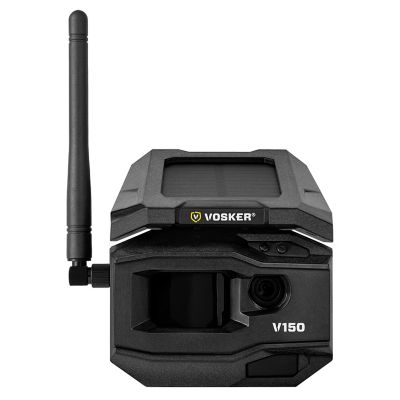
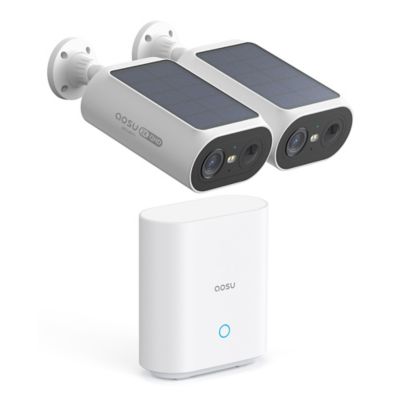
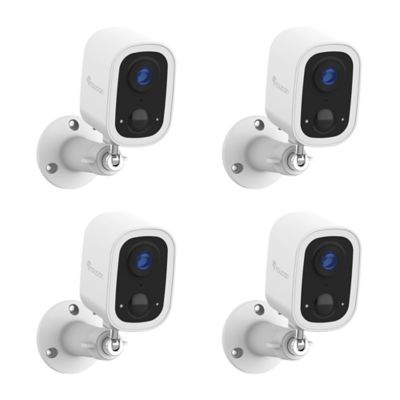
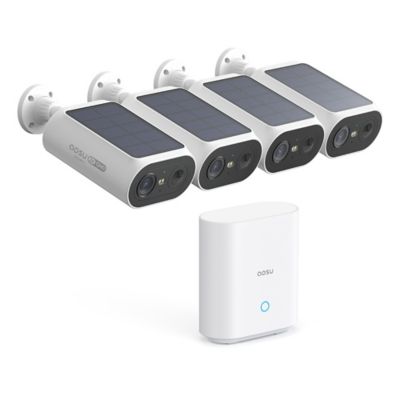
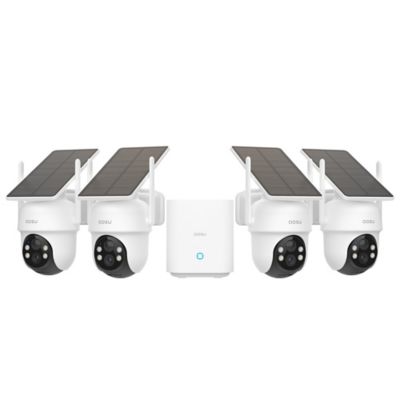
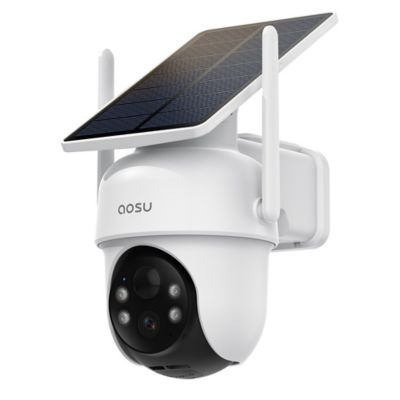
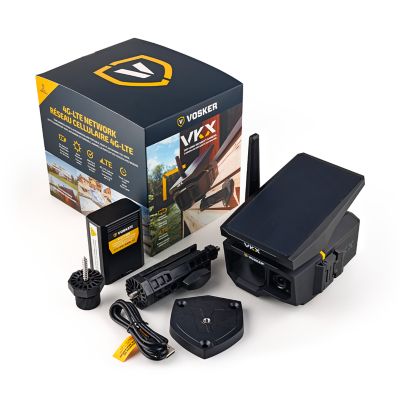
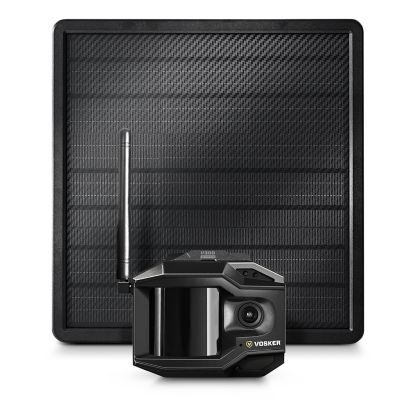
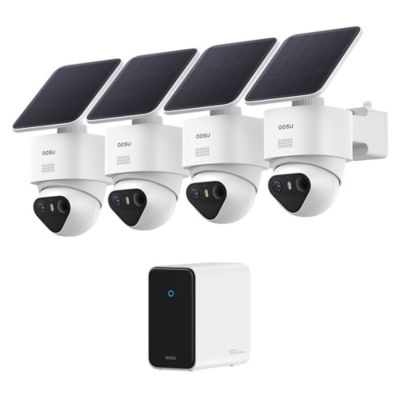
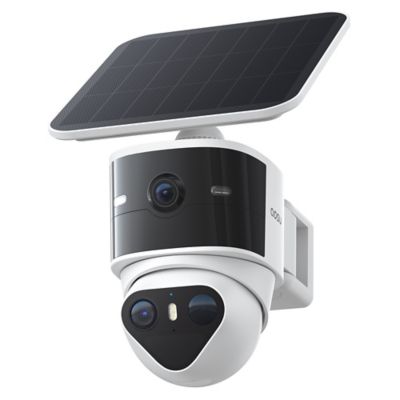
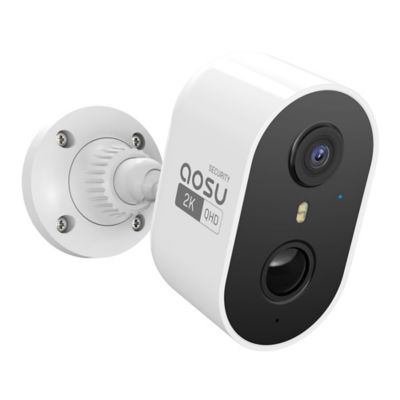
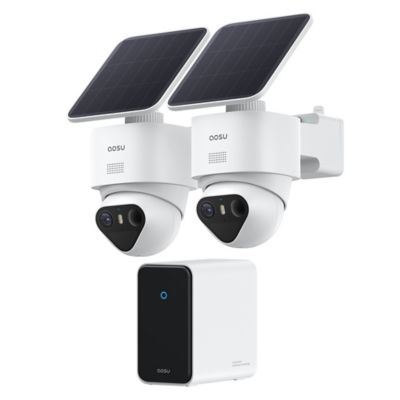
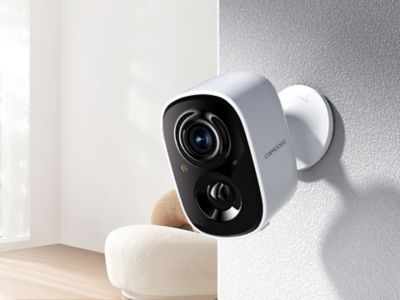
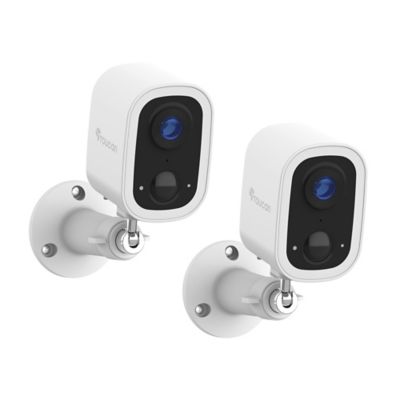
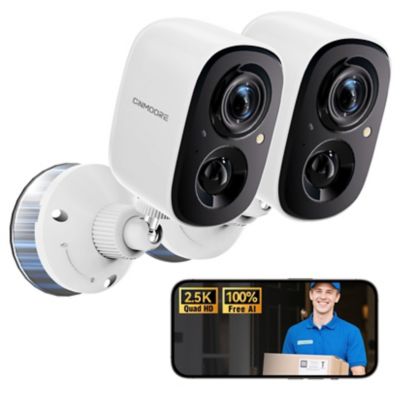
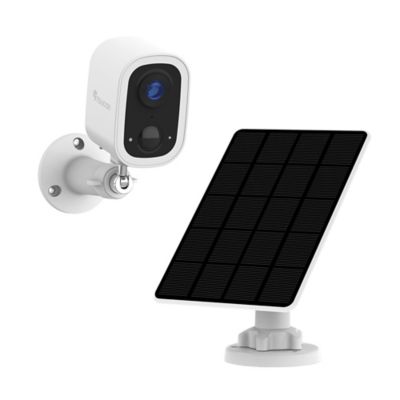
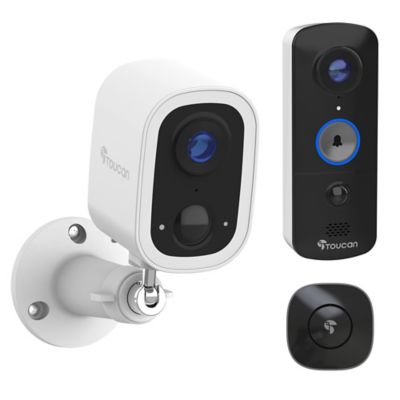
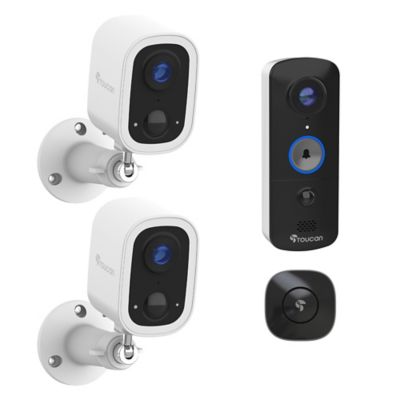
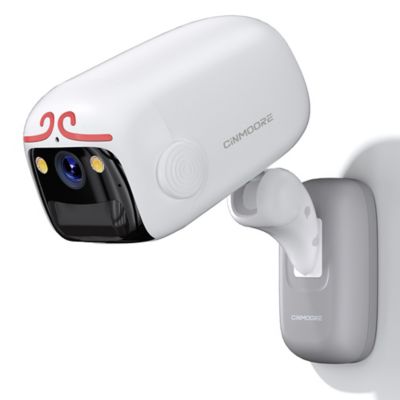
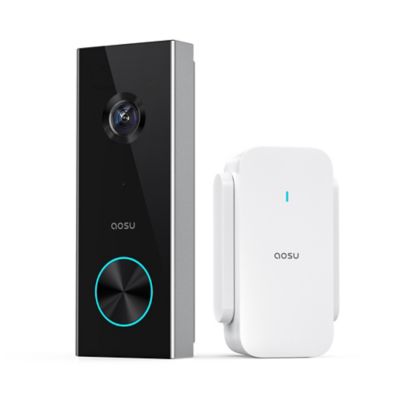
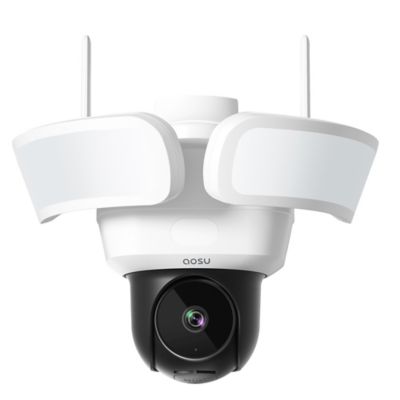
A wireless security camera system with remote viewing lets you check live camera footage from a compatible smartphone, tablet, or computer while you’re away from the property. Depending on the system, a companion app can also deliver motion alerts, play back saved recordings, and support two-way audio. That puts a view of the front gate, equipment shed, or back porch close at hand, whether you’re across town or taking a break at work. For a small acreage, a home with several outbuildings, or a busy farm entrance, cameras can help show who pulled into the drive and whether a delivery reached the right door. Wireless generally describes how cameras send video to a router, hub, or recorder; it doesn’t always mean the entire setup runs without cords. Some cameras need a nearby electrical outlet, while others run on rechargeable batteries or work with compatible solar charging equipment. The recorder or hub may also need power and a wired connection to the router. Remote viewing generally requires an internet connection at the property and an internet-connected viewing device, although some systems can keep recording locally during an internet interruption. That distinction matters on rural properties where service can be limited. A camera’s connection back to the house is another consideration: metal siding, masonry walls, trees, and distance can weaken a wireless signal. A clear path across an open yard is different from a signal passing through a metal shop. Advertised range alone doesn’t tell the whole story, so supported network bands, hub placement, and connection options deserve attention alongside camera count. A compact setup may suit a porch and driveway, while several buildings can call for more coverage and room to add cameras later. For an existing setup, compatibility with the recorder and app matters just as much as the camera’s own features.
Clear footage depends on more than the resolution printed on the box. Lens angle, camera height, lighting, and the distance to a subject all affect what shows up on screen. A wide view can take in a whole equipment bay, while a narrower view may give a closer look at a gate latch or entry door. Higher resolution can preserve more detail, but it can also increase storage needs and the amount of data moving through the network. Digital zoom enlarges the recorded image rather than creating detail that wasn’t captured, so a distant face or license plate may still be hard to make out. Night vision adds another layer of coverage around unlit entrances and buildings. Infrared night vision typically produces a black-and-white image, while some cameras provide color after dark with enough ambient light or a built-in light. Glass, nearby walls, and other reflective surfaces can interfere with infrared illumination, making the mounting location important. Motion features also vary. Basic detection responds to movement in the scene; supported person, vehicle, or animal detection can help sort activity and cut down on alerts that don’t need attention. Adjustable activity zones can keep the focus on a driveway instead of a busy road beyond the fence. Notification schedules are handy for a workshop that sees steady traffic by day but little activity after closing. Two-way audio can help you speak to a visitor at the gate, though microphone pickup, speaker volume, and connection speed affect the conversation. A spotlight or siren may offer another way to draw attention to activity when those features are included. For everyday use, an app that makes it straightforward to switch between views, find an event, and share access with another household member can matter as much as a long feature list.
Recording and storage choices shape how a system fits the daily routine. Local storage may mean a memory card in each camera or recordings saved to a central recorder, while cloud storage sends footage to an online account. Some systems offer both, and certain recording features or cloud plans require a subscription. Continuous recording can provide a fuller timeline, but not every camera supports it, particularly battery-powered models. Motion-triggered recording saves clips around detected activity and generally reduces storage demands, though clip length, recording delays, and intervals between events vary. Battery life also depends on activity levels, live-view sessions, recording settings, and charging arrangements. For a busy entrance, access for recharging deserves just as much thought as the viewing angle. A
wireless outdoor security camera needs housing, connection protection, and mounting hardware suited to its location. Published ratings help explain resistance to dust and moisture, while a solid mounting surface helps keep the view steady. Brackets should fit the surface without leaving the camera easy to knock loose or remove. Routine care is usually straightforward: keeping lenses clear of dirt and cobwebs, checking mounts and cable connections, and following the manufacturer’s charging and cleaning directions. Account protection belongs in the picture, too. Strong passwords, multifactor authentication when supported, and software updates help protect access to live views and saved footage. Separate user permissions can give family members or helpers the access they need without sharing the main account login. Camera angles and audio settings should respect neighboring spaces and applicable privacy rules. Whether the goal is watching a tack room entrance, checking a detached garage, or keeping an eye on deliveries, the right fit brings together practical coverage, manageable upkeep, and remote access that works with the property’s power and internet connections. Cameras add visibility, but they work best alongside sound locks, sensible lighting, and regular property checks.