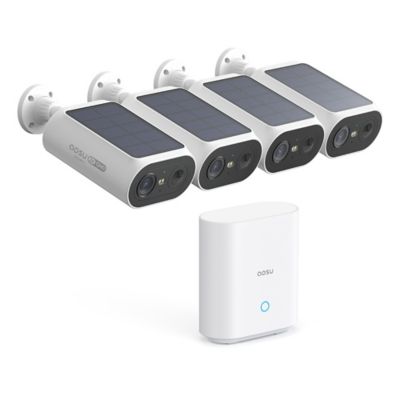
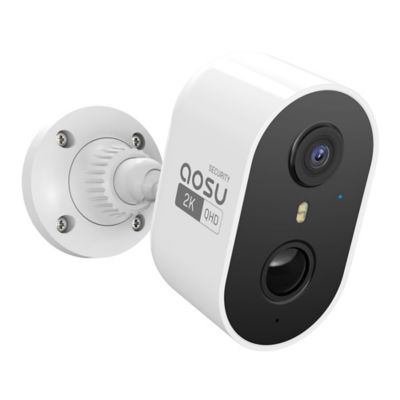
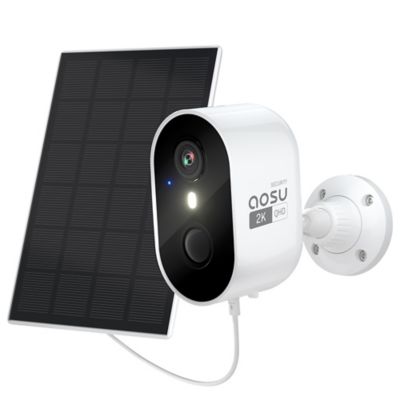
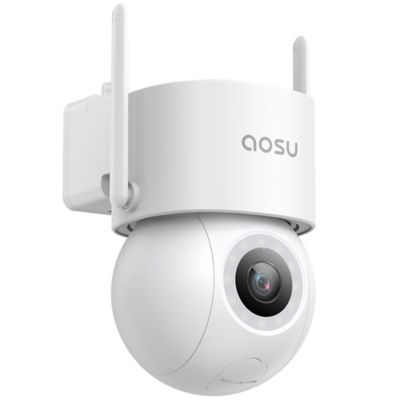
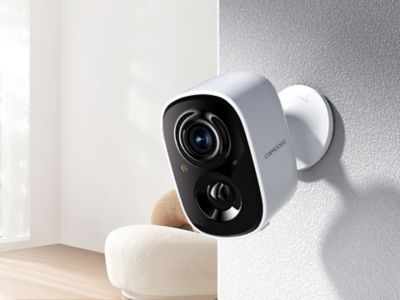
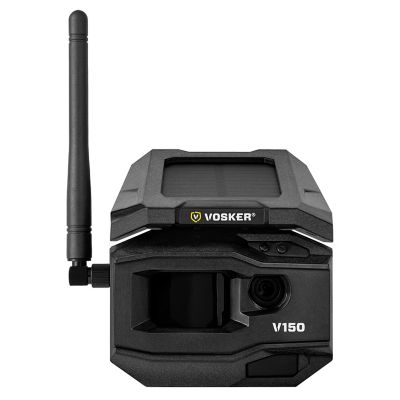
A security camera gift for seniors is most thoughtful when it supports independence, respects privacy, and feels simple to operate. For an older parent, grandparent, neighbor, or friend, that might mean seeing who is at the front door without getting up from a comfortable chair, checking whether a package reached the porch, or taking a look at the driveway before heading outside. The right fit depends more on the person’s routines and preferences than on age alone. Someone who already enjoys a smartphone may appreciate live video and motion notifications, while another person may prefer a compatible display with a clear picture and straightforward controls. Readable text, a clearly labeled app, adjustable alert sounds, and fewer steps between opening the app and viewing the camera can make daily use less of a chore. Two-way audio, where included, lets the recipient speak with a visitor or delivery driver without opening the door, though speaker volume and microphone clarity matter for a comfortable conversation. A camera aimed at the entryway serves a different purpose from one watching a detached garage, gate, or stretch of driveway. A wide viewing angle can cover more ground, but a narrower view may show more useful detail at a particular doorway. Video resolution is only part of that picture; distance, lighting, lens placement, and connection strength also affect what appears on screen. Night vision can help reveal activity after dark, with results varying by camera design and nearby light sources. Motion zones and person-detection features, when supported, can help focus notifications on a walkway rather than every movement across the yard. For a birthday, housewarming, or another gift-giving occasion, a manageable setup that answers an everyday need often means more than a long list of features the recipient has little reason to open.
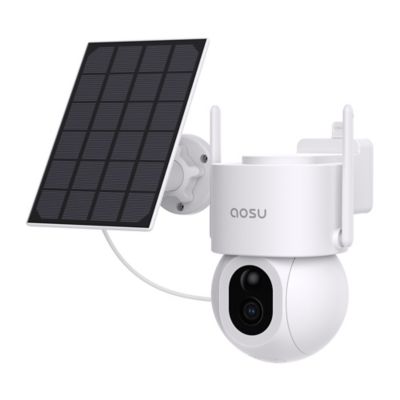
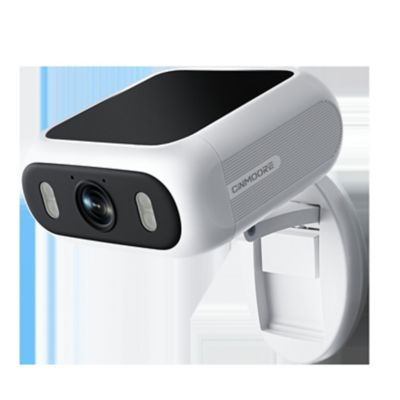
The physical setup matters just as much as the controls. Indoor cameras generally belong in dry, protected spaces, while outdoor placement calls for a housing and seals rated for the intended location. Molded plastic and metal housings are common, but material alone does not determine how well a camera will hold up; enclosure ratings, mounting hardware, cable protection, and proper installation all play a part. A sturdy mounting point helps keep the view steady, whether the camera sits beneath a porch roof or faces a garage entrance. The best position balances useful coverage with practical access for charging, cleaning, or adjusting the lens. A battery-powered camera may avoid a power cable at the mounting spot, but it still brings charging or battery-replacement tasks. A plug-in camera needs a suitable outlet and a protected cord route, while a hardwired setup may call for professional installation. “Wireless” often describes the video connection rather than the power source, so those details deserve attention before the gift is wrapped. For a recipient who would rather not climb a ladder, an accessible charging arrangement or help with routine upkeep can make a real difference. Network fit also matters, especially on a property where the router sits far from the porch, barn, or driveway. Many connected cameras depend on a compatible Wi-Fi band and a strong signal at the mounting location; a phone connection inside the house does not necessarily show how a camera will perform farther out. Features during an internet or power interruption vary by system, including whether recording continues and whether remote viewing remains possible. Local storage and online storage have different account, access, and retention requirements. The
Security Camera for Home Monitoring collection offers a broader look at setups for different spaces around the house. For everyday care, a clear lens, clean microphone openings, and occasional checks of the mount help keep the camera ready for its intended job. Cleaning methods should follow the manufacturer’s directions, since harsh cleaners or rough cloths can damage lens surfaces and housing finishes.
Privacy belongs at the center of a security camera gift, not as an afterthought once the camera is mounted. The recipient should have a say in whether a camera belongs at home, where it points, who can view it, and which events create an alert. A front-door view may feel helpful, while an indoor camera in a private room may feel intrusive. Even in a shared living area, clear agreement matters for household members, visiting relatives, and anyone helping around the home. A camera aimed toward the recipient’s own doorway or driveway can provide useful coverage without unnecessarily recording a neighbor’s windows or gathering place. Account ownership is another important part of a respectful gift: the person receiving the camera should understand who controls the account and how shared access can be changed or removed. Separate sharing permissions, strong passwords, two-factor authentication, and ongoing software updates can help protect access when those features are supported. Recording schedules, privacy settings, and audio controls also give the recipient more say over daily operation. Clear expectations help family members, too. An alert can show that someone approached the porch, but it does not guarantee that a relative will see the notification immediately or know what happened beyond the camera’s view. Security cameras are not substitutes for medical alert equipment, emergency services, or agreed-upon personal check-ins. Their everyday value is often simpler: seeing a visitor, confirming a delivery, or checking an entryway from another room. A gift can feel more complete with patient setup help, a short printed explanation in readable type, and a chance for the recipient to practice opening live video or answering a camera notification. It also helps when someone agrees to lend a hand with updates, charging, or a connection problem later on. With the recipient’s comfort leading the choice, a camera can add a useful view of home while leaving everyday decisions firmly in their hands.