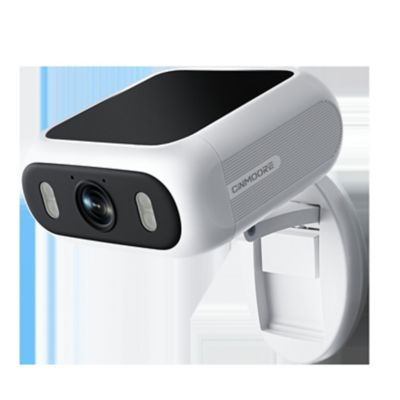
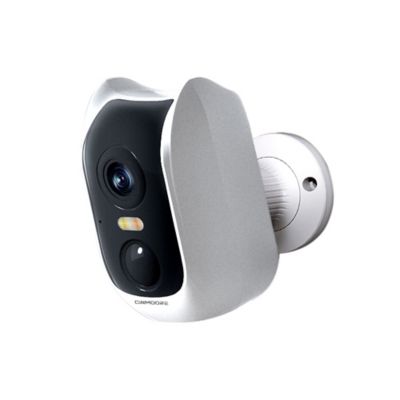
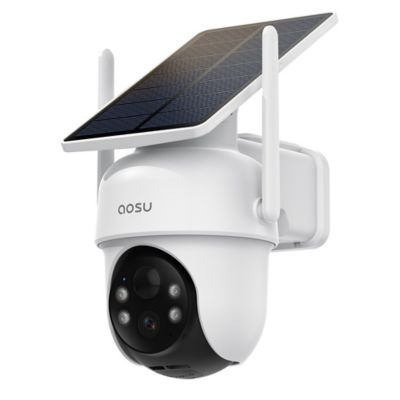
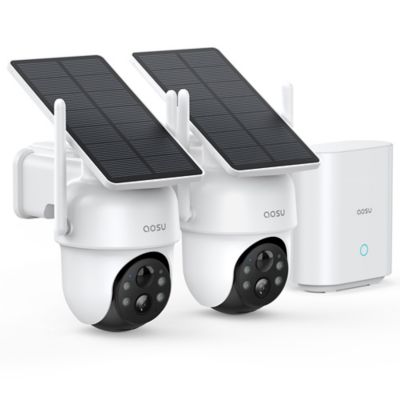
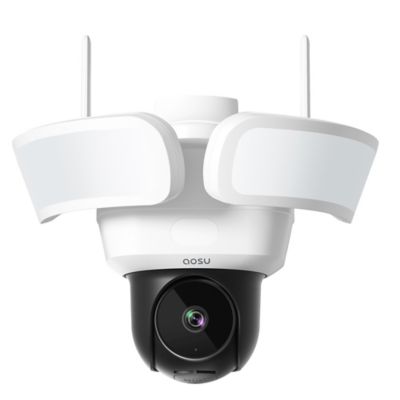
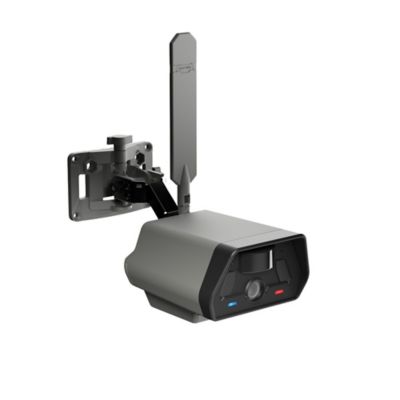
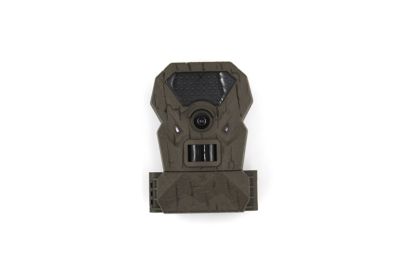
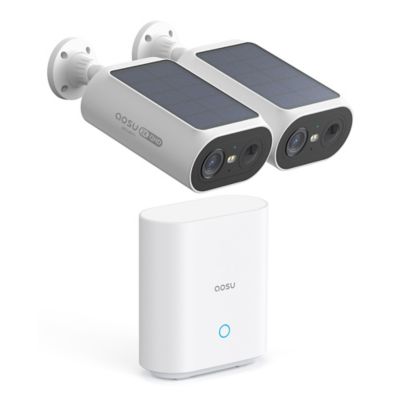
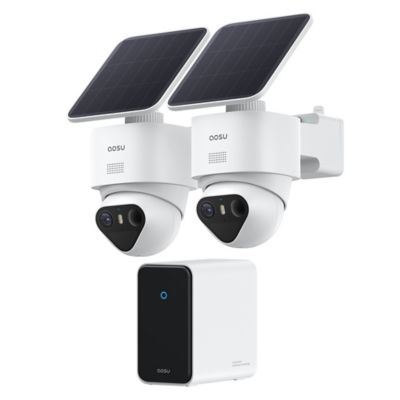
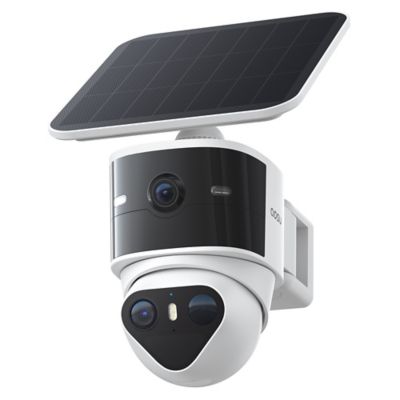
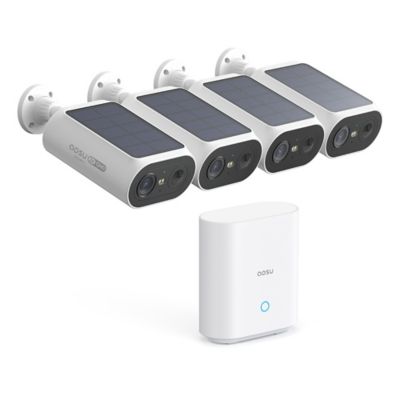
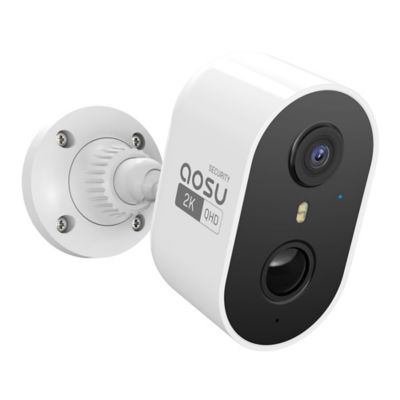
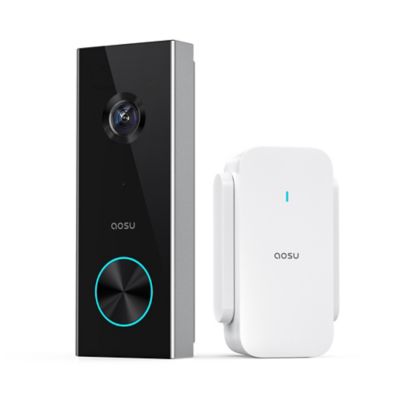
A security camera for deliveries can help keep an eye on packages left at the front door, beside the garage or near a property entrance. The main differences among delivery cameras include viewing angle, power source, motion detection, recording options and connection requirements. A useful view shows both the person approaching and the spot where a package lands, rather than just a face above the doorstep. Doorbell-style cameras put that view close to the entrance, while wall-mounted cameras can cover a wider stretch of porch or a separate delivery area. A tall field of view helps capture a box sitting directly below the lens; a wider view can take in several steps, a walkway and the space beside the door. Resolution matters, but placement, lighting and viewing distance also affect how much detail a recording shows. A clear picture of someone approaching does not necessarily mean a shipping label will be readable from across the porch. Motion alerts bring another layer of convenience, especially when a delivery arrives while someone is working in the shop or tending livestock. Depending on the camera, detection settings may distinguish people, vehicles or packages, helping separate a delivery from a passing pickup or a pet crossing the steps. Adjustable activity zones can keep attention on the drop-off area instead of every bit of movement along a nearby road. Package detection is a separate feature from general motion sensing, and its performance depends on an unobstructed view. For entrances without much light, night vision can help show activity after dark, though color recording may need added illumination. Nearby porch lights, reflective siding and the angle of the lens can all affect the picture. The most useful setup fits the actual delivery routine, whether drivers walk to the door, leave boxes at a side entrance or stop at a designated spot near the gate.
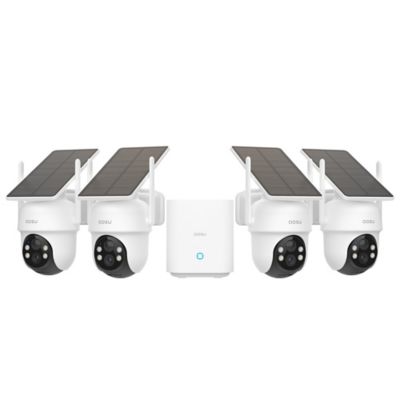
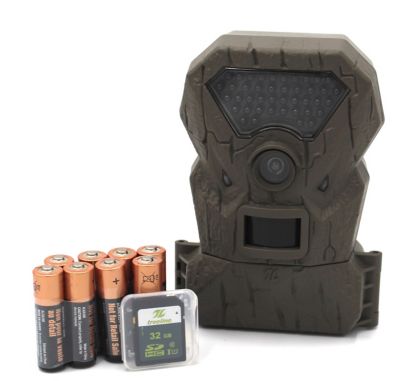
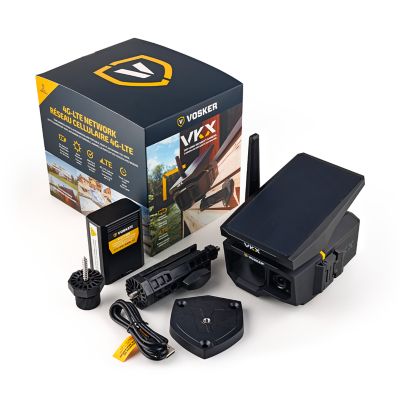
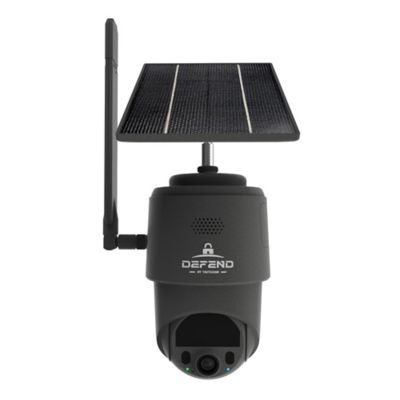
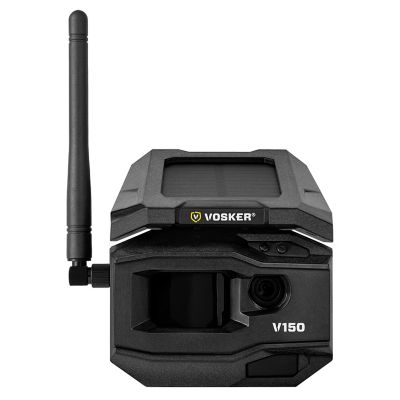
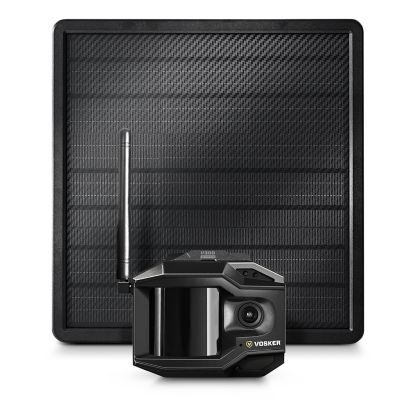
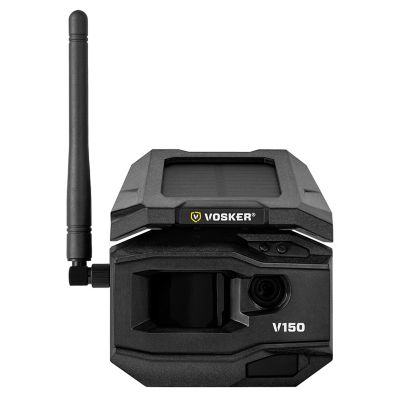
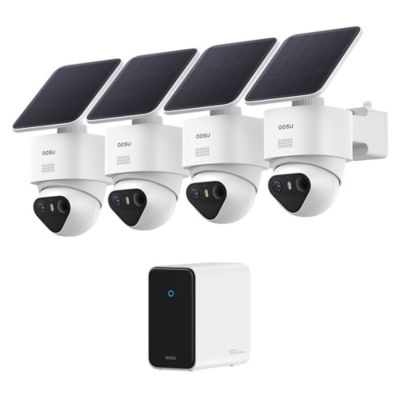
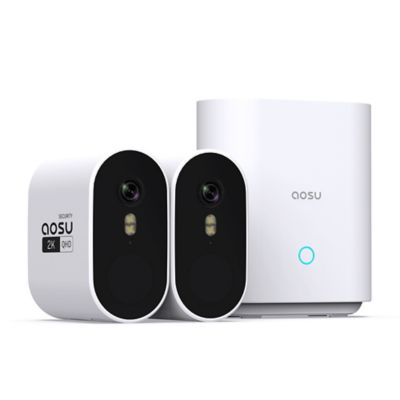
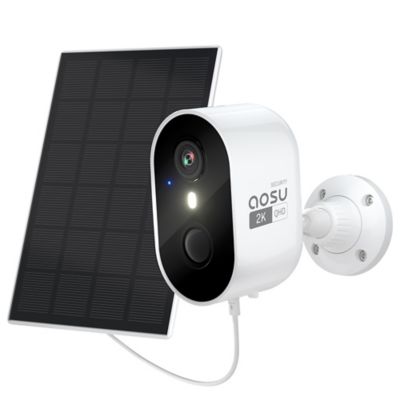
Power and connectivity shape where a delivery security camera can go and how much attention it needs afterward. Battery-powered cameras offer flexibility where an outlet or existing wiring is out of reach, but batteries need periodic charging or replacement. Frequent motion alerts, longer recordings and repeated live viewing can shorten the time between charges. Plug-in cameras need a suitable outlet and a protected cable route, while hardwired models need compatible wiring and may call for professional installation. Solar charging can support some compatible battery cameras where the panel receives enough sunlight, but it does not make every camera independent of charging. Wireless describes the connection, not necessarily the power source: a Wi-Fi camera may still have a power cord. On a property with a long walk between the house and delivery gate, network reach deserves as much attention as the mounting location. A strong signal at the kitchen table does not guarantee the same connection beside a metal-sided outbuilding. Cellular cameras offer another connection option where supported, with their own coverage and service requirements. Recording arrangements matter just as much as the live view. Some cameras save short motion-triggered clips, while others support longer events or continuous recording with the appropriate power, storage and equipment. Cloud storage may require a subscription, while local storage depends on supported memory cards, a hub or a compatible recorder. Local recording does not automatically mean footage is accessible remotely or that every function works without internet access. Storage capacity and retention settings determine how far back recordings remain available, and some systems overwrite older footage when storage fills. The ability to save a clip separately can be helpful when checking a delivery time or sharing footage about a missing package. App compatibility, account security and any requirements for playback, downloads or detection features are worth considering alongside the camera itself. An arrangement that makes recordings easy to find is more useful than one that sends plenty of alerts but leaves the important moment hard to locate.
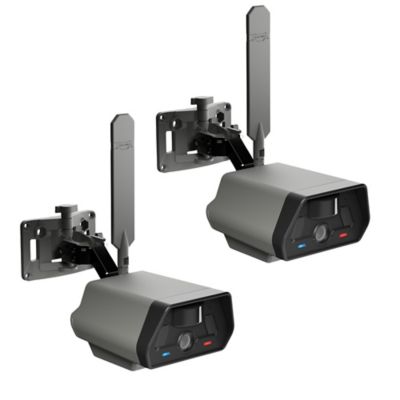
The mounting hardware and housing help a camera fit the place it needs to watch. Metal or molded plastic housings, outdoor-rated designs and brackets suited to the mounting surface all play a part in a secure installation. Wood trim, masonry and siding may need different fasteners, and a bracket that fits a narrow doorframe can make a difference at a tight entrance. A reachable mounting position makes battery changes and lens cleaning less of a chore, while a higher position can put the camera farther from casual interference. The angle still needs to show the package area without letting a porch post or an opening door block the view. A soft cloth and cleaning methods approved by the manufacturer help keep dust and smudges from clouding the lens; secure connections and firmly seated brackets also deserve an occasional check. In daily use, two-way audio can let someone direct a driver to the side porch instead of a busy garage doorway, although sound clarity depends on the surroundings and connection. Shared access may help members of the household check an arrival without passing around a single account, where that feature is supported. For deliveries that begin farther from the house, a
Security Camera for Driveways can complement an entrance view by showing an arriving vehicle before the driver reaches the package spot. Camera coverage should stay centered on the property and delivery area, with privacy settings and audio recording handled in line with applicable rules. A camera cannot guarantee that a package will stay put, but it can provide a record of when it arrived and what happened afterward. Paired with a clearly marked drop-off spot and sensible delivery instructions, it gives busy households another way to keep track of boxes while the rest of the day's work carries on.