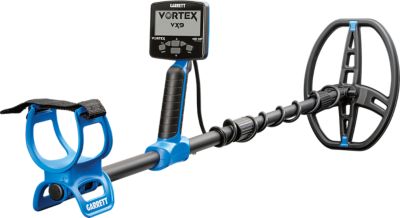
Metal Detector Headphones
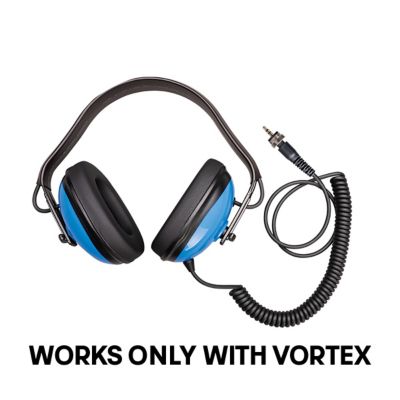
Shop metal detector headphones to help you hear target tones as you search. When comparing options, check compatibility with your detector’s headphone connection and consider wearing comfort for longer stretches in the field.


Best Of FAQ
How do I check whether headphones are compatible with my metal detector?
Check your detector’s manual for its headphone connection type and audio requirements, then compare those details with the headphone specifications. Some setups need an adapter, while others connect directly.
What’s the difference between wired and wireless metal detector headphones?
Wired headphones connect to the detector with a cable. Wireless headphones connect through a compatible wireless system, which may be built into the detector or require a supported transmitter. Don’t assume every wireless detector connection supports Bluetooth.
What do mono and stereo mean on metal detector headphones?
Mono carries one audio channel, while stereo carries separate left and right channels. Some metal detector headphones have a mono/stereo switch. Check your detector’s audio output requirements before choosing a setting.
What controls might metal detector headphones have?
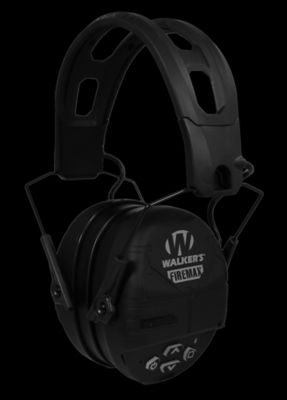
Depending on the model, controls may include a volume dial, separate volume adjustments for each ear, or a mono/stereo switch. Wireless models may also have power and pairing buttons. Check the listed features to see which controls are included.
How should I clean and store metal detector headphones?
Follow the manufacturer’s cleaning directions and wipe away dust with a soft cloth. Let any moisture dry before putting the headphones away. Store them out of direct sunlight, and coil the cord loosely rather than wrapping it tightly around the headset.
Best Sellers
-
"Works great with my vortex Vx9 and wireless headphones , people around me at the park when hunting hear"
-
-
"Great electronics housing -but bad Bluetooth connection (finicky at best), audio is not full dynamic"
-
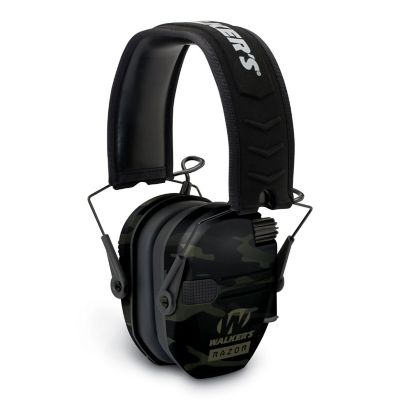
"These Razor electronic muffs work great and I'd gladly recommend them to anyone"
-
"This is the best detector I have ever owned, it finds stuff I had missed with my old detector...I love"