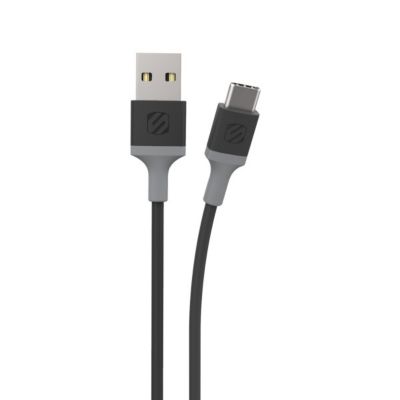
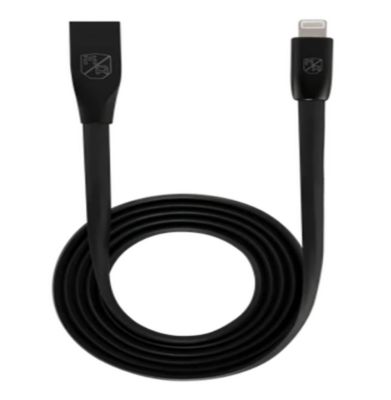
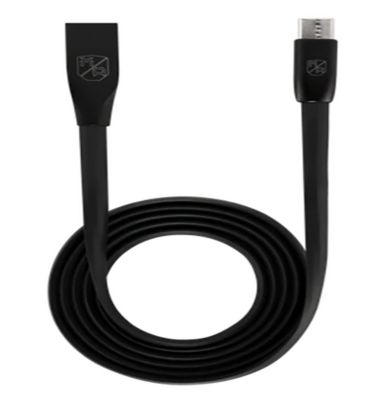
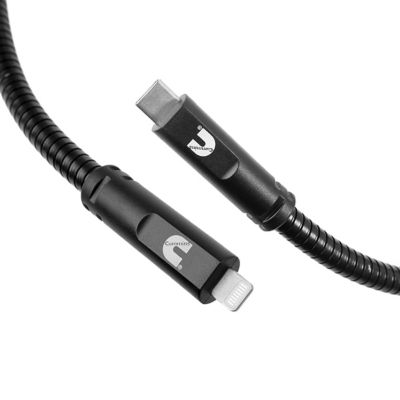
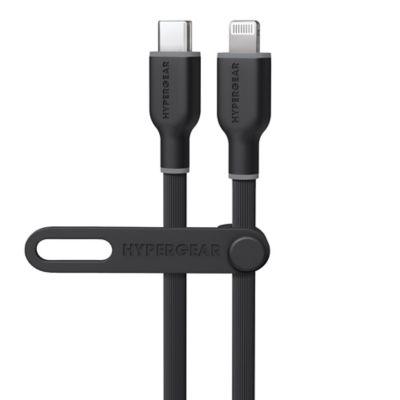
Lightning USB cables connect devices with a Lightning port to a USB power source or computer for charging and, when supported, data transfer. They come in two main configurations: USB-A to Lightning and USB-C to Lightning. The difference is at the power-source end, so the right match depends on both the device and the port supplying power. USB-A has the familiar rectangular plug found on many wall adapters, computers and vehicle charging ports. USB-C has a smaller, rounded plug that fits either way up and connects to compatible wall adapters, power banks and computers. The Lightning end is also reversible, making it easier to plug in a phone on a bedside table or beside the truck’s center console. Lightning and USB-C are not interchangeable at the device end, even though both connectors are small. Checking the charging port on a phone, tablet or earbud case helps prevent a mismatch, especially in households where several devices share a charging spot. A USB-A-to-Lightning connection commonly supports standard charging, while a USB-C-to-Lightning cable can support fast charging when paired with a compatible device and USB Power Delivery adapter. The cable alone does not determine charging speed; the power source, device and cable all play a part. A higher-wattage adapter does not make every device charge faster, since the device controls how much power it accepts. For syncing photos, transferring files or connecting to a compatible vehicle’s wired media system, data support matters alongside charging support. Many Lightning data cables support USB 2.0 transfer rates of up to 480 Mbps, though actual transfer speeds depend on the connected equipment and the files involved. An MFi certification mark indicates that an accessory meets the device maker’s applicable requirements. Clear compatibility information and charging and data specifications help distinguish a cable suited to a simple charging station from one intended to handle connections throughout the day.
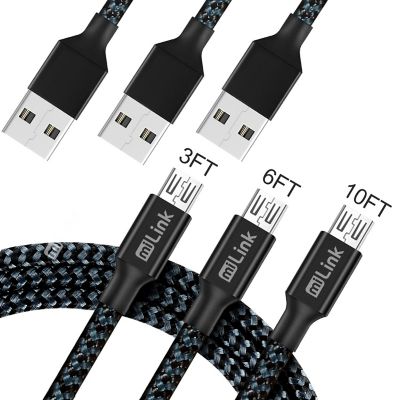
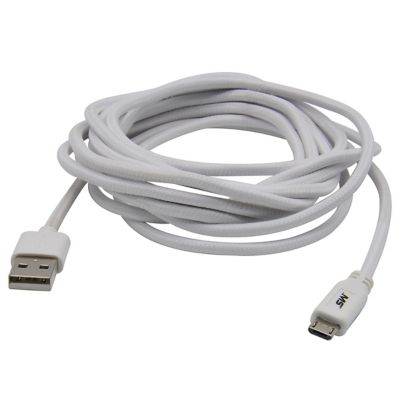
Cable length makes a noticeable difference in how a charging setup fits into daily life. A short Lightning charging cable keeps a phone close to a portable power bank without leaving a loop of cord hanging from a pocket or bag. It also suits a truck console where the USB port sits just inches from the phone tray. A mid-length cable gives more room between an outlet and a kitchen counter, desk or bedside table, while a longer cord can reach around furniture without pulling the device toward the edge. Extra reach from
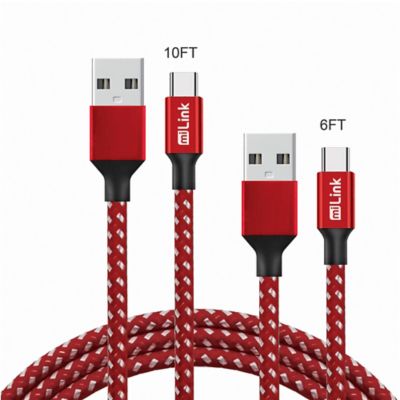
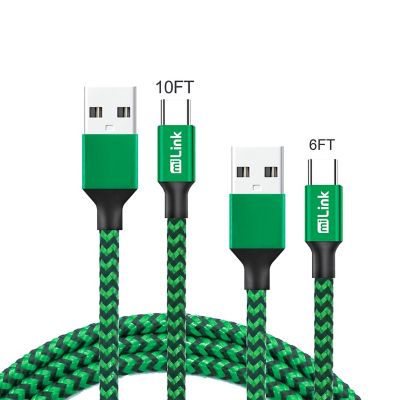
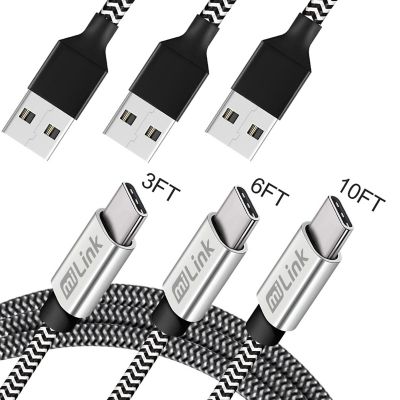
10ft USB Cables can make sense when the outlet is behind a couch or farther down a workbench, provided the device-side connector matches. Length is most useful when it provides a little slack without leaving excess cord across a walkway. A cable stretched tight between a wall outlet and a phone puts strain on the connectors and makes an accidental tug more likely to send the device sliding. Around a workbench, routing the cord away from cutting surfaces, clamps and moving equipment helps keep the charging area orderly. Inside a vehicle, a tidy route keeps loose cable clear of pedals, seat tracks, shifters and other controls. For a shared household charging spot, matching each cable to its adapter and leaving enough room between devices can cut down on tangled cords and mistaken connections. Travelers, students, farm families and anyone moving between a desk and a truck may find that different cable lengths suit different places better than one long cord carried everywhere. A compact lead fits neatly into a small gear pouch, while a longer cable can stay at a regular charging location. Extra length does not create extra charging power, so the cable’s stated charging capability remains important even when reach is the main concern. The most comfortable setup lets the device rest securely while the connectors sit straight, rather than hanging under tension.
Materials and construction affect how a Lightning USB cable feels in the hand, packs away and handles repeated bending. Smooth plastic or thermoplastic elastomer jackets tend to wipe clean easily and slide into a bag without catching on fabric. Nylon-braided jackets add a woven outer layer that can help resist scuffs from everyday handling, though a braided finish alone does not establish charging performance or protection against every kind of damage. Flexibility matters, too: a supple cord is easier to route around a desk, while a thicker cable may take up more room in a pocket or console. Reinforcement where the cord meets each connector helps manage repeated movement at a common wear point. Connector housing size deserves a look when a phone has a protective case, since a narrow charging-port opening may not leave enough room for a wide plug housing to seat fully. A snug connection should not require forcing the plug or sharply bending the cable to hold it in place. For everyday care, pulling from the connector housing rather than the cord reduces strain, and loose coils are gentler on the cable than tight wraps around an adapter. Dirt, hay chaff and pocket lint can collect near charging equipment, so clean, dry storage helps keep plugs ready for the next connection. Charging cables belong away from water, oily work surfaces, sharp tools and places where animals might chew them. Frayed insulation, exposed wiring, bent plugs or loose connector housings are reasons to stop using a cable and replace it. A Lightning cable can also make a practical gift for someone with a compatible device, especially when its length and power-source connection suit a familiar charging spot. Whether it stays beside a favorite chair, travels in a work bag or rides in the truck, a well-matched cable makes keeping a device charged a simpler part of the day.