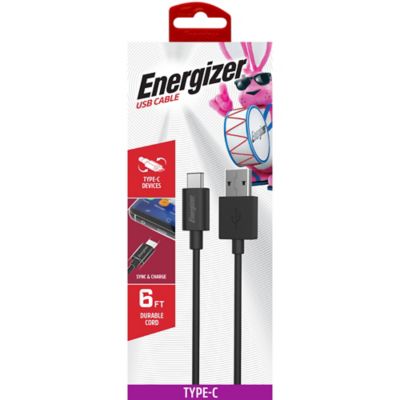
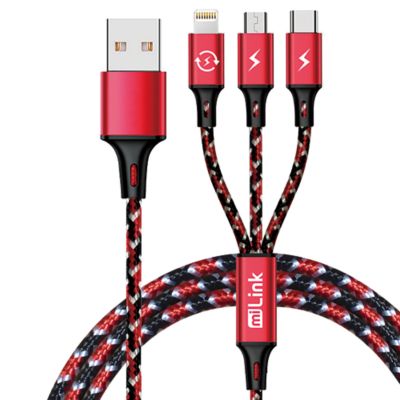
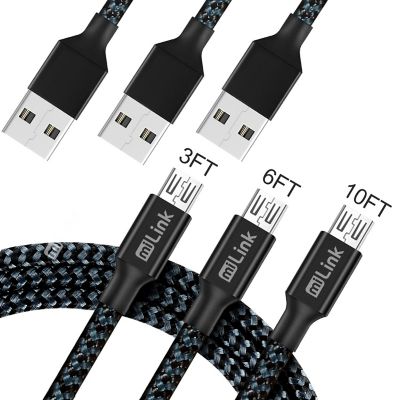
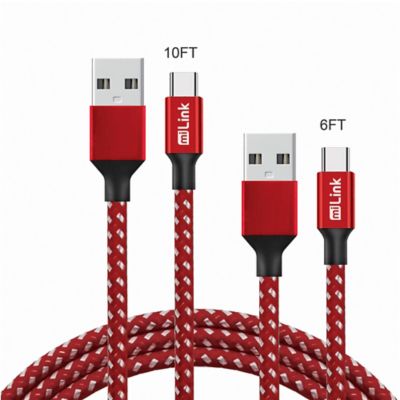
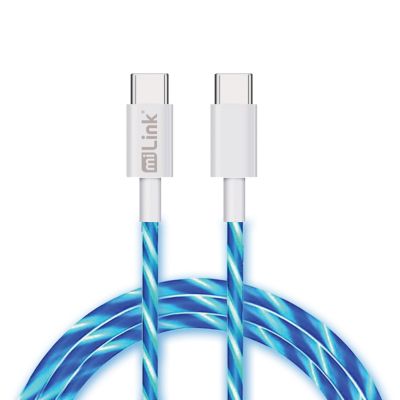
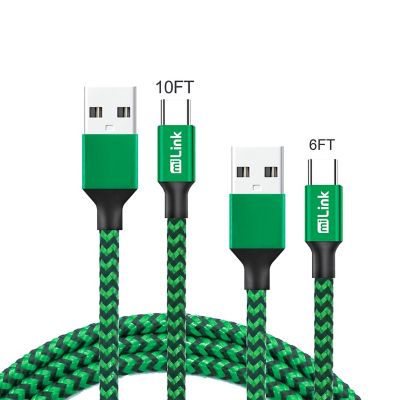
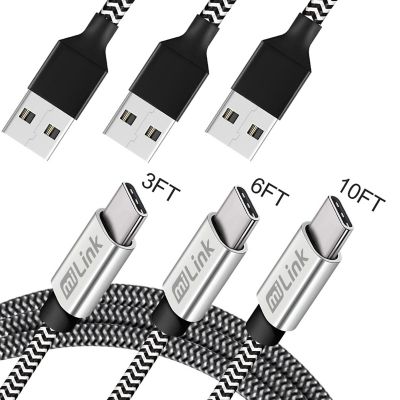
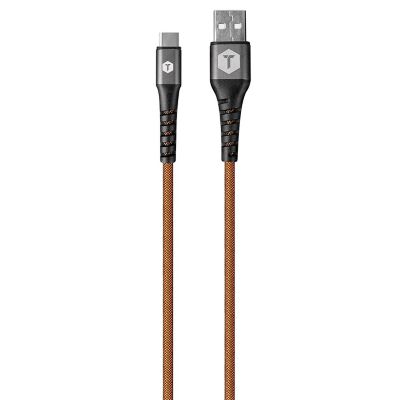
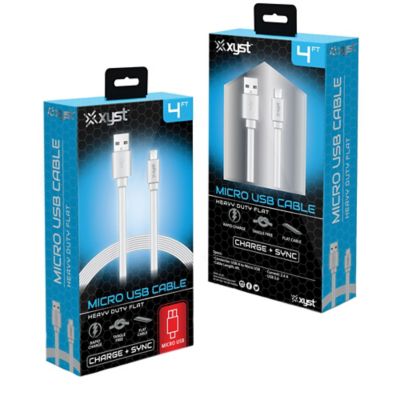
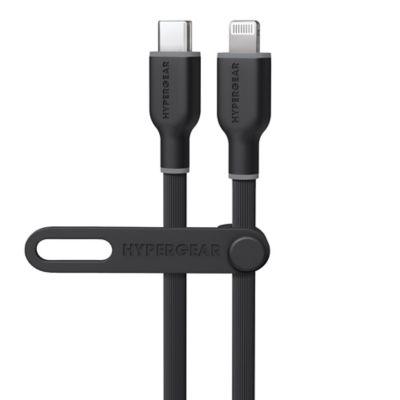
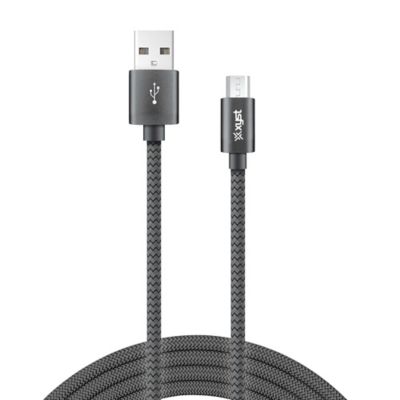
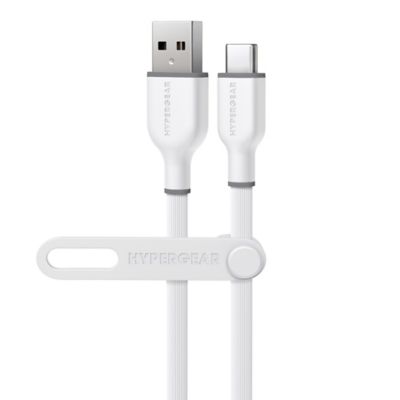
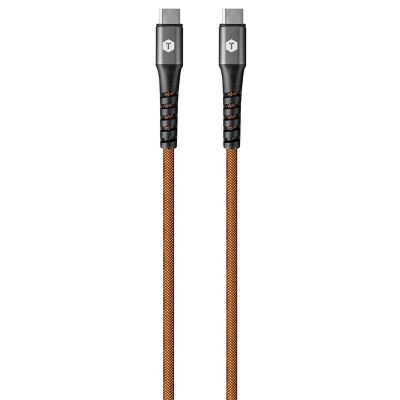
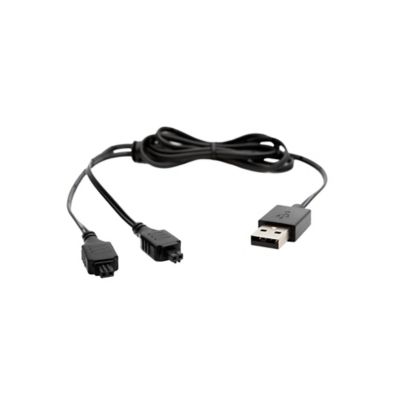
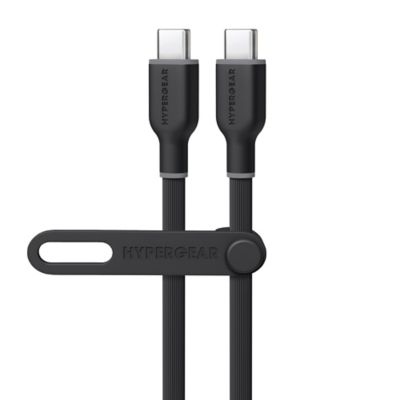
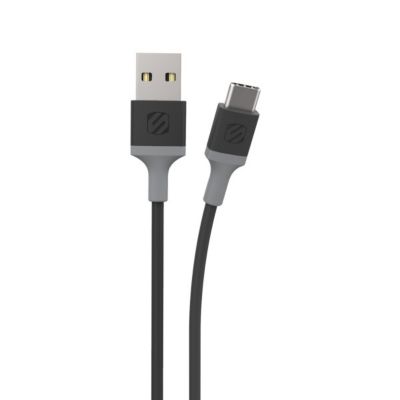
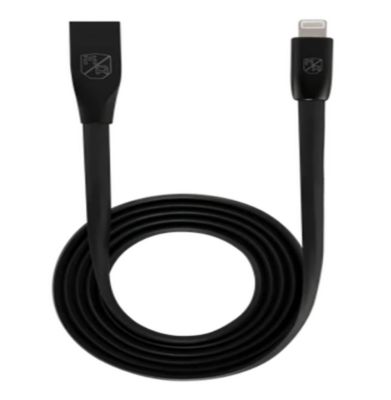
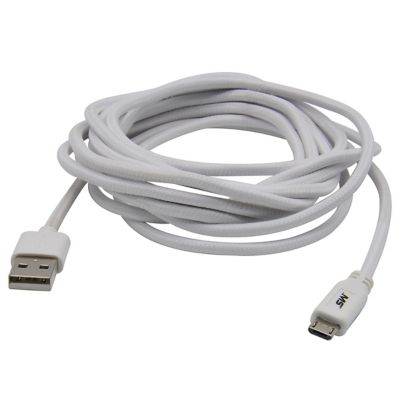
Fast charge cables carry power from a compatible charging source to a phone, tablet, laptop, or other device that supports faster battery charging. The cable is one part of the setup: charging speed depends on the device, the power adapter, and the cable supporting the same charging method and enough power for the job. USB Power Delivery, often called USB PD, is a common fast charging standard found on many USB-C devices, though not every fast charging system works the same way. A USB-C plug alone does not guarantee a particular charging speed. The cable’s wattage rating describes how much power it can carry within its specifications, while the connected device determines how much power it accepts. A higher-rated cable will not force extra power into a smaller device, and a phone will not charge at laptop speeds simply because the cord supports a higher wattage. For everyday use, that means a quick top-off before heading out to check fence depends on matching the whole setup, not just replacing the cord. USB-C-to-USB-C cables commonly support USB PD when paired with compatible equipment. USB-A-to-USB-C cables can suit older charging sources, but their charging capabilities depend on the equipment and supported standards. The plug at each end needs to match its connection, whether that is a wall adapter, a vehicle charging adapter, a portable power source, or the device itself. Charging rates also change as a battery fills, so the last stretch to a full charge often takes longer than the early part. Powering navigation, streaming audio, or running other demanding tasks can leave less incoming power for replenishing the battery. For cables that also transfer files, data speed is a separate specification from charging wattage. A cord suited to fast charging may still transfer photos or large work files at a slower rate than another cable with the same power rating. Clear power and data specifications help match a cable to its everyday job without expecting one feature to stand in for another.
Cable construction matters when a cord travels from the kitchen counter to the pickup console, rides in a work bag, or stays beside a shop bench. Inside, electrical conductors carry power, while insulation and the outer jacket protect the wiring from ordinary handling. Flexible plastic jackets can be easy to wipe down and coil, while braided coverings add a woven outer layer that may help resist abrasion. Neither appearance nor a braided finish proves that a cable supports a particular charging rate; its stated electrical specifications matter more. Reinforcement where the cord meets the plug helps manage repeated bending at a common stress point. A connector housing that is easy to grip also makes unplugging less awkward, especially behind a desk or beside a crowded outlet. Fit deserves a close look on the device end. A thick phone case or a deeply recessed port can keep a wide connector housing from seating fully, even when the plug type is correct. Right-angle connectors may help with clearance in some setups, though their direction can interfere with a case, stand, or neighboring connection. Cable length changes how comfortably a charging spot works. A shorter cord keeps a console or countertop tidier, while a longer one can reach from an outlet to a chair or across a desk without stretching tight. Extra length is handy only when the cord stays clear of walkways, drawers, seat tracks, and moving equipment. Longer cables can still support fast charging when they are designed and rated for the required power, so length alone is not a dependable measure of speed. For higher-power USB-C charging, the cable’s supported wattage and any required electronic identification matter. Cables carrying more than 3 amps require an electronic marker that communicates their capabilities to compatible equipment. A clearly stated rating helps separate a cord meant for everyday phone charging from one suited to the greater power demands of a compatible laptop. The best fit leaves enough slack at both connections without a loose loop hanging where a boot, tool handle, or chair wheel can catch it.
Different routines call for different cable setups. A driver may want a manageable cord that reaches a secure phone mount while the vehicle is parked for setup, while someone handling records at the kitchen table may need a longer connection for a laptop. A student carrying a tablet between home and class benefits from a cord that coils neatly into a bag, and a workshop charging station works better when each cable reaches its device without crossing the work surface. Pairing fast charge cables with compatible
Charging Adapters helps put the cable’s supported power to work. An adapter’s total output and its output at an individual port are not always the same, especially when several devices share one charger. With some multiport adapters, connecting another device changes the power assigned to each port. A vehicle’s built-in USB connection may also provide less charging power than a compatible adapter connected to its accessory outlet. Those differences explain why the same cable can deliver different results in different locations. For shared households, matching connector types and keeping cords in their regular charging spots can cut down on the search before heading out the door. A charging cable can also make a practical gift for someone who spends time on the road, carries electronics for work, or keeps a phone close during chores, provided the connector and power requirements match that person’s device. Everyday care helps keep the connection working as intended. Pulling from the connector housing rather than the cord reduces strain, and loose coils are gentler than tight wraps around a charger. Cords belong away from sharp edges, pinching doors, liquids, and chewing animals. Frayed jackets, loose plugs, exposed wires, or intermittent charging are reasons to stop using a cable and replace it. With the right connections, suitable power support, and a sensible length, fast charge cables fit into daily routines without leaving a charging cord stretched across the room.