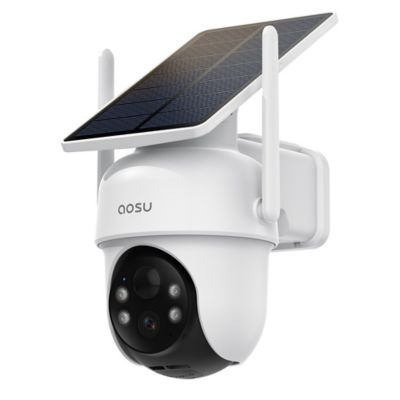
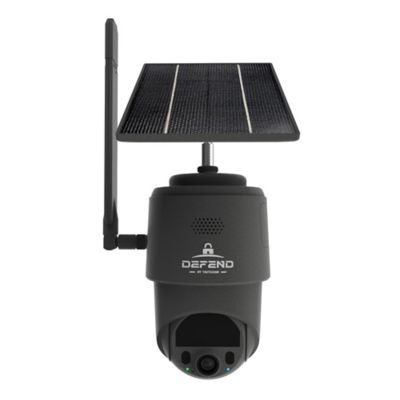
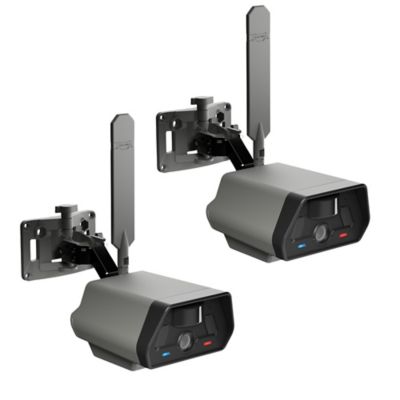
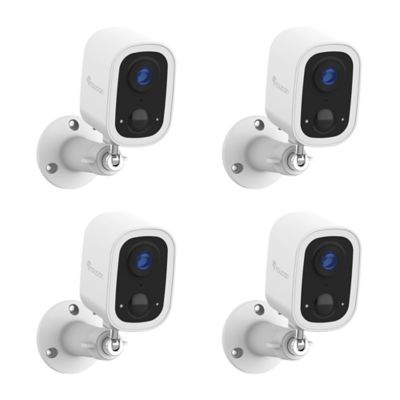
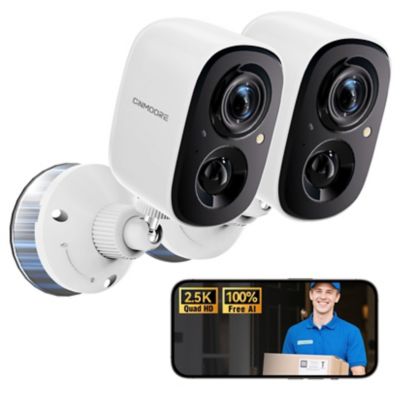
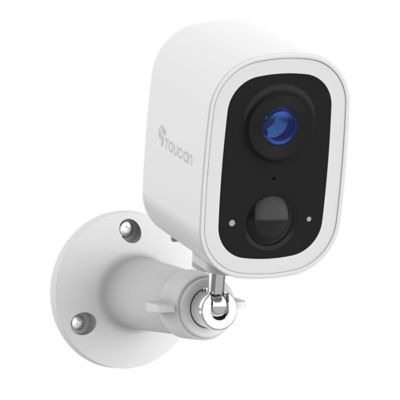
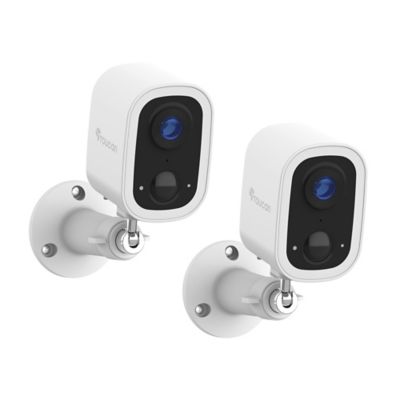
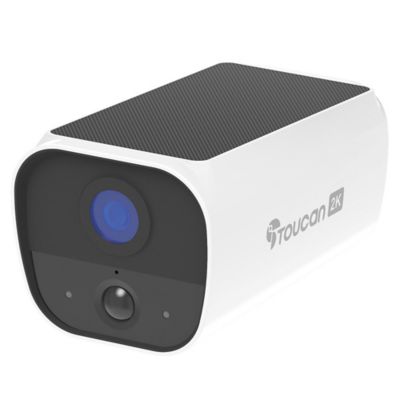
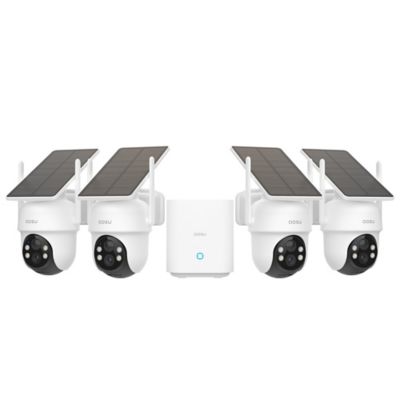
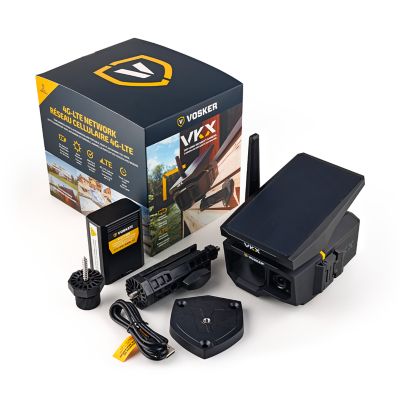
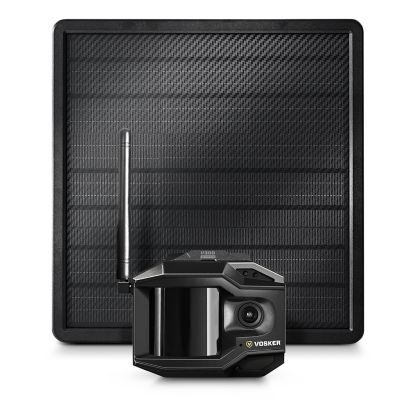
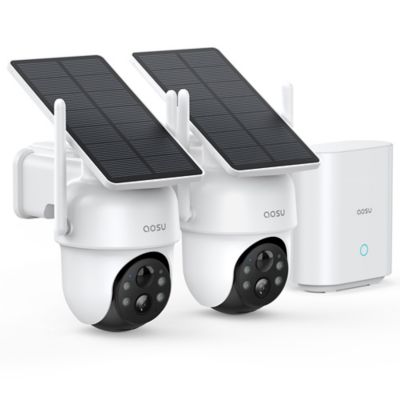
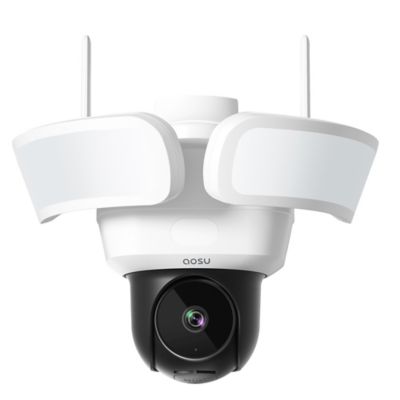
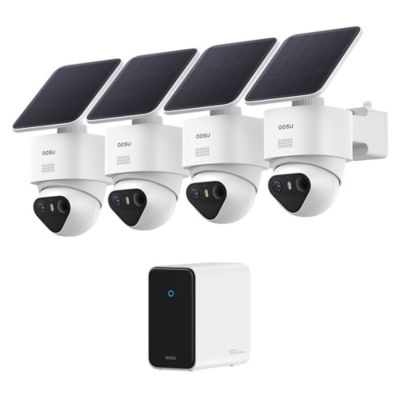
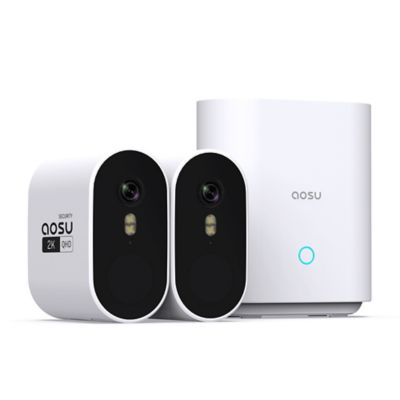
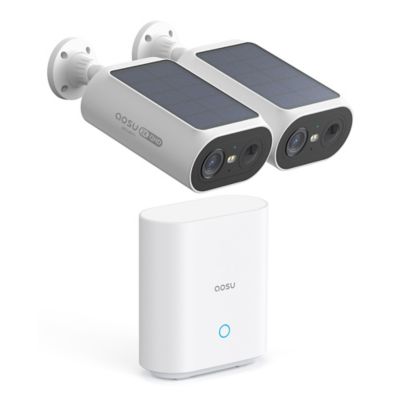
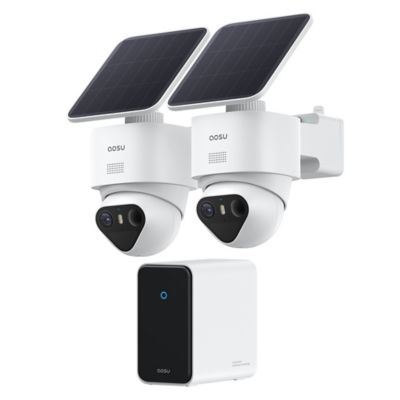
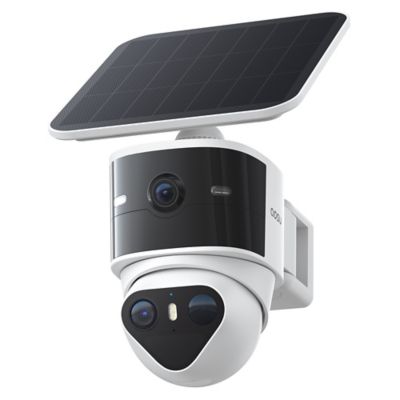
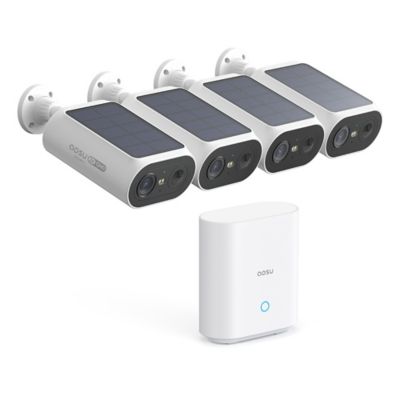
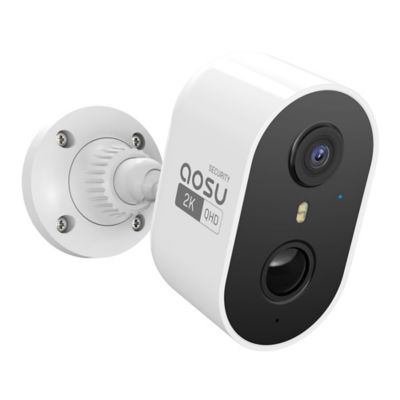
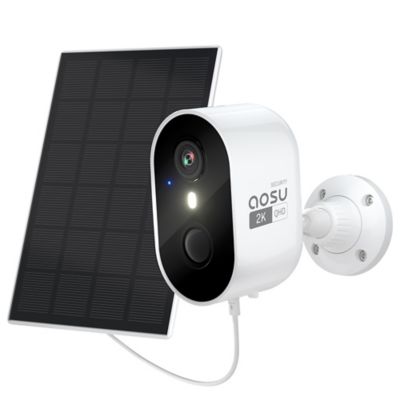
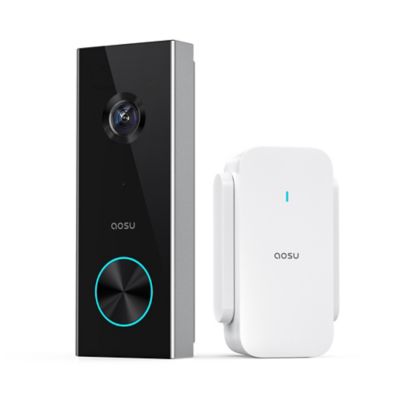
An easy-to-use security camera brings together straightforward setup, a clear live view and simple controls for checking what’s happening around the house, barn or shop. The easiest setup for a particular property depends on where the camera will go, how it gets power and how it connects to a phone or recording system. A camera near the back door has different demands than one watching a detached equipment shed across the yard. For everyday convenience, helpful features include app-guided setup, clearly labeled playback controls and motion alerts that open directly to the activity that triggered them. That means less time hunting through menus when a delivery arrives or something moves beside the garage. Plug-in cameras suit locations with a nearby outlet and a sensible route for the cord, while battery-powered designs offer more placement flexibility but need access for charging or battery changes. The word “wireless” can describe the network connection rather than the power source, so those two details matter separately. Some cameras connect directly to a home Wi-Fi network; others communicate through a compatible hub or recorder. Network reach deserves particular attention on acreage, where a strong signal in the kitchen may not extend to a metal-sided outbuilding. Wi-Fi band compatibility, phone compatibility and any hub requirements help determine how neatly a camera fits into an existing setup. A plain-language app can make daily operation easier for folks who want to see the driveway without taking on another complicated project. Helpful controls might include a prominent live-view button, a readable event history and separate settings for each camera. Remote viewing generally depends on a working network connection, and some features also depend on internet access. Knowing those limits keeps expectations grounded, especially at properties where the house and work areas are spread apart. For a homeowner checking the entryway, a renter watching an indoor entrance or someone keeping an eye on a workshop, ease of use comes down to having useful information close at hand.
Picture detail matters most when it helps show what happened in a particular space. Higher resolution can make a face, package or piece of equipment easier to distinguish, but the result also depends on lighting, camera position, distance and the lens’s field of view. A broad view can cover more of a porch or shop floor, while a tighter view may show more detail around a single doorway. Digital zoom enlarges the recorded image rather than creating detail that was never captured. Adjustable mounts make it easier to aim toward an approach or entrance instead of filling much of the frame with empty ceiling or siding. Pan-and-tilt controls can help cover different parts of a room, though a moving camera still only records the direction its lens is facing at that moment. Night vision supports viewing after dark, with infrared and color-viewing options working differently depending on the camera and available light. Reflections from nearby glass or walls can affect the picture, making placement as important as the feature list. For a less noticeable look against dark trim, a
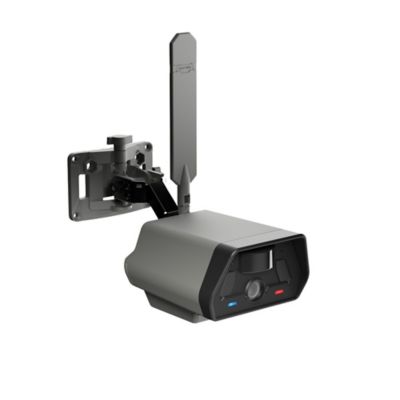
Black Security Camera can blend into the setting while keeping the entrance in view. Housing materials, mounting hardware and intended placement also matter. Cameras may have molded plastic or metal housings, but the manufacturer’s indoor or outdoor designation and stated protection ratings are more useful than appearance alone. An outdoor location calls for an enclosure and connections intended for that setting. In a feed room or busy shop, dust buildup and accidental bumps are practical concerns. A secure mount, protected cable routing and a position beyond the reach of livestock help keep the installation out of the way. Routine care usually centers on keeping the lens clear and inspecting mounts and cords according to the manufacturer’s directions. Easy access for cleaning or charging can save trouble later without putting the camera where it is easy to knock loose.
Motion alerts and recorded clips are often what turn a camera from something checked occasionally into a useful part of the daily routine. Adjustable activity zones can focus attention on a gate or doorway rather than every movement across the whole picture. Detection features may distinguish people, vehicles or animals, depending on the system, but no camera identifies every event perfectly. Sensitivity settings and alert schedules can help cut down on interruptions from a dog crossing the porch or regular traffic beyond the fence. Two-way audio adds another layer of convenience when a compatible camera has a microphone and speaker: a delivery driver can hear where to leave a package, or someone in the shop can answer without walking back to the house. Sound clarity depends on placement and surrounding noise, and recording audio calls for attention to applicable laws and other people’s privacy. Storage is another part of everyday ease. Depending on the camera, footage may go to a compatible memory card, a local recorder or cloud storage. Local storage capacity, recording settings and clip length affect how much history remains before older footage is overwritten. Cloud features can have account or subscription requirements, and continuous recording is not the same as saving clips only when motion occurs. Straightforward playback, visible timestamps and a simple way to save an important clip make that history easier to work with. Account security deserves the same attention as the view itself. Strong passwords, multifactor authentication where supported and software updates help protect access. Separate household access can be more convenient than sharing one login, especially when more than one person needs to check the property. Camera placement should respect neighboring spaces and private areas inside the home. The most practical security camera setup fits the property’s routines, leaves controls easy to find and provides another way to check an entrance or work area. It supports regular property checks rather than replacing them, with features that are useful long after the initial setup is finished.