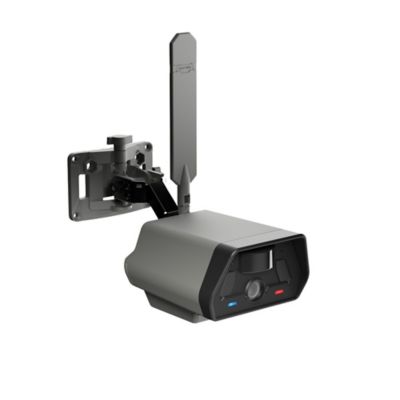
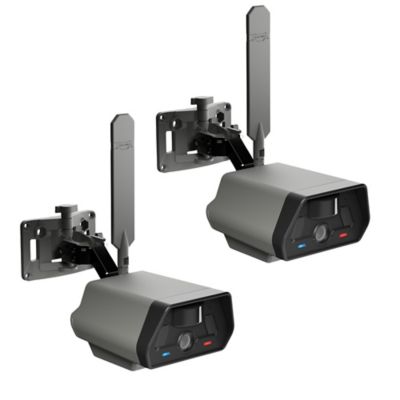
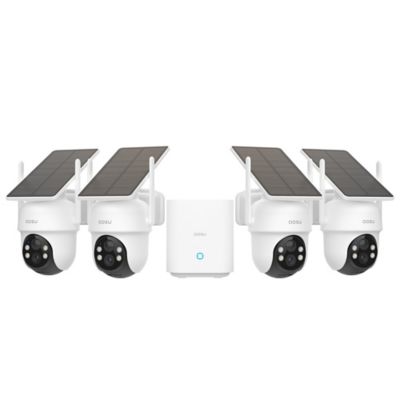
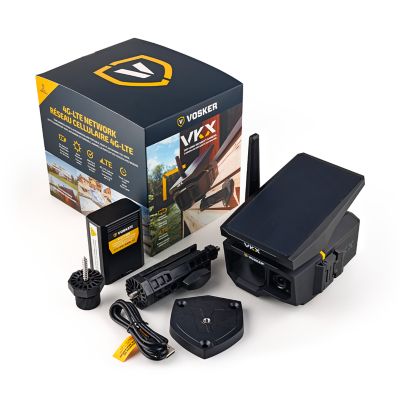
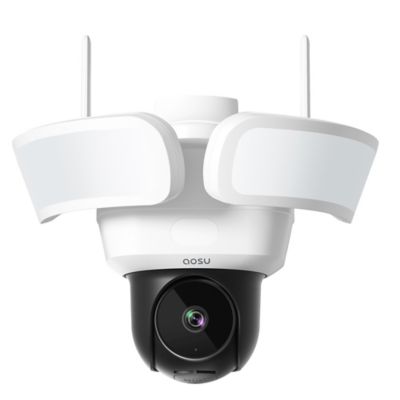
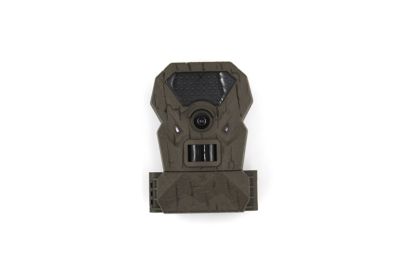
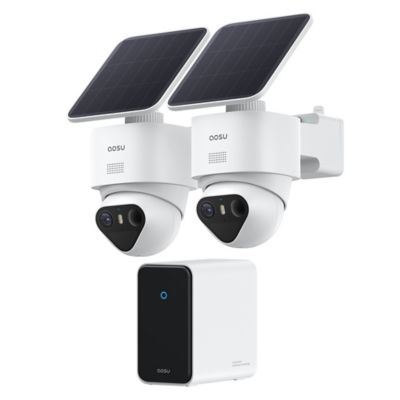
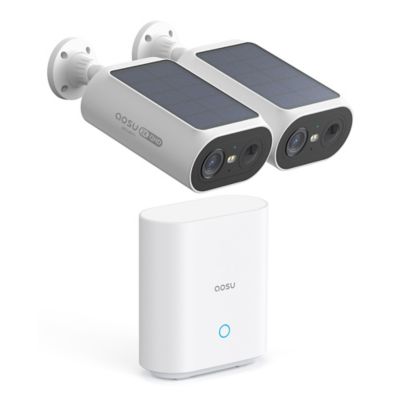
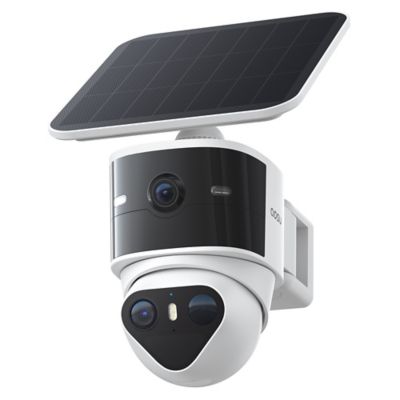
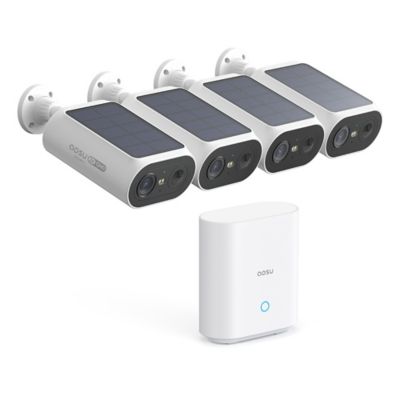
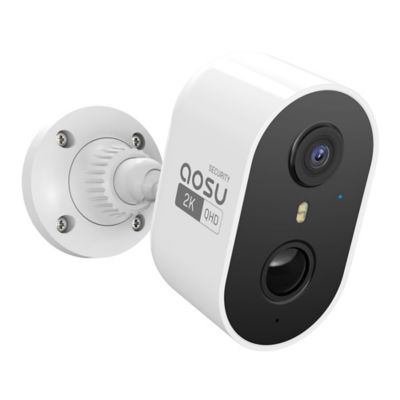
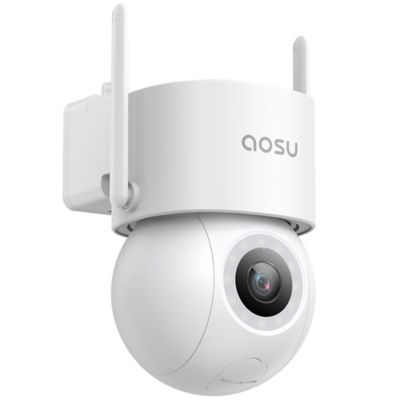
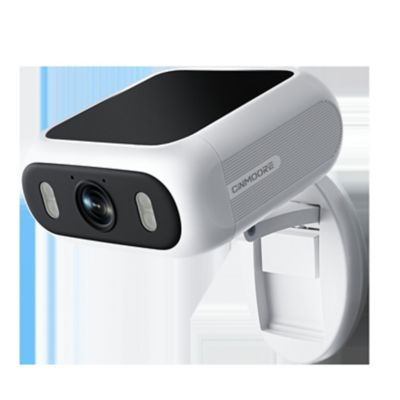
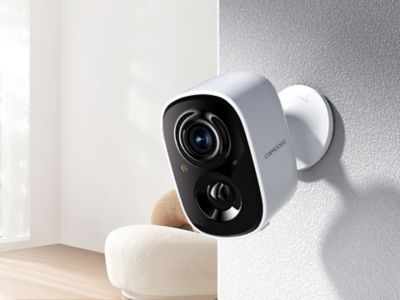
Construction site security cameras help crews keep an eye on tools, equipment, materials, and access points when nobody is standing at the gate. They can record activity, send motion alerts, and provide a remote view of a job site, depending on the camera’s features and connection. For builders, contractors, property owners, and farm operators putting up a shop or equipment shed, that visibility can make it easier to check on a delivery or review activity around a parked trailer. A camera overlooking the entrance serves a different purpose than one aimed at a tool storage area: the first captures vehicles coming and going, while the second keeps attention on a smaller space where equipment stays overnight. Wide-angle lenses cover more ground, but a broad view does not always provide enough detail to identify a face or read a license plate at a distance. Resolution, lens design, mounting height, lighting, and the subject’s distance all affect what footage can show. A clear view of the gate, storage container, fuel tank, or equipment parking area often matters more than simply covering the largest possible area. Camera placement also needs to work around moving machinery, stacked lumber, and the changing shape of a building under construction. Mounts that attach to a post, wall, or other approved support can help keep the camera steady and outside normal traffic paths. Outdoor housings made from metal or impact-resistant plastic help shield internal components, while an ingress protection rating describes resistance to dust and water under specified test conditions. Connectors, cable openings, and mounting hardware deserve the same attention as the housing itself. A well-positioned camera should have a clear sightline without hanging where a loader bucket, swinging gate, or passing trailer could strike it. For sites with several entrances or separate storage areas, multiple views can provide more useful coverage than one camera pointed across the entire property.
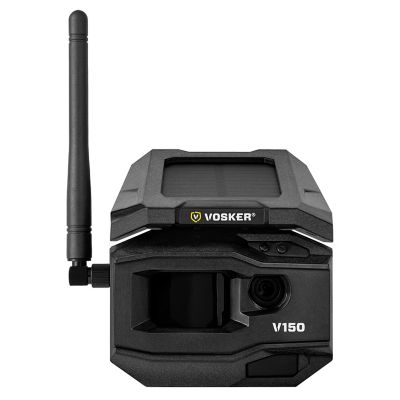
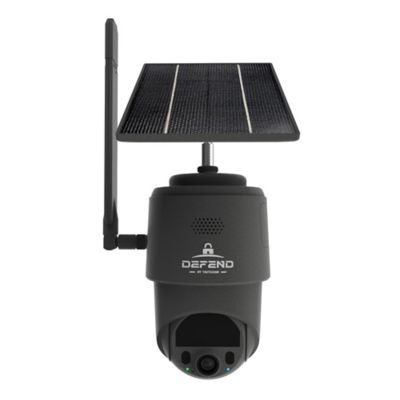
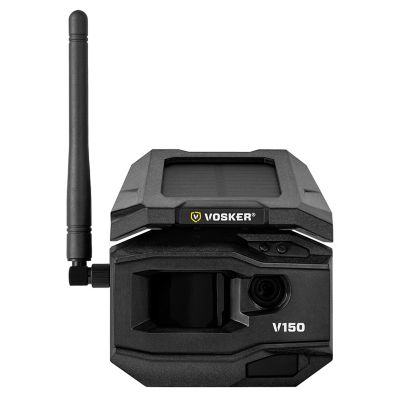
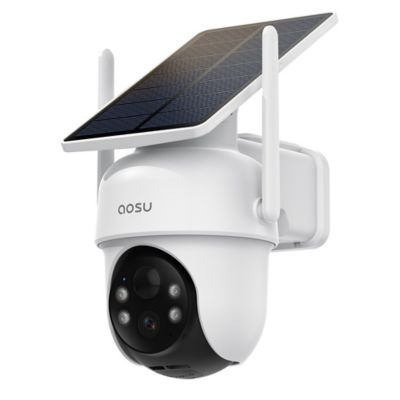
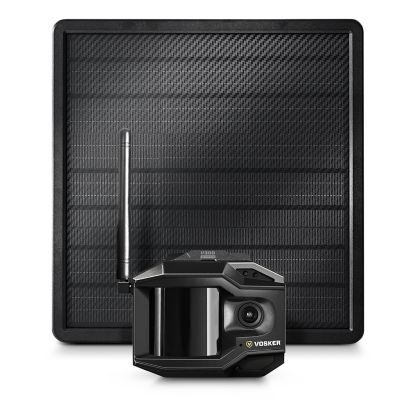
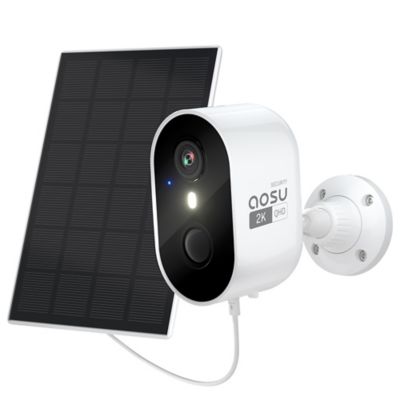
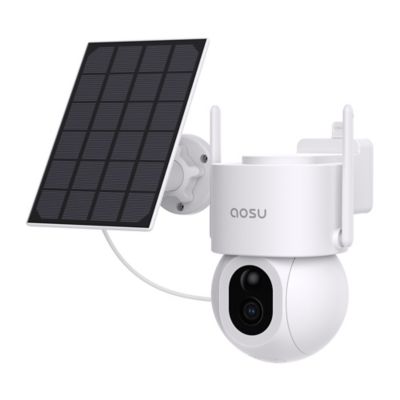
The connection and power source make a big difference in how construction site security cameras fit a job. Cellular security cameras communicate through a supported mobile network, such as 4G LTE, making them a practical option for locations without an established Wi-Fi connection. They still need compatible cellular service and sufficient signal at the installation point; a phone’s reception nearby does not guarantee that every camera will perform the same way. Wi-Fi cameras depend on a network within reach, and temporary office walls, metal buildings, and equipment can affect that connection. Wired network cameras can suit sites with established infrastructure, though cable routes need protection from vehicle traffic and ongoing work. Power is a separate consideration from connectivity. A cellular camera may run on a battery, an external power supply, or a battery paired with a compatible solar panel. Solar charging can reduce trips to recharge a battery, but operation depends on panel exposure, battery capacity, recording activity, and the system’s power demands. It does not remove the need to check charge levels. For a remote equipment yard, a battery-and-solar setup may fit the location better than running a long power cable; near a finished office or shop, a fixed power connection may make more sense. Motion detection and recording settings also shape everyday performance. Frequent activity at a busy entrance can trigger many clips and consume more battery power, storage, or cellular data. Detection zones and person or vehicle recognition, where supported, can help focus notifications on the areas and activity that matter. Night vision deserves attention as well. Infrared illumination can capture scenes without visible lighting, while some cameras need additional light for color footage. Reflections from nearby walls, glass, or bright surfaces can interfere with the view. Recognition features and night vision both have limits, so recorded examples and specifications matter more than a feature name alone.
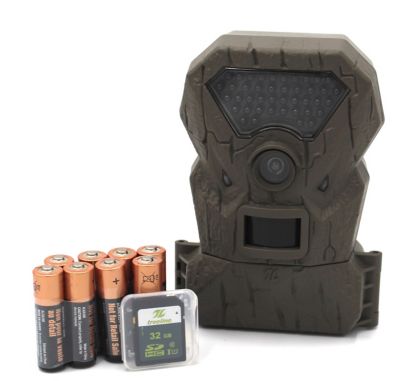
Recording, access, and upkeep determine how useful a camera remains after installation. Some construction security cameras save footage to a memory card or recorder, while others send clips to cloud storage; certain systems support more than one method. Those options serve different needs. Local recording can keep footage on site, while off-site storage may preserve uploaded clips if a camera is damaged or taken. Neither approach guarantees that every event will be captured, especially if power, connectivity, or storage fails. Event recording saves clips around detected activity, whereas continuous recording captures a longer timeline when the camera, power supply, and storage system support it. Clip length, recording delays, and retention settings can make the difference between seeing a truck arrive and seeing what happened after it stopped. Higher resolution can reveal more detail, but it also creates larger files. Remote viewing lets an authorized manager check an entrance or confirm that equipment is still parked where it belongs without driving back to the property. Shared access works best with separate accounts and permissions rather than one password passed around the crew. Strong passwords, software updates, and prompt removal of access for former workers help protect the system itself. Routine care includes clearing dust from the lens according to the manufacturer’s directions, checking mounting hardware, inspecting cables, and confirming that recordings play back. A test after moving a camera or rearranging storage can reveal a blocked view before an important event occurs. Cameras also fit into a broader approach to
Construction Site Safety, alongside gates, locks, lighting, clear travel paths, and established reporting procedures. They do not replace physical barriers, safe work practices, or an on-site response when one is needed. Clear expectations about monitoring, sensible placement away from private areas, and compliance with applicable recording laws help keep security focused on the work site. Matched to the layout and daily routine, a camera system gives crews a practical way to check activity and maintain a record of what happened.