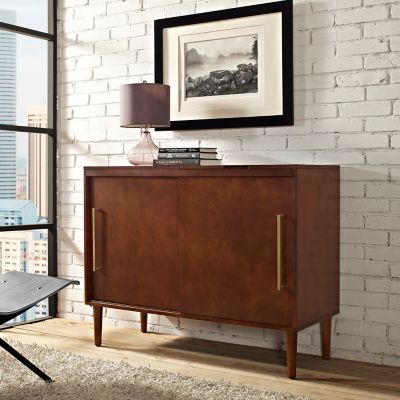
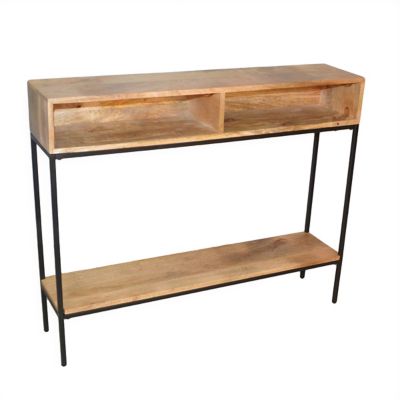
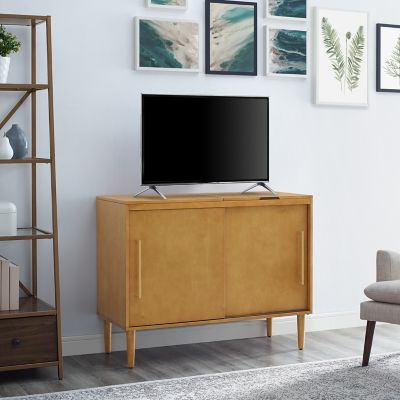
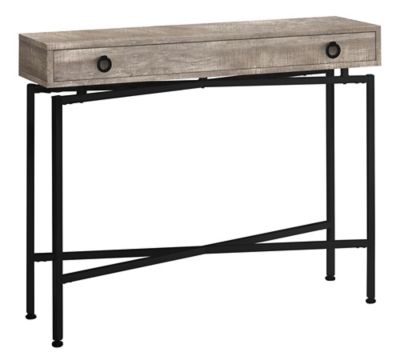
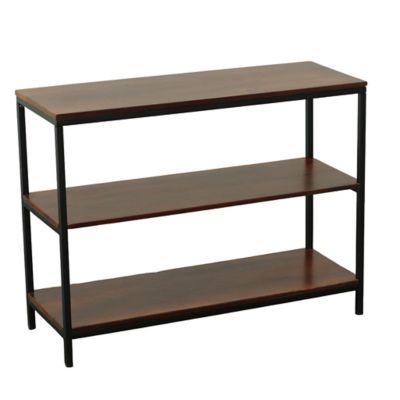
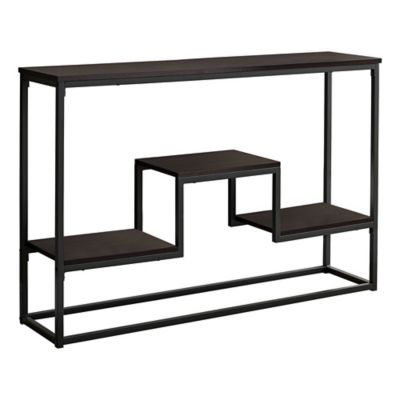
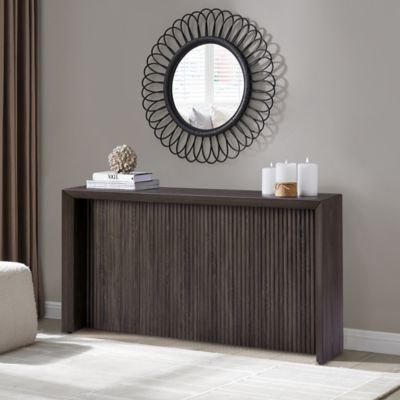
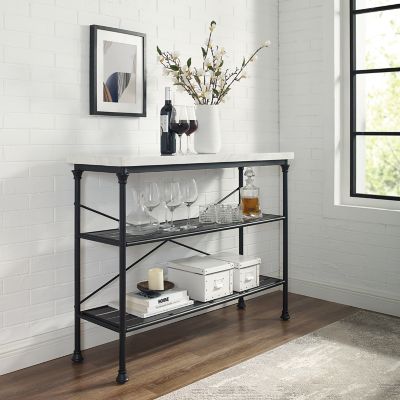
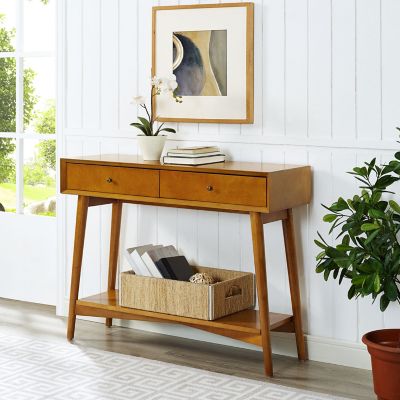
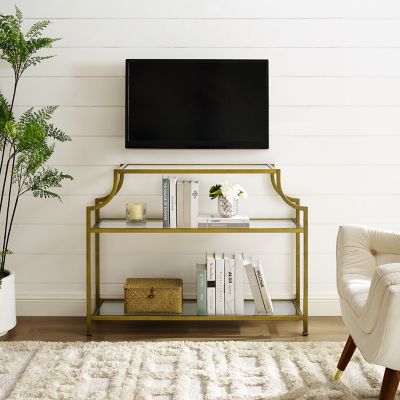
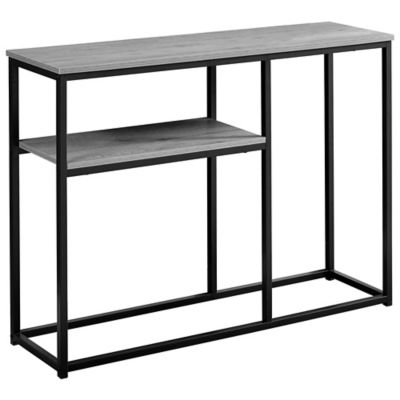
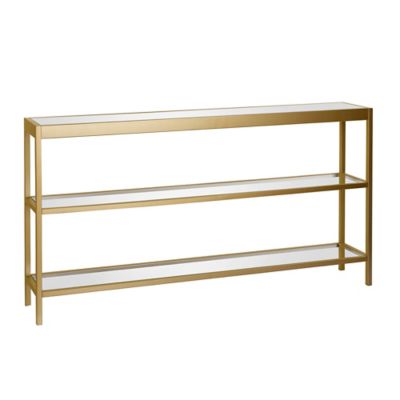
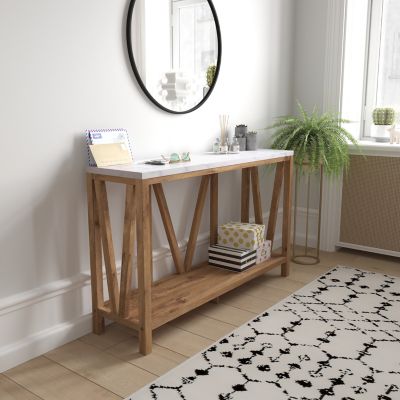
Console storage helps keep game systems, media equipment, controllers, remotes, and charging cords in one easy-to-reach spot instead of scattered across the floor or packed behind the television. Whether the setup sits in a family room, bedroom, basement, hunting cabin, or a spare room, the right stand or cabinet can make the whole space feel more settled. Start by measuring the area from wall to wall, then check the height and depth of the television, sound equipment, and each system that needs a place. Leave room around vents and fans so warm air can move away from the equipment, especially when a system runs for several hours during a long game or movie night. Open shelves offer plenty of airflow and make it simple to see controllers, headsets, and game cases at a glance. A cabinet with doors gives the room a cleaner appearance and helps keep dust away when the setup is not in use. Adjustable shelves are handy when equipment changes over time, while a narrow console table can fit along a hallway wall or beneath a wall-mounted screen without taking up much floor space. For more furnishing options, browse
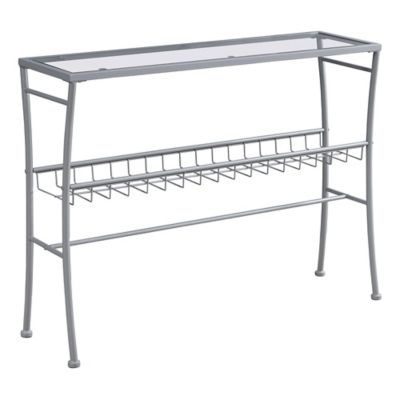
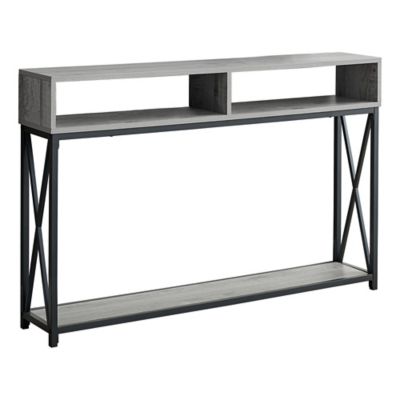
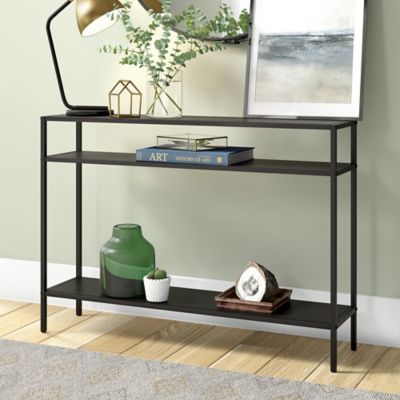
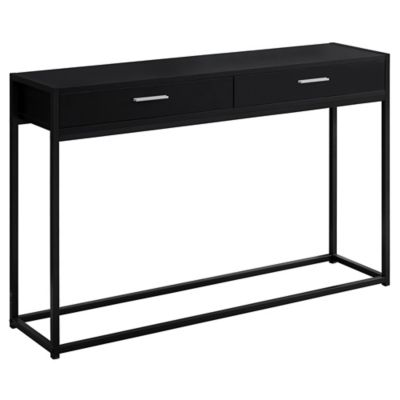
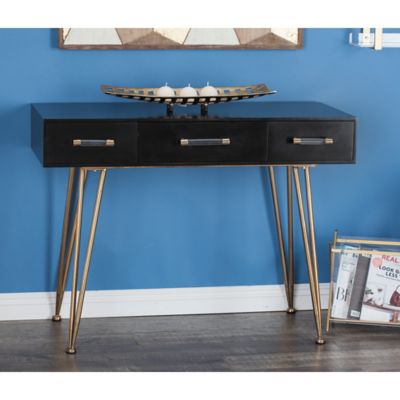
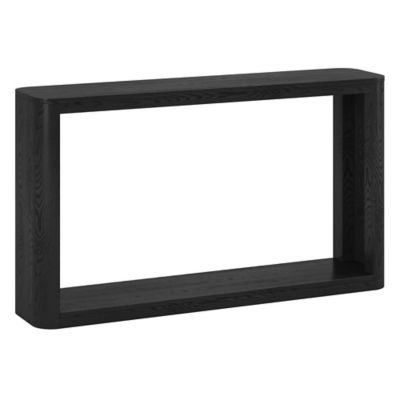
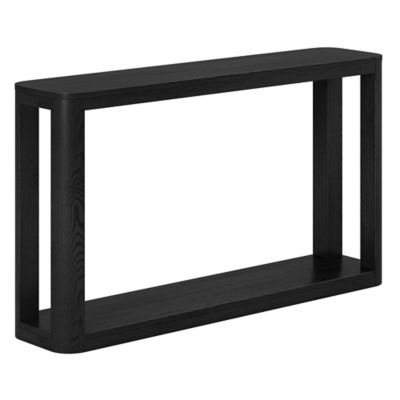
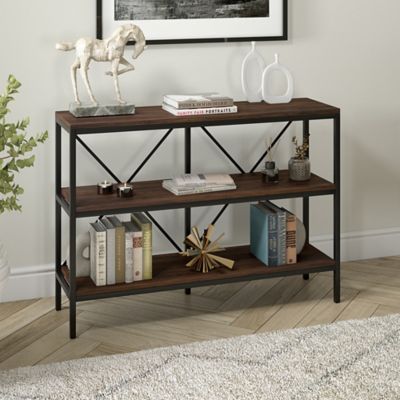
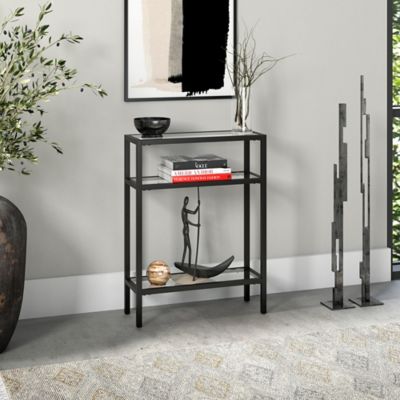
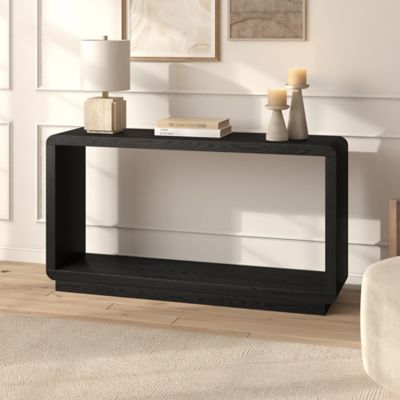
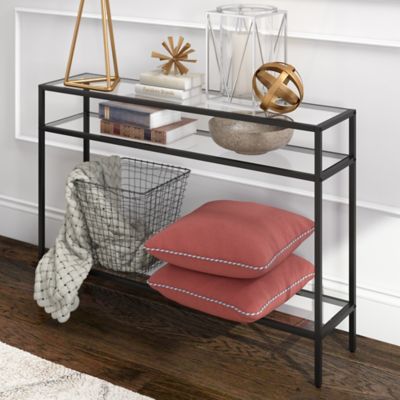
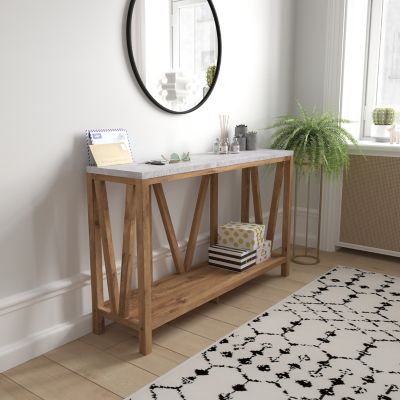
Modern Console Tables and compare the layout, shelf spacing, and overall footprint with the room you have.
Cable management matters just as much as shelf space. Before putting everything in place, trace each cord from the outlet to the back of the system and leave enough slack to move equipment without pulling on a connection. Rear openings, cable pass-throughs, and grommets help route HDMI, power, and audio lines in a neat path, while clips or ties can keep cords from sliding behind the stand. Keep power cords separate from areas where feet, pets, or chair legs can catch them, and make sure a surge protector can be reached without crawling behind the furniture. A small hook on the side or back of a storage unit can hold a headset, while a shallow tray keeps remotes, charging cables, and extra batteries together. Avoid crowding equipment against a wall or stacking systems on top of one another unless the manufacturer allows it. Give each device enough breathing room, and leave clear access to buttons, disc slots, USB ports, and rear connections. If children will be using the setup, look for a stable base and shelves that will not tip easily when a controller cord is tugged. In homes with pets, closed storage can keep curious noses away from wires and small accessories. During the cooler months, when family gatherings and indoor evenings often bring more time around the television, organized console storage makes it easier to switch from a game to a movie, music, or a shared family playlist.
The best choice depends on how the space functions and how much equipment needs a home. A compact stand may suit a single system and a few controllers, while a wider unit can hold several consoles, a receiver, speakers, game cases, and a streaming device without forcing everything into a tight stack. Open shelving works well for people who like to see their equipment and reach it quickly. Closed cabinets suit rooms where cords and electronics need to stay out of sight between uses. Consider the weight rating for every shelf, the clearance needed above each device, and whether the unit can sit level on the floor. A level surface helps prevent wobbling and keeps equipment from sliding when someone reaches for a controller. For seasonal cabins, guest rooms, or homes where equipment is stored for long stretches, keep systems in a dry location away from direct sunlight, damp floors, and heating vents. Dust covers or lidded storage bins can help protect inactive accessories, but electronics should be cool and fully dry before they are put away. Console storage can also make a thoughtful gift for a college student settling into a first apartment, a family building a game room, or anyone trying to bring order to a busy living room. With the right combination of shelf space, ventilation, cord routing, and easy access, the entertainment area becomes a comfortable spot for quiet solo play, rainy-day family time, and relaxed evenings gathered around the screen.